 Magic Heidi
 Importieren Sie Ihre Daten in Magic Heidi
Migrieren Sie Kunden, Produkte und Rechnungen aus Shopify, Stripe, App Store oder einem beliebigen Tool — wir übernehmen die Migration für Sie.
Kostenloser Migrationsservice
Wechsel von Excel-Tabellen oder einem anderen Tool? Wir übernehmen die Migration für Sie:
- Daten zusammenstellen — exportieren Sie Ihre Kundenliste, Ihren Produktkatalog oder Ihre Rechnungen aus Ihrem aktuellen Tool (Excel, CSV oder auch PDF).
- Per E-Mail senden an hello@magicheidi.ch.
- Wir importieren alles innerhalb von 48 Stunden in Ihr Magic Heidi Konto — korrekt formatiert und sofort einsatzbereit.
Dieser Service ist kostenlos und bei allen Magic Heidi Konten inklusive.
Shopify, Stripe & App Store
Wenn Sie über Shopify, Stripe oder den Apple App Store verkaufen, schauen Sie sich das Video oben an für eine Schritt-für-Schritt-Anleitung. Der allgemeine Ablauf:
- Exportieren Sie Ihre Verkaufs- bzw. Transaktionsdaten von der Plattform (meist CSV oder Excel).
- Senden Sie die Datei an hello@magicheidi.ch mit einem kurzen Hinweis, von welcher Plattform sie stammt.
- Wir ordnen die Felder zu (Kundenname, Beträge, Daten, Produkte) und importieren sie in Magic Heidi.
Tipp: Wenn Sie mehrere Plattformen nutzen, senden Sie alle Dateien in einer E-Mail — wir kümmern uns um alles zusammen.
Was wird importiert
| Datentyp | Beispiele |
|---|---|
| Kunden | Name, Adresse, E-Mail, Telefon, MWST-Nummer |
| Produkte / Dienstleistungen | Beschreibung, Stückpreis, MWST-Satz |
| Rechnungen | Bisherige Rechnungen mit Positionen, Daten und Beträgen |
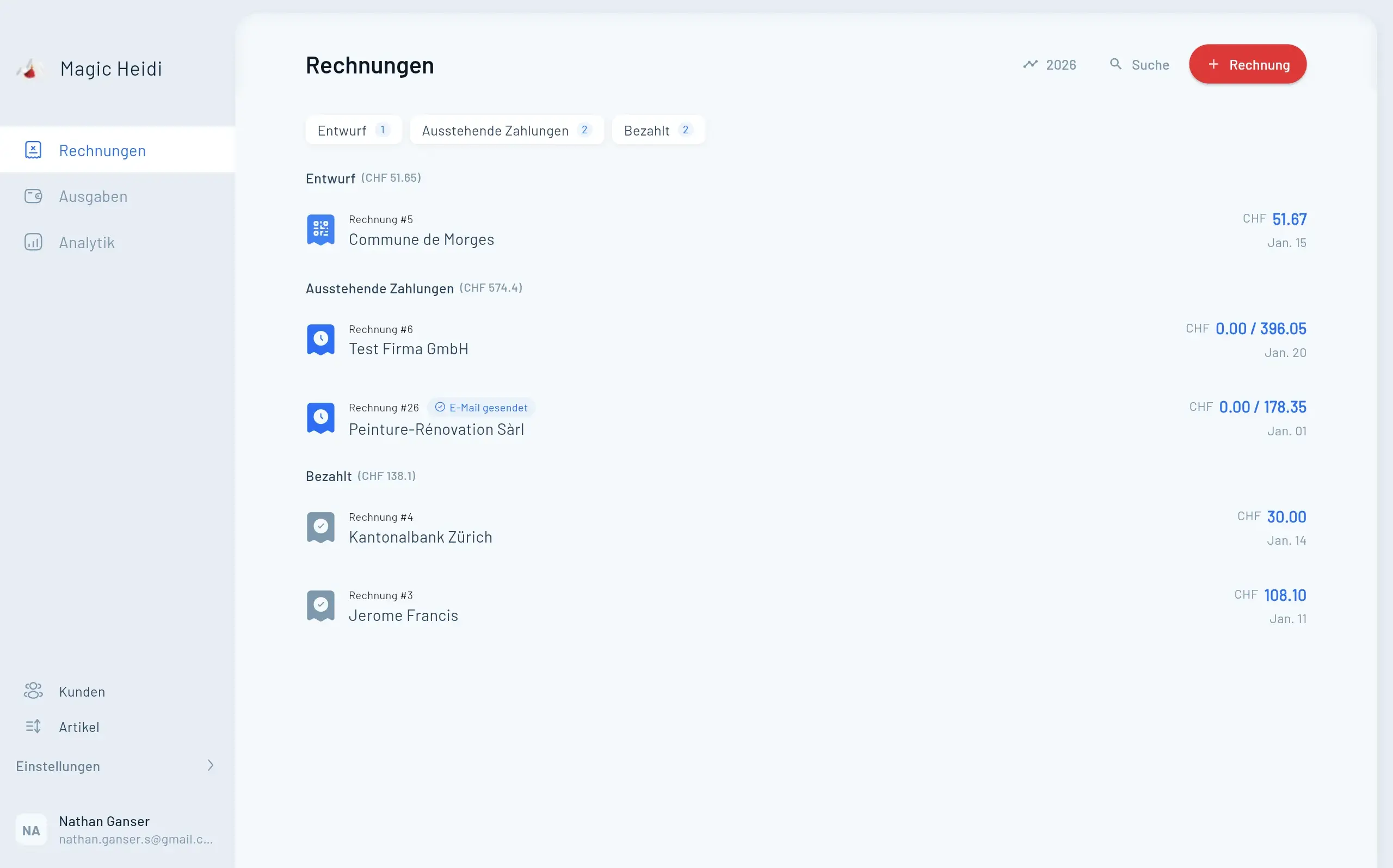
Nach dem Import können Sie sofort neue Rechnungen mit Ihren bestehenden Kunden- und Produktdaten erstellen — kein erneutes Eintippen nötig.
Selbst importieren (CSV / Excel)
Wenn Sie es lieber selbst machen möchten:
- Gehen Sie zu Einstellungen.
- Finden Sie den Bereich Import.
- Laden Sie Ihre CSV- oder Excel-Datei hoch.
- Ordnen Sie die Spalten den Magic Heidi Feldern zu (die App führt Sie durch diesen Vorgang).
- Überprüfen und bestätigen.
Für beste Ergebnisse achten Sie darauf, dass Ihre Datei klare Spaltenüberschriften hat (z.B. «Kundenname», «E-Mail», «Preis»).
Brauchen Sie Hilfe?
Falls etwas unklar ist, schreiben Sie einfach an hello@magicheidi.ch oder rufen Sie an unter +41 78 300 24 77. Wir helfen Ihnen gerne bei jeder Import-Frage.