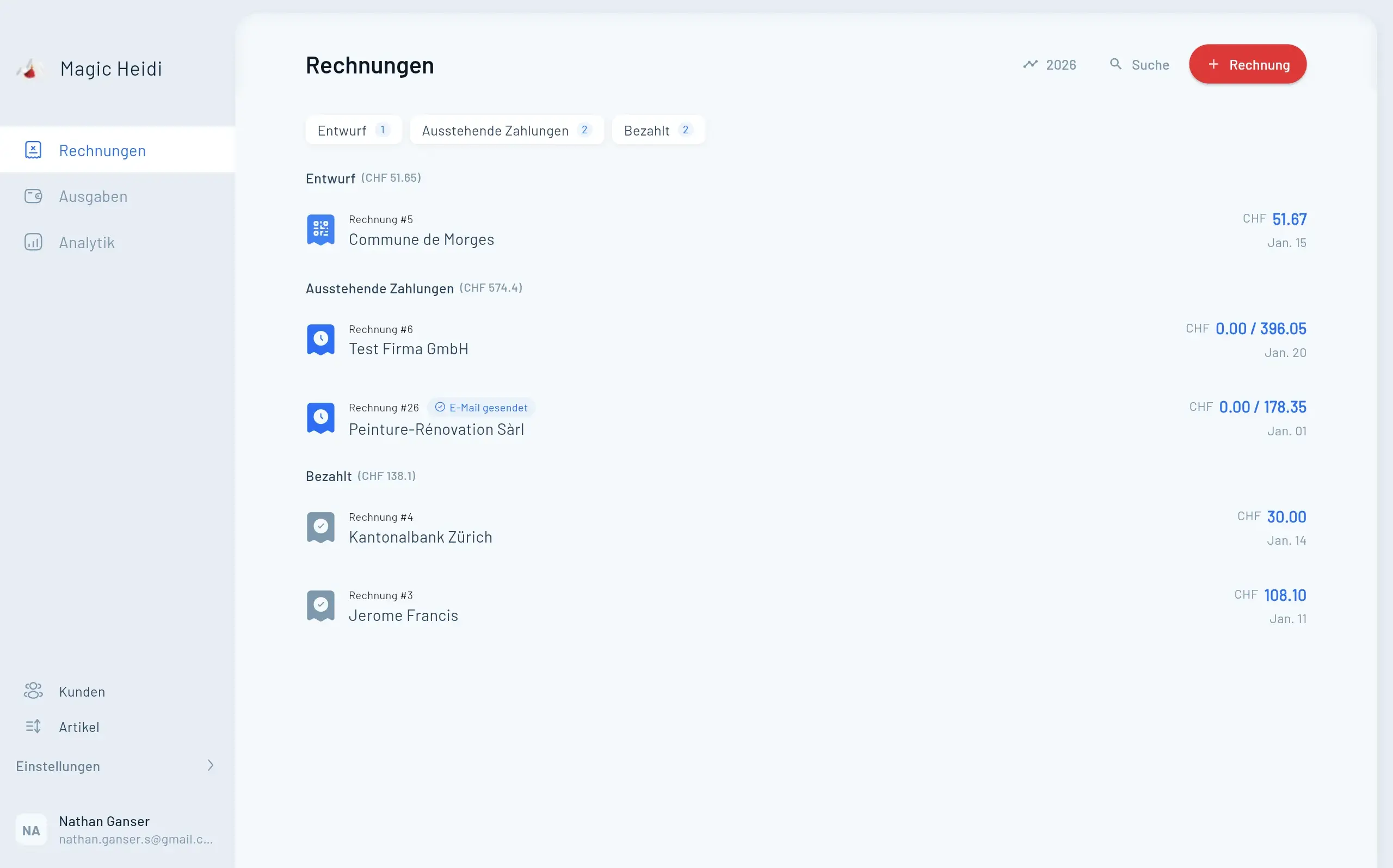
Für die meisten Freelancer reicht die normale IBAN. Wenn du Magic Heidi nutzt, erzeugt die App den QR-Code automatisch aus deiner Standard-IBAN. Falls dir deine Bank bereits eine QR-IBAN gegeben hat, trägst du sie einmal ein und das war's.
Nicht wirklich. Eine echte QR-Rechnung braucht die korrekte SIX QR-Bill v2.3 Spezifikation, das exakte Format des QR-Codes und eine präzise Datenstruktur. Das macht man nicht zuverlässig von Hand, und Word oder Excel können den QR-Code nicht sauber erzeugen.
Wenn du QR-Rechnungen brauchst, gibt es zwei Wege:
- Einen kostenlosen Online-Generator (zum Beispiel swiss-qr-invoice.org)
- Eine Invoicing-App wie Magic Heidi, die die QR-Rechnung automatisch für dich erstellt
Für gelegentliche Rechnungen reicht die IBAN-Angabe vollkommen. Wenn du regelmässig rechnest, ist Magic Heidi der schnellste Weg zur korrekten QR-Rechnung. Die App erstellt sie automatisch, sobald du deine IBAN einmal eingetragen hast.
Hier ist ein ausgefülltes Beispiel, das du direkt abschauen kannst:
Mia Bernasconi
Seestrasse 22
8002 Zürich
mia@bernasconi.ch  |  +41 79 123 45 67

──────────────────────────────────────────────────────────────
Rechnung Nr. 2026-007
Ausstellungsdatum:  7. Mai 2026
Leistungszeitraum:  1.–30. April 2026

Rechnungsempfänger:
Müller Consulting GmbH
Hauptstrasse 10
3000 Bern

──────────────────────────────────────────────────────────────
Beschreibung                  Menge   Preis        Betrag
──────────────────────────────────────────────────────────────
UX-Beratung und Konzeption   12 Std. CHF 140.00   CHF 1'680.00
──────────────────────────────────────────────────────────────
                                       Total     CHF 1'680.00

Zahlungsfrist:        30 Tage (fällig bis 6. Juni 2026)
Zahlungsempfänger:    Mia Bernasconi
IBAN:                 CH56 0483 5012 3456 7800 9

Vielen Dank für Ihren Auftrag!
Wenn du detaillierte Beispiele pro Pflichtangabe willst, findest du sie in der Schritt-für-Schritt-Anleitung Rechnung schreiben Schweiz.
Häufige Fehler beim Ausfüllen:
- Rechnungsnummer vergessen: Ohne fortlaufende Nummerierung wird deine Buchhaltung schnell unübersichtlich, und das Steueramt mag das gar nicht.
- Kein Leistungsdatum: Das Ausstellungsdatum allein reicht nicht. Wann wurde die Arbeit tatsächlich gemacht? Das ist steuerlich relevant.
- Ungenaue Leistungsbeschreibung: "Beratung April" ist zu vage. Besser: "UX-Beratung Projekt XY, 12 Stunden à CHF 140".
- Falsche IBAN: Überprüfe sie einmal extra. Ein falscher Buchstabe, und die Zahlung des Kunden kommt zurück.
- MWST falsch deklariert oder vergessen: Falls du MWST-pflichtig bist, muss der Satz auf der Rechnung stehen. Falls nicht, schreib nichts oder ergänze den Hinweis "Kein MWST-Ausweis".
Die meisten Schweizer Freelancer brauchen keine MWST auf der Rechnung. Die Pflicht greift erst, wenn dein weltweiter Jahresumsatz aus steuerpflichtigen Leistungen CHF 100'000 übersteigt. Darunter ist eine Rechnung ohne MWST komplett legal.
So nutzt du die Vorlage ohne MWST:
- In Word: Lösche die Zeile "MWST" und die UID-Nummer aus dem Kopfbereich. Der Rechnungsbetrag besteht dann nur aus der Zwischensumme.
- In Excel: Wähle in der Dropdown-Liste "MWST-Satz" einfach 0% aus. Die MWST-Zeile bleibt sichtbar mit CHF 0.00, was für deine eigene Buchhaltung sogar sauberer ist.
- Optional: Füge eine kleine Zeile unter dem Total ein: "Kein MWST-Ausweis gemäss Art. 10 MWSTG (Umsatz unter CHF 100'000)." Nicht Pflicht, beantwortet aber die häufigste Rückfrage deiner Kunden, bevor sie überhaupt kommt.
Eine Rechnungsvorlage Schweiz ohne MWST ist exakt dieselbe Vorlage. Du füllst sie einfach ohne MWST-Zeile aus. Wenn du nahe an der Umsatzgrenze bist und überlegst, dich freiwillig zu registrieren, lies vorher den MWST-Leitfaden für Freelancer. Eine freiwillige Anmeldung kann sich lohnen, wenn du viele MWST-pflichtige Vorleistungen hast.
Faustregel nach Anzahl Rechnungen und Komplexität deiner Buchhaltung.
 Magic Heidi