 Magic Heidi
Automate the Right Invoicing Workflow
Which task should software handle: customer invoices, receipt capture or payment reconciliation? Compare workflows, not blanket savings promises.
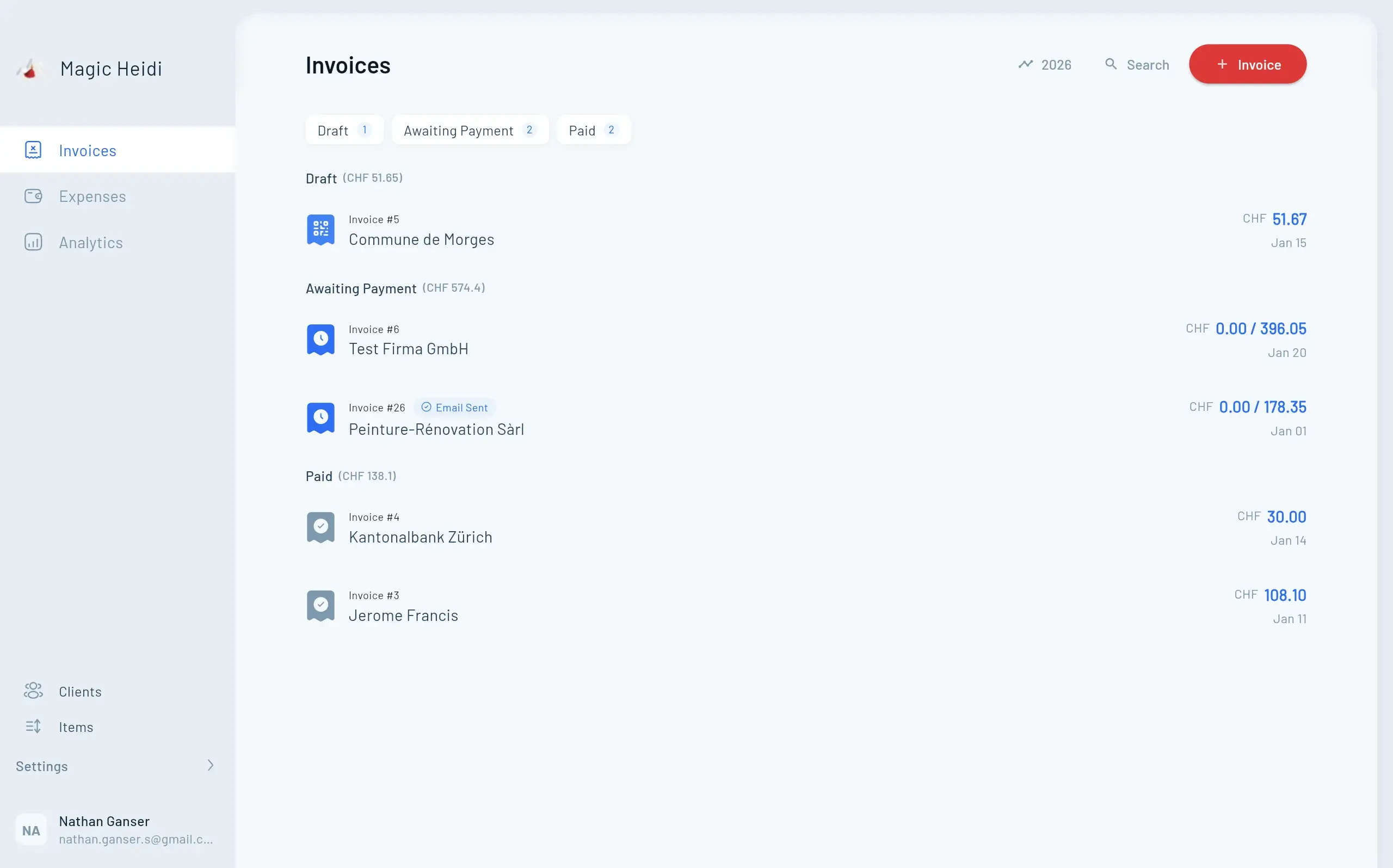
Creating customer invoices, recording supplier invoices and reconciling bank payments are three different tasks. A cheap receipt scan does little if your bottleneck is following up unpaid customer invoices.
This guide is for Swiss self-employed people improving an existing workflow. It is not a ranking or a measured product test. Magic Heidi is itself an invoicing software provider.
Define the task first
| Task | What to check during a trial |
|---|---|
| Customer invoice | Reuse a customer, add items, choose language and currency, check the PDF |
| Supplier receipt | Import a photo or PDF, correct suggested data, assign the payment account |
| Incoming payment | Import bank data, check matching, handle part-payments and fees |
| Handover to your accountant | Check export format, receipt links and access after the contract ends |
Test Swiss requirements explicitly
- QR payment section: It replaces the old payment slips, but is not mandatory for every invoice. Check CH/LI account details, CHF/EUR, addresses and reference type against the SIX requirements.
- VAT: Select the rate for the service and tax situation. Current rates are 8.1%, 2.6% and 3.8%; see the FTA. Software cannot reliably determine your registration status from turnover alone.
- Banking: A direct bank connection is not the same as file import. bexio documents its bank connections; check your specific bank. The Magic Heidi workflow described here is bank statement import, not a promise of live synchronisation with every Swiss bank.
- Language and archiving: Check interface and invoice languages separately. Can you export final PDFs and receipts and retain them independently of the provider?
Compare providers using the same tasks
Shortlist two or three solutions. Use the same anonymised sample invoice and receipt for each. Record the plan, billing cycle, add-ons and work needed to reach a checked result. A marketing feature list does not prove full support for your workflow.
According to the current bexio Go product page, mobile quotes and invoices are now available from Basic; automatic receipt extraction starts from Advanced. Older comparisons claiming that mobile invoice creation is impossible are outdated. For Magic Heidi, check features and pricing, rather than assuming identical web, desktop and app functionality.
How to Choose the Right Invoice Automation Solution
Follow this step-by-step framework to find your ideal tool based on your specific business needs.
Define Your Business Profile
Freelancer, SME, growing business, accounting practice or international operations? Each profile has different priorities.
Assess Your Budget
Compare your measured workload with subscription, setup and add-on costs. Do not count the same working time twice.
Evaluate Swiss Compliance
QR-bill generation, Swiss VAT rates, multi-language support, bank integration, and 10-year document retention are critical.
Check Integration Requirements
List your current tools: accounting software, CRM, e-commerce, payment processors, banking apps, time tracking.
Consider Scalability
Will you hire employees? Expand to new markets? Add services? Choose solutions that scale with your growth.
Test Before Committing
Use available trials with anonymised sample data to check setup, QR payment sections, exports and support.
Implementation Best Practices
An Illustrative Schedule, Not a Fixed Time Requirement
Adapt these stages to your data and business size. Sole traders do not necessarily need a chart of accounts, team roles or weeks of parallel operation. Use only functions your chosen provider actually supports.
Week 1: Preparation
- Export data from current system
- Organize customer/supplier information
- Establish chart of accounts
- Set up team access levels
Week 2-3: Setup and Configuration
- Configure software settings
- Import customer/supplier data
- Set up invoice templates
- Configure Swiss VAT rates
- Set up available bank connections or file imports
- Set up payment methods
Week 4: Testing
- Generate test invoices
- Process sample payments
- Test QR-bill scanning
- Verify VAT calculations
- Check reporting accuracy
Week 5-6: Parallel Processing
- Run new system alongside old
- Compare outputs
- Identify discrepancies
- Refine processes
Week 7+: Full Migration
- Switch completely to new system
- Archive old system data
- Monitor for issues
- Gather team feedback
Data Migration Tips
- Clean your data first: Remove duplicate contacts, outdated information, and incorrect entries before importing
- Start with customers: Import customer data first, then suppliers
- Test with small batch: Import 10-20 records first to verify formatting
- Check export formats: CSV can help, but does not replace checking field mapping and receipt files
- Map fields carefully: Ensure customer names, addresses, and VAT numbers transfer correctly
- Verify VAT numbers: Confirm Swiss VAT IDs import properly
Team Training Strategies
For small teams (1-5 people):
- Schedule 2-hour group training session
- Focus on daily tasks: creating invoices, recording expenses
- Provide quick-reference guide
- Schedule follow-up after 1 week
For larger teams (5+ people):
- Train administrators first (2-4 hours)
- Create role-specific training modules
- Record training videos for future reference
- Establish internal champion/expert
- Schedule department-specific sessions
Training topics to cover:
- Creating and sending invoices
- Recording payments
- Managing expenses
- Generating reports
- Using mobile apps
- QR-bill scanning
- VAT handling
Measure Savings Without Industry-Wide Assumptions
Measure the complete process before and during your trial: setup, entry, corrections, sending, reconciliation and export. Use several comparable cases. A quick scan followed by manual corrections is not necessarily a time saving.
Monthly time saved = number of comparable transactions × measured time difference. Deduct ongoing extra work. A financial benefit depends on whether you can actually use the freed-up time. No fixed percentage saving or payback period is promised here.
Can I Switch Providers Later?
Test a complete export, including receipt files, before signing up. CSV files are not interchangeable between all systems without data loss. Keep the original archive and test field mapping, currencies and tax codes before migrating.
Making Your Decision: Next Steps
You now have the information to choose the right invoice automation solution for your Swiss business.
Shortlist 2-3 Solutions
Choose by task: customer invoices, receipts, bank reconciliation, team permissions or full accounting. Check each provider’s plan scope.
Start Free Trials
Sign up for trials of your shortlisted solutions. Schedule them sequentially rather than simultaneously for proper evaluation.
Test Real Scenarios
Use anonymised sample cases: an invoice, QR payment section, receipt and export. Do not accidentally send a test invoice to a real customer.
Calculate Your ROI
Use measured values: invoice volume, processing time, the value of usable freed-up time, subscription fees and setup costs.
Check References
Ask vendors for customer references: businesses similar to yours, same industry, located in Switzerland, using similar features.
Make the Decision
Weight workflow fit, technical and tax requirements, total costs and support for your own needs. Fixed percentage weightings are not a universal selection rule.
Ready to Automate Your Invoice Management?
Start with one bottleneck. Decide after testing whether the benefit justifies ongoing costs and migration work.

The Bottom Line
Useful automation solves a specific task. Document your bottleneck, test comparable sample cases and check the handover to your accountant. Direct banking connections, file imports and AI receipt extraction are different services, even when all are marketed as automation.
Next step: Choose one workflow from this guide and test it within the plans on your shortlist.