 Magic Heidi
The Raiffeisen QR generator step by step
For Raiffeisen customers: direct link to the QR-bill generator, QR-IBAN from e-banking, reference and printing rules.
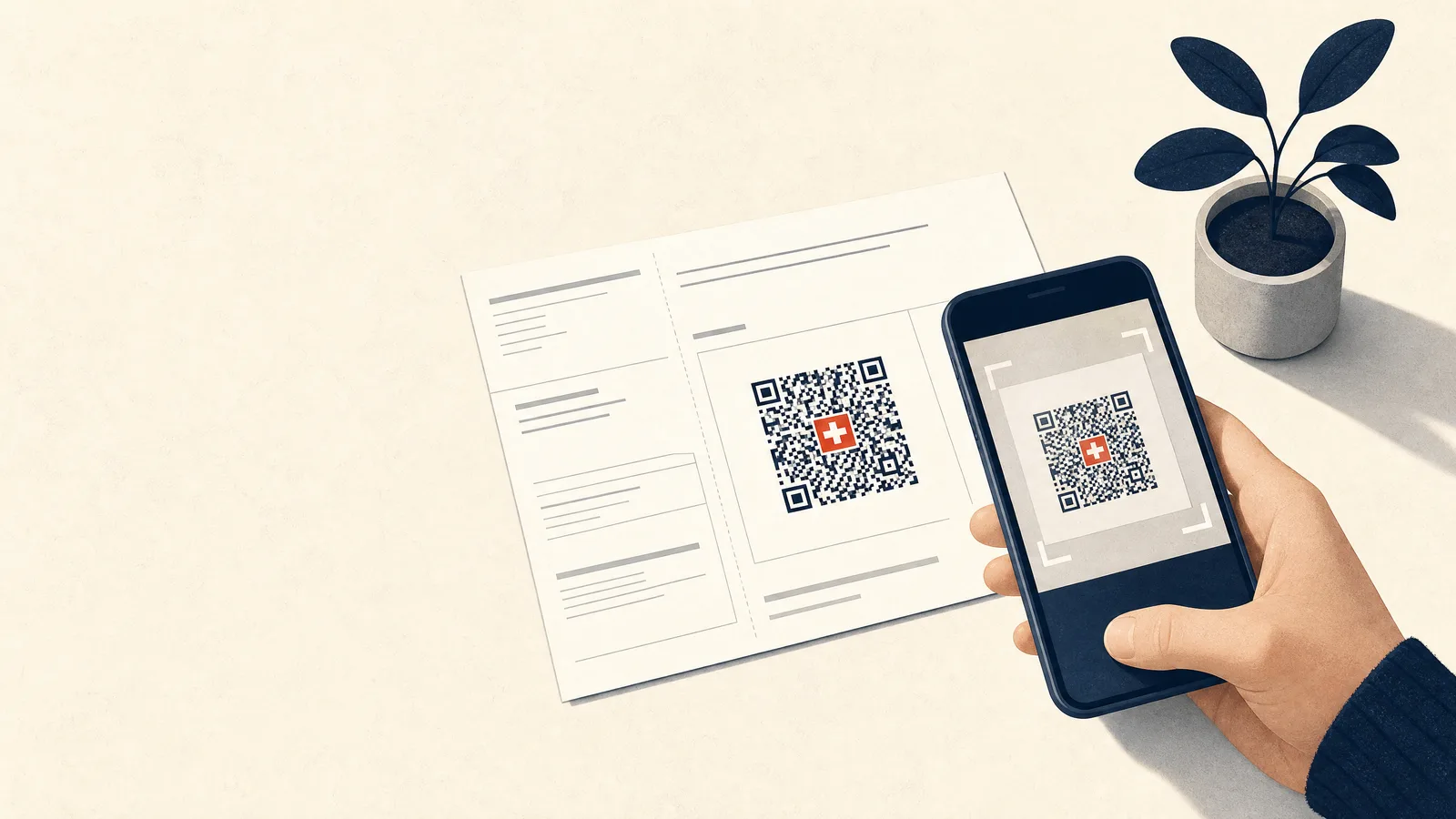
The Raiffeisen QR generator at a glance
👉 Open the Raiffeisen QR generator (free in self-service; when we tested it in November 2026, it opened without a login). Background from Raiffeisen: QR-bill. The generator's interface is in German, French or Italian, so this guide quotes its German labels with an English translation in brackets.
The Raiffeisen QR generator, officially the "QR-Rechnungs-Generator" (QR-bill generator), creates a QR slip as a PDF: the receipt and the payment part with the Swiss QR Code. It does not create a full invoice with line items, a logo or an invoice number. That is the biggest difference from the UBS portal, and it decides whether the generator is enough for you.
Raiffeisen gives you two options: either you create the QR payment slips yourself, with your own software or with the QR-bill generator, or you order them pre-printed from your Raiffeisen bank.
Key points
- The Raiffeisen QR generator is free in self-service and only creates the QR slip (receipt and payment part), not a whole invoice.
- You can see your QR-IBAN in Raiffeisen e-banking, and Raiffeisen also confirms it to you in writing. You only need it for the QR reference.
- Printed invoices need a perforation between the invoice and the payment part. The scissors separator line in the generator is meant for sending the PDF by email.
- Pre-printed payment slips cost something, depending on the bank. Example Raiffeisenbank Amriswil Bischofszell, 2026: 12 slips a year free, then CHF 0.20 per slip plus VAT (MWST / TVA).
- From 14 November 2026, SIX version 2.4 applies: under it, euro invoices are only intended with a normal IBAN. The old version stays valid in parallel until November 2027, so switch your euro slips in good time.
How to create a QR payment slip at Raiffeisen
- Open the generator. It runs right in your browser.
- Fill in "Zahlbar an" (Payable to): IBAN or QR-IBAN, name, street, number, postcode, town and country, each element in its own field.
- Optional "Zahlbar durch" (Payable by): if you tick "Zahlungspflichtigen eingeben?" (Enter payer?), you add your client's address. Without the tick, you create a slip without payer details.
- Choose the "Rechnungsformat" (Invoice format): language (German, French, Italian or English), format "Nur QR-Beleg" (QR slip only) or "QR-Beleg auf A4-Seite" (QR slip on an A4 page), separator line "keine" (none) or "mit Scherensymbol" (with scissors symbol).
- Enter the "Zahlungsinformationen" (Payment information): currency CHF or EUR, amount (optional), message and reference. With a QR-IBAN, you type up to 26 digits, for example your invoice number; the generator adds the check digit and leading zeros itself and shows them as "Generierte Referenznummer" (Generated reference number). Then tick "Disclaimer gelesen" (Disclaimer read), check the preview of the QR slip and save the PDF. Finally, scan the code once with your banking app: are payee, amount and account correct?
Need a whole invoice with line items, a running number and payment status instead of just a payment part? The generator isn't built for that. In Magic Heidi you create the complete QR-bill directly with your Raiffeisen IBAN or QR-IBAN.
What to have ready
- your name or company name and your structured address (street, number, postcode, town, country, each separate)
- your IBAN or QR-IBAN from Raiffeisen e-banking
- amount and currency (CHF or EUR); you can also leave the amount blank
- your client's name and address, and the invoice number as a short message
- a QR reference or Creditor Reference, if you want payments matched automatically
Since 22 November 2025, Raiffeisen requires structured addresses for payers and invoice issuers (Raiffeisen, SIX).
The generator already has separate fields for this. So don't type Dorfstrasse 4, 9000 St. Gallen into the name field: split the details across street, number, postcode and town.
Printing the payment slip
According to Raiffeisen, printed invoices need a perforation between the invoice and the payment part. If you want to print, choose the separator line "keine" (none) in the generator: according to the generator, the QR slip must then be printed on white, perforated paper. The "Trennlinie mit Scherensymbol" (separator line with scissors symbol) is meant for sending the PDF by email, not for printing.
Print the payment part with receipt (210 × 105 mm) at its original size on paper of 80–100 g/m². The Swiss QR Code must be 46 × 46 mm when printed (SIX Implementation Guidelines 2.4).
Ordering pre-printed QR payment slips
Instead of creating every slip yourself, you can order pre-printed QR payment slips from your Raiffeisen bank. Each Raiffeisen bank sets its own prices.
Example Raiffeisenbank Amriswil Bischofszell, 2026: 12 slips a year are free, each additional one costs CHF 0.20 plus VAT. The self-service generator is free at the same bank. Your bank's price list shows what it charges. If you use e-banking, the order form of Raiffeisenbank Zug says you order the slips directly there.
Which option suits whom? Take Ruedi, a fictional carpenter from Wil who bills his regular clients every year for servicing their wooden windows.
He needs around 40 slips, all with the same account and no amount: he writes the amount on the invoice, and the client types it in when paying. For him, pre-printed slips are convenient. But as soon as he wants to send each client their own invoice with line items, a stack of pre-printed slips won't help him.
For associations, by the way, Raiffeisen recommends the club software ClubDesk.
Checking a QR-bill
Before you send out 50 slips, a test is worth it. Raiffeisen names four ways:
- Raiffeisen MobileSCAN app: in "Test-Modus" (test mode), you scan the Swiss QR Code with your phone. The app shows the result straight away, and if there are errors, a log for your software provider.
- SIX validation platform: you upload image files or text data, handy for several slips at once.
- SIX grid sheet (Payment Standards): use it to check position, spacing and cutting edges on paper.
- Test payment to yourself: issue yourself a small invoice, pay it and check that the credit arrives correctly.
IBAN, QR-IBAN and references:
how to decide at Raiffeisen
In the generator, you decide this in the "Referenz" (Reference) field.
Normal IBAN without reference
The simplest option: your normal Raiffeisen IBAN, the "Referenz" field stays empty and the invoice number goes in the message.
- good for single or occasional invoices
- message up to 140 characters, no line breaks
- works in CHF and EUR
- payments usually matched by hand
Normal IBAN + Creditor Reference
The structured reference under ISO 11649 (starts with RF…), which Raiffeisen intends for international invoices.
- always with a normal IBAN, never with a QR-IBAN
- your own number without RF? The generator turns it into an RF reference
- works in CHF and EUR
- under SIX 2.4, the way to go for euros with a reference
QR-IBAN + QR reference
The Swiss QR reference for automatic payment matching.
- QR-IBAN shown in Raiffeisen e-banking and confirmed in writing
- QR reference: 26 digits plus check digit (modulo 10), only with a QR-IBAN
- at Raiffeisen also as Multiple QR-IBAN: several QR-IBANs for one central account
- under SIX 2.4, CHF only (transition until November 2027)
How to recognise a QR-IBAN and how it is structured: see our QR-IBAN example.
Euro invoices: new rules from 14 November 2026
On 14 November 2026, version 2.4 of the SIX QR-bill rules takes effect. For CHF invoices, nothing changes technically. For euro invoices, it only provides for two options: a normal IBAN with a Creditor Reference (RF…) or a normal IBAN with a message and no reference. According to SIX, the previous version 2.3 remains valid in parallel until November 2027; by then at the latest, euros with a QR-IBAN and QR reference are over (SIX QR-bill, SIX Implementation Guidelines 2.4). Raiffeisen already describes the QR-IBAN as the option for payments in Swiss francs and limits the QR reference to the Swiss franc payment area (Switzerland and Liechtenstein).
For the generator, this means: if you choose EUR in the "Währung" (Currency) field, it's best to use your normal IBAN right away, with a Creditor Reference or with no reference at all. Then you won't have to switch your euro slips again before November 2027.
The most common mistakes in the Raiffeisen generator
- QR-IBAN without a QR reference: the generator then asks for a reference ("Es wird eine QR-Referenz benötigt", a QR reference is required). Either add a reference or use your normal IBAN.
- Reference with spaces or made up only of zeros: the generator rejects both ("Die Referenz darf nicht nur aus 0 bestehen", the reference must not consist only of 0). Enter the reference without spaces; with a QR-IBAN, digits only.
- Line break in the message: the field is single-line ("bitte ohne Zeilenumbruch erfassen", please enter without line breaks) and holds 140 characters. Put the invoice number and period on one line.
- Address in a single field: no longer allowed since November 2025.
- Scissors separator line on paper: for printing, choose the separator line "keine" (none) and perforated paper.
- Sending the PDF unchecked: a scan with your banking app or MobileSCAN saves follow-up questions.
When single slips turn into everyday invoicing
Picture Bettina, a fictional graphic designer from Chur with an account at her Raiffeisen bank. In her first year, she writes her invoices in Word and attaches the QR slip from the generator, and that works fine. But with eight clients a month, she types every amount and every address twice and searches e-banking for who has already paid.
That's exactly where the generator stops. In Magic Heidi, Bettina creates the whole invoice with payment part from her Raiffeisen IBAN or QR-IBAN, and monthly clients run as a recurring invoice that is sent automatically. She downloads her transactions in Raiffeisen e-banking under Zahlungen › Datentransfer › Download Kontodaten (Payments › Data transfer › Download account data) in the Excel CSV format and drops the file into Magic Heidi. That way she sees which invoices are paid (import your bank statement).
No Raiffeisen account, or want a whole invoice instead of just the payment part? The free generator works with any Swiss IBAN.
Banking with UBS or Credit Suisse? Here's the guide to the UBS QR Portal.
Questions about the Raiffeisen QR generator
Can I create a QR payment slip at Raiffeisen for free?
Yes. The QR-bill generator is free in self-service. In our test, it opened without a login. What can cost something are pre-printed slips that you order from your Raiffeisen bank (depending on the bank).
Is the old payment slip still valid?
No. The QR-bill replaced the old red and orange payment slips as of October 2022. If you need a payment slip today, you create a QR payment part.
Where do I find my QR-IBAN at Raiffeisen?
In Raiffeisen e-banking; Raiffeisen also confirms it to you in writing. You only need it for the QR reference. For invoices without a reference or with a Creditor Reference, your normal IBAN is enough.
Can I create a whole invoice with a logo in the Raiffeisen generator?
No. It only creates the QR slip (receipt and payment part), on an A4 page if you like. For an invoice with line items and a logo, use our free generator or Magic Heidi.
What changes from 14 November 2026?
That's when SIX version 2.4 takes effect. For CHF invoices, everything stays the same. Under it, euro invoices are only intended with a normal IBAN, with a Creditor Reference (RF…) or without a reference. According to SIX, the old version 2.3 remains valid until November 2027, so that's how long you have to switch.
How do I pay a QR-bill with Raiffeisen?
In e-banking under Zahlungen › Zahlung erfassen › Belegleser (Payments › Record payment › Document reader) with your webcam, or you share the PDF directly with the e-banking app. In the app, you can also choose "Einzahlungsschein scannen" (Scan payment slip) and upload the QR-bill (Raiffeisen QR functions).
How much does a Raiffeisen business account for the self-employed cost?
That depends on your Raiffeisen bank, as each one sets its own terms. Example Raiffeisenbank Amriswil Bischofszell, 2026: the current account costs CHF 48 a year in account fees. Electronic domestic incoming and outgoing payments, including from QR-bills, cost CHF 0.15 per payment there (up to 60 per quarter), and CHF 0.10 beyond that. For a comparison with other banks, see the Swiss business account comparison.
Invoicing regularly? No more payment-slip copy-paste
Magic Heidi creates Swiss QR-bills with your Raiffeisen IBAN or QR-IBAN, with clients, numbers and payment status in one place. 3 invoices and 3 expenses free, no credit card.