 Magic Heidi
 Invoicing software for Windows
QR invoices, quotes, receipts and VAT: simple bookkeeping in a native Windows app for Swiss freelancers. Free in the Microsoft Store, synced with your phone.
Word, Excel, e‑banking: three windows for one invoice
The invoice in a Word template, the number from an Excel list, the QR code from e-banking. And three weeks later you dig through your bank statement to see who paid.
Word template
No QR payment slip, every number typed by handExcel list
Who has paid? Only your bank statement knowsScattered receipts
PDFs in your Downloads folder, till slips in your walletInvoices and VAT on your Windows PC
Big screen, keyboard, mouse: on your Dell, HP, Lenovo or Surface you write the long quote, reconcile your bank statement and do your VAT return.
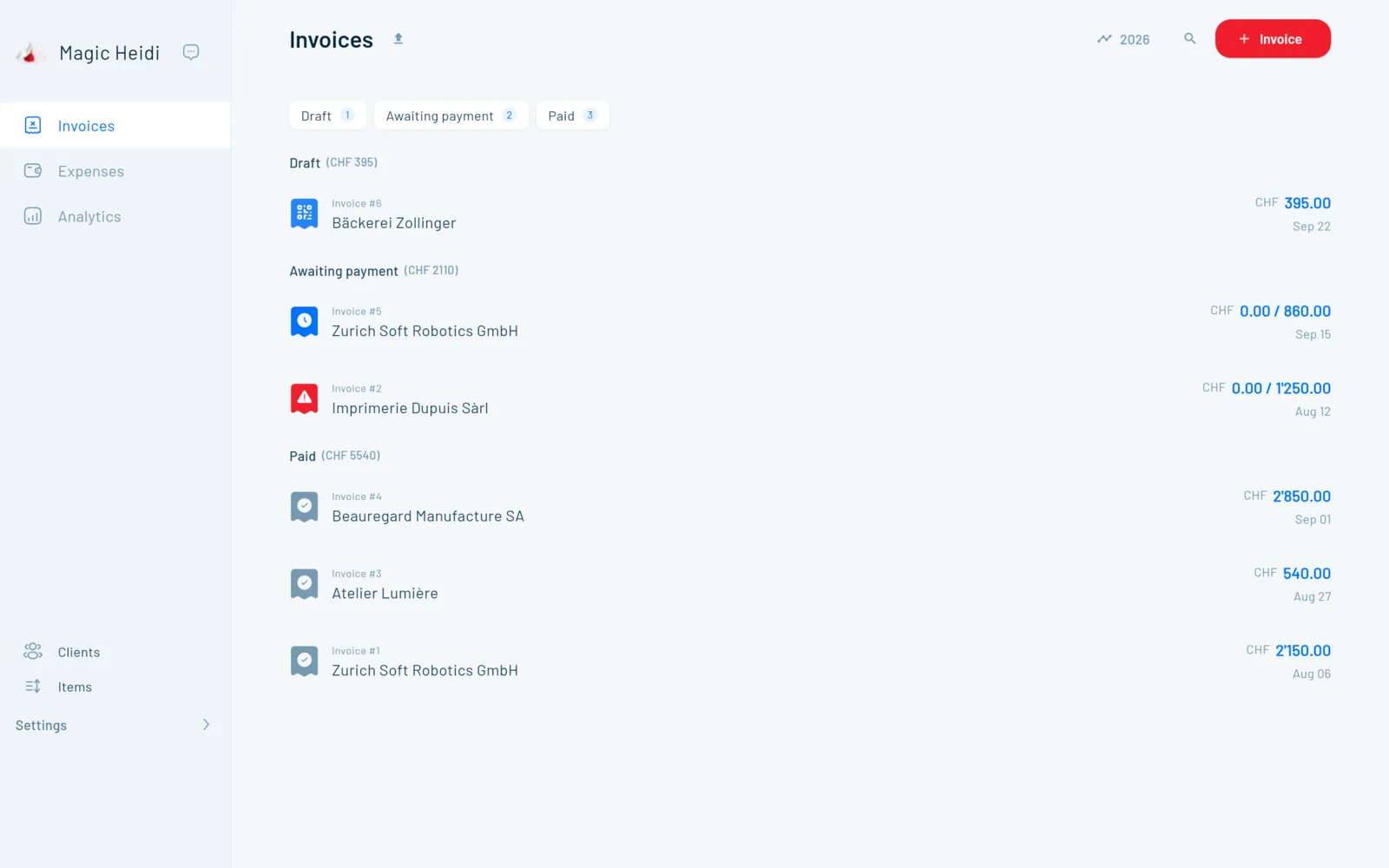
QR invoices & quotes
Pick a client, add the line items, send. QR code and VAT are added, in CHF, EUR or USD. More on quotes
Match payments automatically
Connect your bank or import a CSV from UBS, PostFinance and co. More on bank reconciliation
VAT return
8.1, 2.6 and 3.8 %, effective method or net tax rate, ready for the FTA ePortal. More on VAT
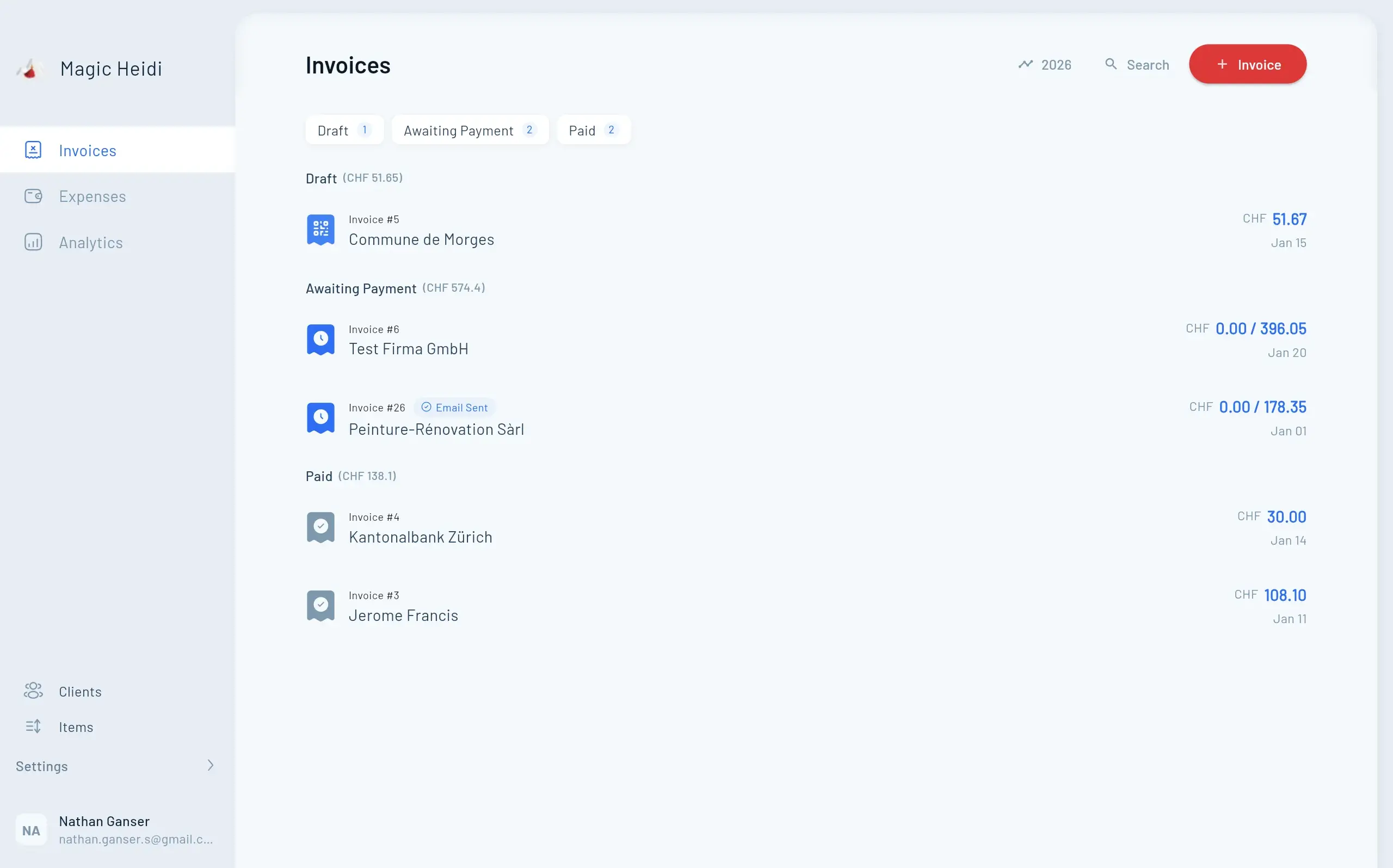
Receipts land on your PC by themselves
Snap till slips with your phone, drag PDFs into the Windows app or forward emails to import@scan.magicheidi.ch. The AI reads amount, date and VAT. More on AI receipt scanning
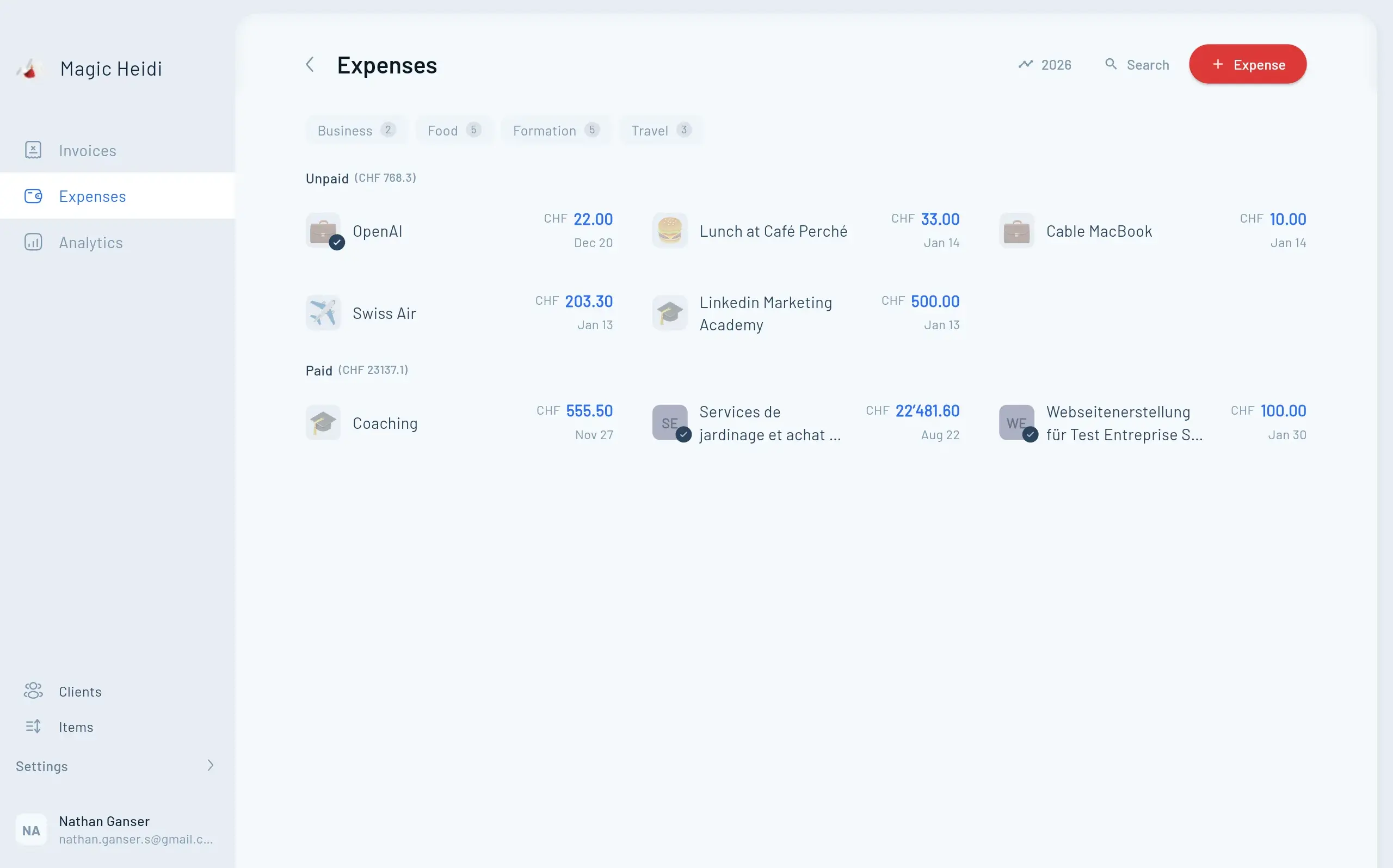
Write at your PC, check on the go
One account for Windows, Mac, iPhone, iPad, Android and the web. Everything syncs in real time, and your data is stored encrypted on servers in Zurich.
Self-explanatory on every device
What Swiss freelancers say about Magic Heidi.
“The app is easy to use, very handy on the smartphone or the computer. The developers respond very quickly to suggestions for improvements. 👍👍👍”
“Until now I did everything with Excel and binders and spent an enormous amount of time on it. Then I came across Magic Heidi, and I have to say it's a must-have for anyone who's self-employed. Self-explanatory app and cool features! I can only recommend it!”
“Minimalistic and easy to use … MagicHeidi is a nice compact cross-platform billing app that allows independents and small companies (mine is 10 employees) to manage invoicing. The cool part as well is that their small (but efficient) team of devs is really listening to the users needs and new features are just flowing!”
Questions about the Windows app
Is Magic Heidi available as invoicing software for Windows?
Yes. Magic Heidi is a native Windows app that you download for free from the Microsoft Store. In it you create QR invoices and quotes, record receipts, reconcile your bank statement, do your VAT return and see in the analytics how your year is going. You log in with the same account as on your phone or in the browser.
Windows app or web app: what's the difference?
None when it comes to your data: you log in with the same account, and everything syncs in real time, with your iPhone or Android phone too. You start the Windows app like any other program from the Start menu or taskbar and drag PDFs straight into it. The web app runs in any browser without installing anything, handy on someone else's computer.
Which version of Windows do I need?
According to the Microsoft Store, the app runs on PCs with Windows 10 version 1809 or later and on Windows 11, in the 64-bit version (x64). If your device doesn't qualify, use the web app in your browser at app.magicheidi.ch, with the same data.
How much does Magic Heidi cost on Windows?
The app is free, and you can create 3 invoices and 3 receipts with every feature, no credit card needed. After that, Pro costs CHF 24.99 per month billed yearly (CHF 299) or CHF 39 monthly, VAT included. One subscription covers all your devices. You get a 30-day money-back guarantee and can cancel anytime in the app. All the details are on the pricing page.
How do my receipts get onto my PC?
Three ways: snap till slips with the phone app, drag PDF invoices into the Windows app, and forward invoices from your inbox to import@scan.magicheidi.ch (from the email address you log in with). The AI reads merchant, date, amount and VAT rate. More on AI receipt scanning.
Does the Windows app work without internet?
No, Magic Heidi needs an internet connection, on Windows too. Without a connection you can't create or open invoices. In return, your data is always up to date, whichever device you're working on.
Is Magic Heidi better than an invoice template in Word or Excel?
For Swiss invoices, yes. Magic Heidi builds the Swiss QR payment slip to the current SIX standard from your IBAN automatically, numbers invoices in sequence, calculates the VAT and shows you which invoices are still open. Payment reminders go out automatically. With a Word template you do all of that by hand. More on our invoicing software.
Can my accountant work with me?
Yes. You give them their own login to your account at no extra cost, or export income, expenses and the VAT overview to Excel and the receipts as a ZIP. That way they get clean records at year-end instead of a folder full of PDFs. Many one-person GmbHs also use Magic Heidi for day-to-day work and hand the records to their accountant for the annual accounts.
Who helps me get started?
We do, by email and phone in German, French, Italian and English. Founder Nathan often answers himself. You can also book a free 30-minute onboarding call.
Where is my data stored?
On servers in Zurich, encrypted in transit and at rest. Some features, such as AI receipt scanning, use services that run partly outside Switzerland. Details on the security page.
Your next invoice, right from your PC
Start for free, get the app from the Microsoft Store and send your first QR invoice in 30 seconds. No credit card, and a 30-day money-back guarantee on Pro.