Digital fiduciary in Locarno: complete guide to modern bookkeeping

Compare the models and make the right choice for your Swiss business.

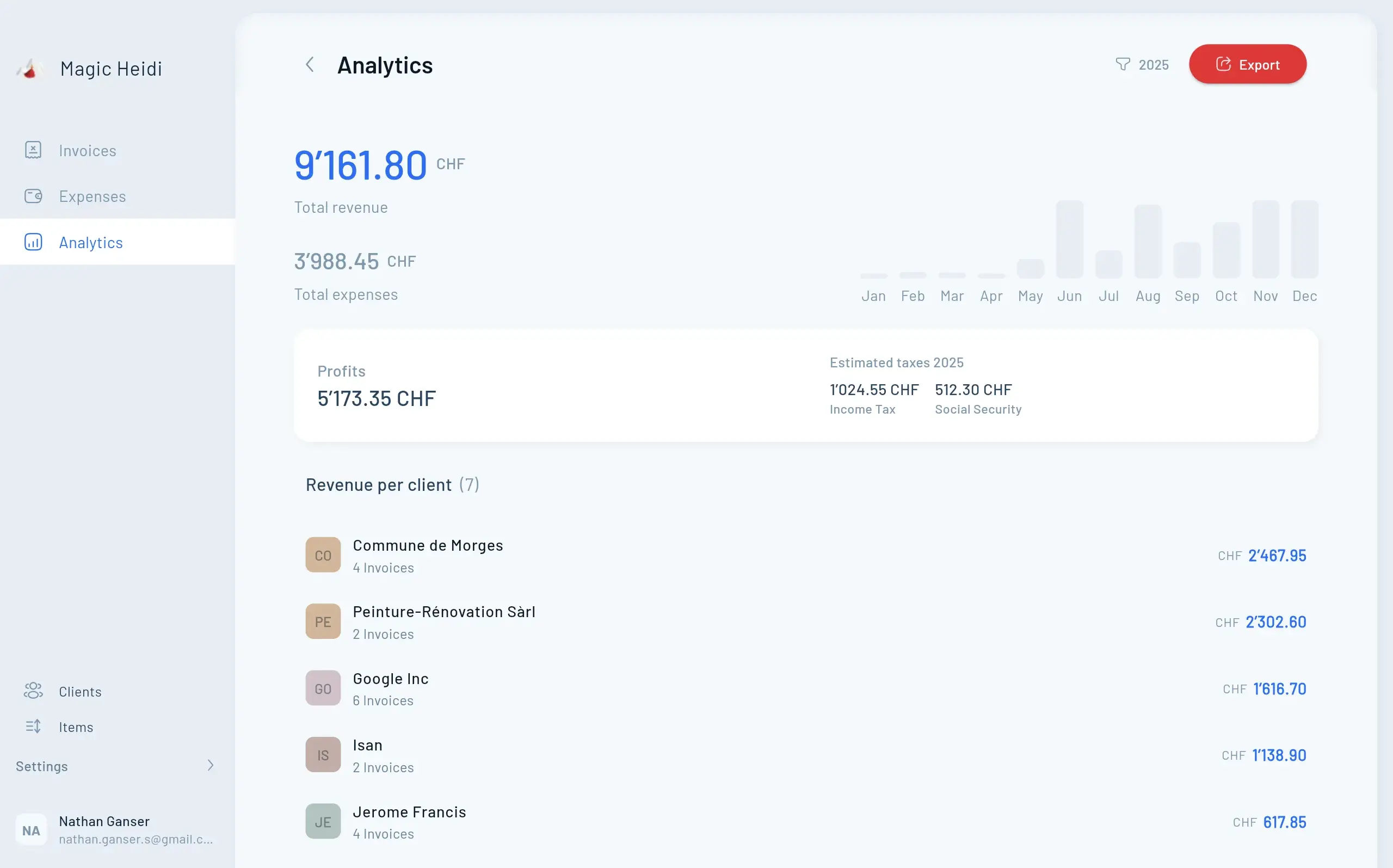
Digital bookkeeping dashboard

More and more Swiss businesses are looking at alternatives to the traditional fiduciary office – in Ticino too.

If you run a business in Locarno, you face a choice: stay with traditional bookkeeping with personal support, or switch to a digital fiduciary that promises 24/7 access and lower costs.

This guide explains everything you need to know about digital fiduciary services in Locarno. You get an overview of the models, selection criteria and a clear guide to the right solution.

Understanding the Swiss fiduciary

What is a fiduciary in Switzerland?

More than just bookkeeping – your complete partner for the financial back office.

Bookkeeping & reporting

Recording transactions and preparing financial reports

Tax returns

VAT returns, income tax and communication with the authorities

Payroll

Payslips, social insurance and employee documentation

Company formation

Setting up new businesses and annual filings

Financial advice

Strategic advice on structure, investments and growth

Compliance

Compliance with cantonal Swiss regulations

The range of services is broader than for an "accountant" in many other countries. A Swiss fiduciary acts as your complete financial back office.

Important: In Ticino, fiduciary activities require a cantonal licence (Legge sull'esercizio delle professioni di fiduciario, in force since 1 July 2012). Always check whether your provider is listed in the register of fiduciaries of the canton of Ticino.

Key differences

Digital vs. traditional: The real comparison

The core services are identical. What changes is the delivery.

FeatureDigital fiduciaryTraditional fiduciary
Data access24/7 via dashboardOffice hours only
Pricing modelUsually a fixed monthly flat rateUsually billed by the hour
Document handlingAutomatic upload, cloud storagePhysical handover/email
Financial reportsReal-time dashboardMonthly/quarterly reports
TechnologyAI automation, bank syncManual entry, basic software

The cost difference explained

Digital fiduciaries can often work more cheaply than traditional offices. Here is why:

Traditional overheads:

  • Prime office locations in the centre of Locarno
  • Administrative staff for filing and client service
  • Physical document archiving
  • Travel time for client meetings

Digital efficiency gains:

  • Automated data capture through bank connections
  • AI-assisted expense categorisation
  • Cloud-based collaboration tools
  • Remote team without geographic limits

Whether these savings reach you only becomes clear by comparing concrete quotes: there are no universal rates.

Why digital?

Three factors drive digital growth

Technology, regulation and business expectations make digital fiduciary services the smart choice.

The technology has matured

Modern bookkeeping platforms now offer capabilities that were unthinkable five years ago.

  • Automatic bank synchronisation with UBS, PostFinance, Raiffeisen
  • AI-assisted categorisation of bookings
  • Smart receipt processing – just photograph receipts
  • Real-time VAT calculations and quarterly updates

Same rules for everyone

Digital fiduciaries are subject to the same rules as traditional offices. As such, fiduciaries are not supervised by FINMA; in Ticino they need a cantonal licence.

  • Same legal obligations as traditional offices
  • Cantonal licence in Ticino
  • Data protection act (FADP) also applies to cloud providers
  • Keep business books and receipts for 10 years (CO Art. 958f)

Real-time data is the standard

Modern entrepreneurs expect immediate access to business figures, not weeks-old reports.

  • Current liquidity and bank balances
  • Open invoices and payment tracking
  • Revenue and expenses in the current month
  • Projected tax liabilities in real time
Models

Four models at a glance

From pure software to an on-site fiduciary – so you know what to expect before you sign. You only learn prices through concrete quotes.

Model 1

DIY bookkeeping software only

Tools like bexio or CashCtrl – you do everything yourself.

  • Ideal for: Very small businesses with simple finances
  • Limitations: You are responsible for correctness and compliance
  • No expert review: Tax return and bookkeeping entirely up to you
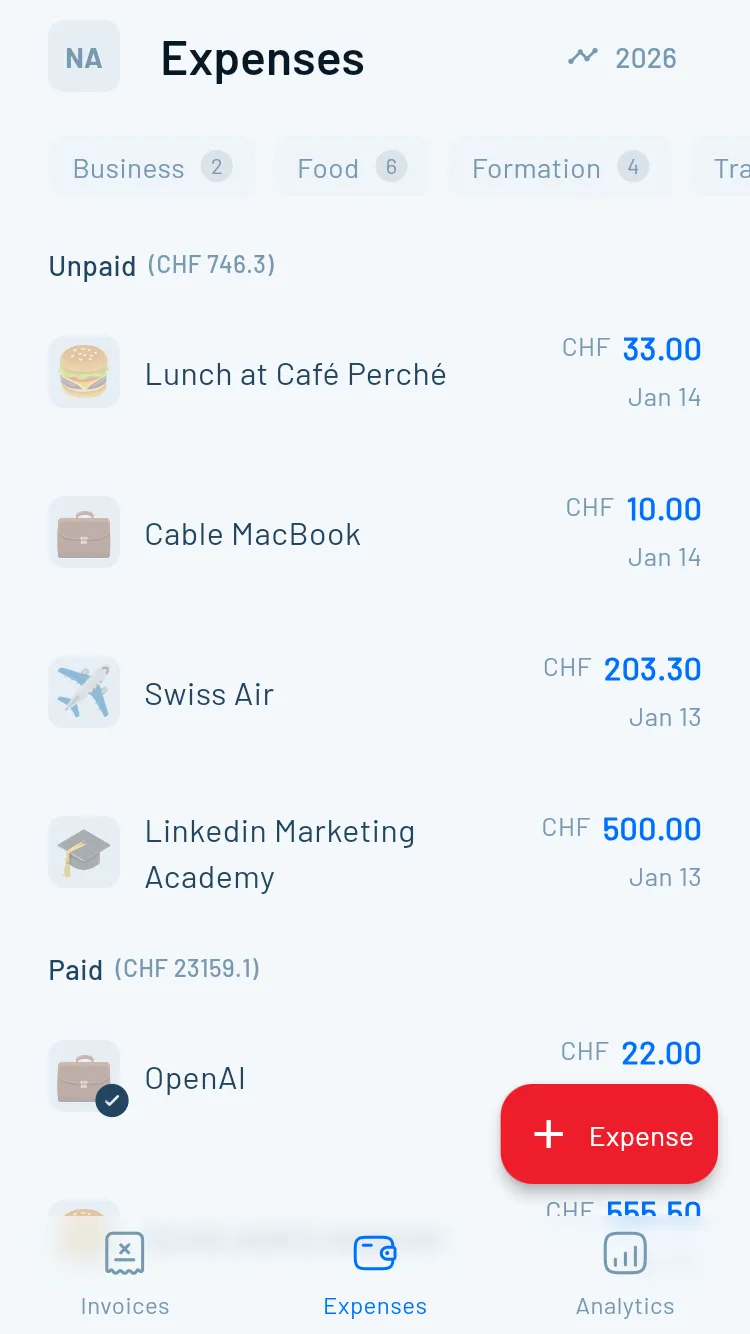
Mobile expense capture
Model 2

Hybrid digital fiduciary

You record transactions, professionals review monthly and prepare taxes.

  • Ideal for: Small businesses under CHF 500K revenue
  • Monthly financial review and reconciliation
  • Quarterly VAT return and filing
  • Annual tax return with optimisation
  • Access to a certified accountant for questions
Financial analytics dashboard
Model 3

Full-service digital fiduciary

Upload receipts and they handle everything – completely worry-free.

  • Ideal for: Growing businesses CHF 500K-5M revenue
  • Complete bookkeeping and transaction entry
  • Payroll for all employees
  • Accounts receivable and payable management
  • Financial planning, forecasts and tax optimisation
  • Company formation and restructuring
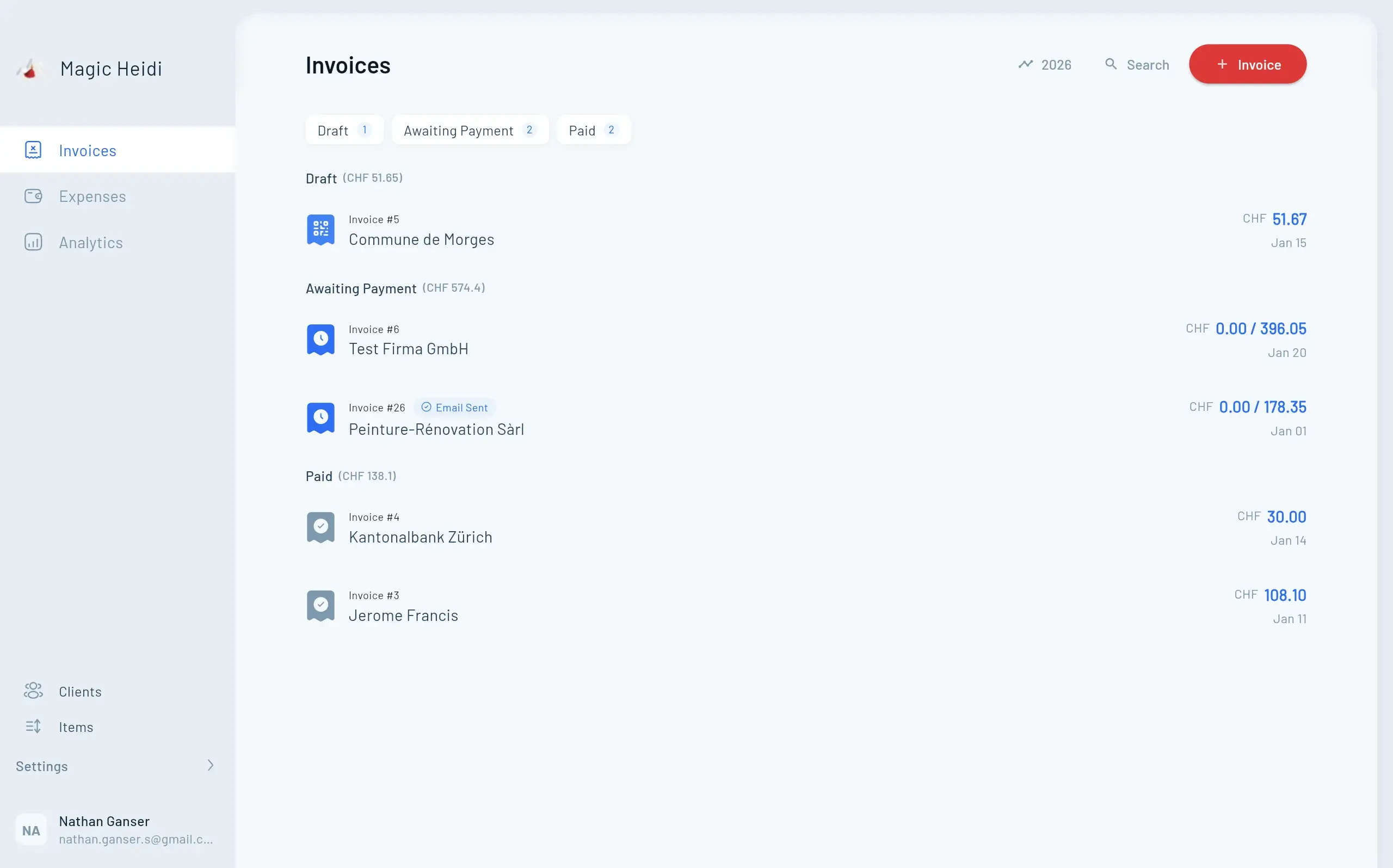
Complete invoice management
Model 4

Traditional on-site fiduciary

Full service with regular in-person meetings at the Locarno office.

  • Ideal for: Complex businesses with strategic advisory needs
  • Premium: usually more expensive than digital alternatives
  • Regular in-person meetings
  • Personal relationship with senior partners
  • Deep expertise in complex tax situations
Traditional office environment

How to choose the right fiduciary for your Locarno business

Follow this five-step guide to the right decision:

Step 1: Determine your actual needs

Answer these questions honestly:

  • Transaction volume: How many invoices and expenses per month? (Under 50 is simple; over 200 is complex)
  • Number of employees: Do you have payroll to manage? How many employees?
  • VAT registration: Are you subject to VAT? That requires quarterly returns
  • Revenue complexity: One source of income or several products/services?
  • Growth phase: Stable business or rapid growth?
  • Your bookkeeping knowledge: Familiar with financial basics or a complete beginner?
  • Tech affinity: Comfortable with digital tools or do you prefer paper and in-person meetings?

Step 2: Set a realistic budget

Costs depend on transaction volume, number of employees, VAT liability and complexity; there are no universal rates. Get quotes from several providers and calculate the total cost per year.

Watch for costs that are often not included in the monthly price:

  • Annual financial statements
  • Tax return
  • Payroll per employee
  • Company formation

Verification & security checklist

Essential checks before choosing your fiduciary partner.

Cantonal licence

Confirm registration in the official Ticino fiduciary register

Professional association

Check membership of Treuhand Suisse or EXPERTsuisse

Insurance coverage

Ask for proof of professional liability insurance

Data security

Swiss data storage with bank-standard security

Data protection (FADP)

Clear information on where and how your data is processed under the Swiss data protection act

Response test

Send test questions to check response quality and speed

Step 4: Evaluate the digital capabilities

Not all "digital" fiduciaries are equally modern. Ask about:

Essential features:

  • Bank account synchronisation (automatic transaction import)
  • Mobile app for expense capture
  • Real-time financial dashboard
  • Cloud document storage
  • Secure client portal

Advanced features:

  • AI-assisted expense categorisation
  • Automatic payment reminders
  • Integration with your invoicing software
  • Multi-currency support (important with Italian clients)
  • API connections to other business tools

Warning sign: If they call themselves "digital" but you still have to send scanned receipts by email or send documents by post, they are not really digital.

Step 5: Test the relationship

Before committing long-term:

  • Book consultations with 2-3 providers (most offer free initial calls)
  • Ask specific questions about your business situation – generic answers are a warning sign
  • Request sample reports and dashboards – you will look at these monthly
  • Check the response time – send an email question and measure the quality of the answer
  • Read recent reviews – Google reviews, Trustpilot or industry forums

Timeline: Allow 3-6 weeks from the first research to the final selection. Rushing this decision costs more when you switch later.

Provider landscape

Fiduciary options in Locarno

Understand your choices in the market.

Traditional Locarno offices

Local experience, in-person meetings, established relationships. Ideal for complex requirements.

Digital providers

24/7 access, automated tools, real-time reporting. Ideal for efficiency and predictable costs.

Hybrid solutions

Digital by default + regular in-person reviews. The best of both worlds.

Smart solution

The Magic Heidi advantage

Magic Heidi is a Swiss invoicing and bookkeeping app for self-employed people – not a fiduciary office. You handle invoices, expenses and VAT figures yourself and give your fiduciary access when needed.

Magic Heidi invoice management
Platform features

Core features of the platform

Invoices, expenses and VAT figures in one app – your fiduciary can read along if you want.

Intuitive invoices & expenses

Create professional QR-bill invoices in seconds. Capture expenses with AI scanning.

  • Generate Swiss QR-bills
  • Bank connection
  • Unlimited AI receipt scanning
  • Automatic payment reminders

VAT figures at a glance

Magic Heidi calculates VAT on invoices and expenses and gives you the figures for your return. You file it yourself or through your fiduciary.

  • All Swiss VAT rates (8.1%, 2.6%, 3.8%)
  • VAT on invoices calculated automatically
  • VAT figures per period for your return

Access for your fiduciary

Magic Heidi itself does not offer fiduciary or tax advice. But you can give your fiduciary access to your figures.

  • Unlimited team and fiduciary access on all plans
  • Invoices by post for CHF 2.50 per letter
  • Phone support in DE/FR/IT/EN
  • Free 30-minute onboarding call
Common questions

Frequently asked questions

Can I switch from traditional to digital mid-year?

Yes. Most businesses switch during the financial year without problems. The new fiduciary requests access to current bookkeeping files, the latest financial reports, tax history and open invoices. Allow 2-4 weeks for the full transition. Plan switches in quieter business periods, not right before tax deadlines.

Is my financial data safe with cloud-based fiduciaries?

Reputable digital fiduciaries use bank-grade security: servers in Switzerland, strong encryption, multi-factor authentication and traceable access logs; some are also ISO 27001 certified. Ask specifically. This is generally safer than sending PDFs by email to traditional accountants, since email is not encrypted by default.

What if I need personal help from my digital fiduciary?

Many digital fiduciaries offer video consultations, partly included in the monthly price. In-person meetings are either included or billed separately depending on the provider – clarify this before signing the contract.

How do digital fiduciaries handle complex tax situations?

Digital platforms handle routine compliance (VAT returns, standard income tax). For complex situations such as international taxation, corporate restructuring or cross-border employment, they refer you to tax specialists. Choose a digital fiduciary with in-house tax specialists, not just accountants.

Can digital fiduciaries represent me before the tax authorities?

Yes. Authorised Swiss fiduciaries can represent you before cantonal and federal tax authorities, whether digital or traditional. They can file tax returns, respond to enquiries, negotiate payment plans and represent you in audits. Check whether your digital provider has the right cantonal licence.

How do I know whether I am too small for a fiduciary?

You might handle the bookkeeping yourself if: revenue under CHF 100K annually, fewer than 20 transactions per month, no employees, not subject to VAT, basic bookkeeping knowledge and a simple sole proprietorship structure. Even then, a fiduciary can be worthwhile to avoid costly tax mistakes. Worked example: if a fiduciary saves you 5 hours a month and your hour is worth CHF 50 to you, that is CHF 250 per month.

The switch: your transition checklist

Ready to switch to a digital fiduciary? Follow these steps:

4-6 weeks before the switch

βœ“ Research and shortlist 3-4 potential providers
βœ“ Book initial consultations (most are free)
βœ“ Request detailed quotes with full pricing
βœ“ Check references and online reviews
βœ“ Verify qualifications and insurance coverage
βœ“ Check your current contract for notice periods

2-4 weeks before the switch

βœ“ Select the new provider and sign the contract
βœ“ Inform your current accountant with the required notice period
βœ“ Request final reports and all financial files
βœ“ Set up accounts in the new digital platform
βœ“ Connect bank accounts for synchronisation
βœ“ Upload or transfer historical documents

Week of the switch

βœ“ Schedule an onboarding call with the new fiduciary
βœ“ Review the chart of accounts and account mapping
βœ“ Confirm handover of responsibility for the quarterly VAT return
βœ“ Update tax office records if needed
βœ“ Set up recurring tasks and reminders
βœ“ Test document upload and approval workflows

First month after the switch

βœ“ Review the first reconciliation together
βœ“ Ask questions about reports you do not understand
βœ“ Set communication preferences and frequency
βœ“ Set calendar reminders for quarterly tasks
βœ“ Verify correct payroll (if applicable)
βœ“ Confirm that you can access everything you need

Common mistake: Switching right before tax deadlines. Give yourself a 2-3 month buffer before important filing dates.

Future trends

The future of fiduciary services in Locarno

Three trends will shape the next five years of bookkeeping services.

Making your decision

Digital fiduciary services offer real benefits: lower costs, faster service and 24/7 access to your financial data. But they are not right for everyone.

Choose digital if you:

  • Want to reduce bookkeeping costs
  • Need real-time access to financial reports
  • Are comfortable with digital tools and online communication
  • Run a straightforward business without complex tax situations
  • Put speed and efficiency ahead of personal relationships

Stay with traditional if you:

  • Have complex international tax requirements
  • Prefer regular in-person strategic conversations
  • Need frequent guidance and detailed explanations
  • Work in heavily regulated industries that require specialised expertise
  • Value long-term personal relationships with advisors

The hybrid middle path works for most businesses: digital platforms for efficiency, with professional support when needed.

What Magic Heidi does:

  • Create QR-bill invoices and quotes
  • Capture expenses via AI receipt scanning
  • Keep VAT figures ready for your return
  • Works on all your devices

What Magic Heidi does not do:

  • No fiduciary or tax advice
  • No tax return and no annual financial statements for you
  • No payroll

But you can give your fiduciary free access. Start for free – 3 invoices and 3 expenses are free.


This guide is general information and does not replace advice. Consult a fiduciary for advice tailored to your situation.

Ready to modernise your bookkeeping?

With Magic Heidi you write QR-bill invoices, capture expenses via AI receipt scanning and keep your VAT figures in view. Magic Heidi is not a fiduciary office – but your fiduciary gets access for free.