Create QR Invoices in bexio: The Complete Swiss Tutorial

Setting up QR invoices in bexio shouldn't take 30 minutes of frustration. This guide walks you through the exact steps to get QR invoices working—plus the critical 2025 regulatory changes you need to know about.

Swiss Business Office

The bexio QR Invoice Struggle

For many Swiss business owners, setting up QR invoices means buried banking settings, IBAN format errors, and QR codes that simply won't appear. We'll fix that today.

🔍

Hidden Settings

Banking options are buried deep
❌

IBAN Errors

Format issues throw cryptic errors
👻

Missing QR Codes

Invoices render without the code
Important Update

What Changed in November 2025

Before diving into the setup, understand this significant regulatory update.

Since November 22, 2025, Swiss QR invoices must use structured addresses only. The old combined address format (Type K) is being phased out.

Key Deadlines

  • November 21, 2025: Only structured addresses (Type S) permitted
  • September 30, 2026: Final deadline for compliance
  • November 13, 2026: Banks clean up old standing orders and payment templates

⚠️ If your bexio invoices still use unstructured addresses, recipients may face payment rejections at post offices. Update your settings now.

Understanding IBANs

IBAN vs QR-IBAN: Which Do You Need?

This confuses most bexio users. Here's the simple breakdown.

Regular IBAN

Your standard bank account number. Use for invoices without automatic payment matching.

QR-IBAN

Special account for QR-bill payments. Contains a QR-IID identifier enabling automatic reconciliation. Contact your bank to get one.

QR Invoice Types

Three Types of QR Invoices

For most Swiss businesses: QRR with a QR-IBAN offers the best automation. bexio customers using automatic reconciliation save an average of 2.4 hours of manual data entry per week.

TypeReferenceAccount NeededBest For
QRR27-digit numeric codeQR-IBANAutomatic payment matching
SCORISO 11649 (starts with RF)Regular IBANInternational standards
NONNo referenceRegular IBANSimple one-time payments
Setup Guide

Step-by-Step: Set Up QR Invoices in bexio

Follow these four steps carefully to get your QR invoices working correctly.

Step 1

Configure Your Banking Details

This is where most people get stuck. Do this first.

  • Navigate to Settings → Banking
  • Click Add Bank Account or edit existing
  • Enter IBAN without spaces (critical—spaces cause errors)
  • Save and verify the account
bexio Banking Settings
Step 2

Enable Payment Slips

Payment slips is bexio's term for QR code invoices.

  • Select your bank account in Banking section
  • Click Edit Bank Account
  • Find Attach Payment Slips and enable it
  • Choose QR-IBAN with QRR for best automation
Enable Payment Slips
Step 3

Create Your First QR Invoice

The QR code should appear on the second page of your invoice.

  • Go to Sales → Invoices → New Invoice
  • Select or create a contact (required)
  • Add line items with quantities and prices
  • Save, then click Print or PDF
Create QR Invoice
Step 4

Verify Address Formatting

With the 2025 changes, structured addresses are mandatory.

  • Street name and number on separate line
  • Postal code and city clearly separated
  • Country code included
  • Unstructured addresses will cause payment rejections
Address Formatting
Error Messages

Troubleshooting Common Problems

Don't panic when you see error messages. Here are the fixes.

QR Code Not Appearing

Check: Payment Slips enabled, IBAN has no spaces, bank account set as default, all required fields completed.

Empty Page Before QR Code

Known bexio formatting issue. Adjust template margins, reduce page one content, or contact bexio support.

Payment Rejected at Post Office

Missing debtor info triggers CHF 0.84 fees. Include complete address, amount, and payment reference.

IBAN Format Error

Common error about blank values? Double-check your IBAN and account holder details. Remove all spaces.

bexio Pricing (Current)

bexio offers transparent, all-inclusive pricing. QR invoice functionality is included in every plan.

Basic

CHF 45/ month
per month billed monthly (CHF 35 billed annually), excl. VAT
  • 1 user included
  • QR invoicing
  • Basic accounting
  • No expenses or AI receipt scans
View bexio

Optima

CHF 79/ month
per month billed monthly (CHF 69 billed annually), excl. VAT
  • 5 users
  • QR invoicing
  • Projects, time tracking, 100 AI scans/month
  • Best for growing businesses
View bexio

bexio offers a 30-day free trial with the Ultimate feature set (excluding document archive and bexio Pay). Prices as of September 2026.

Alternatives

Simpler Options to Consider

bexio works well for comprehensive accounting. But if QR invoicing is your primary need, simpler options exist.

Compare

Alternative Swiss
Invoicing Solutions

Choose the right tool for your business needs.

Magic Heidi

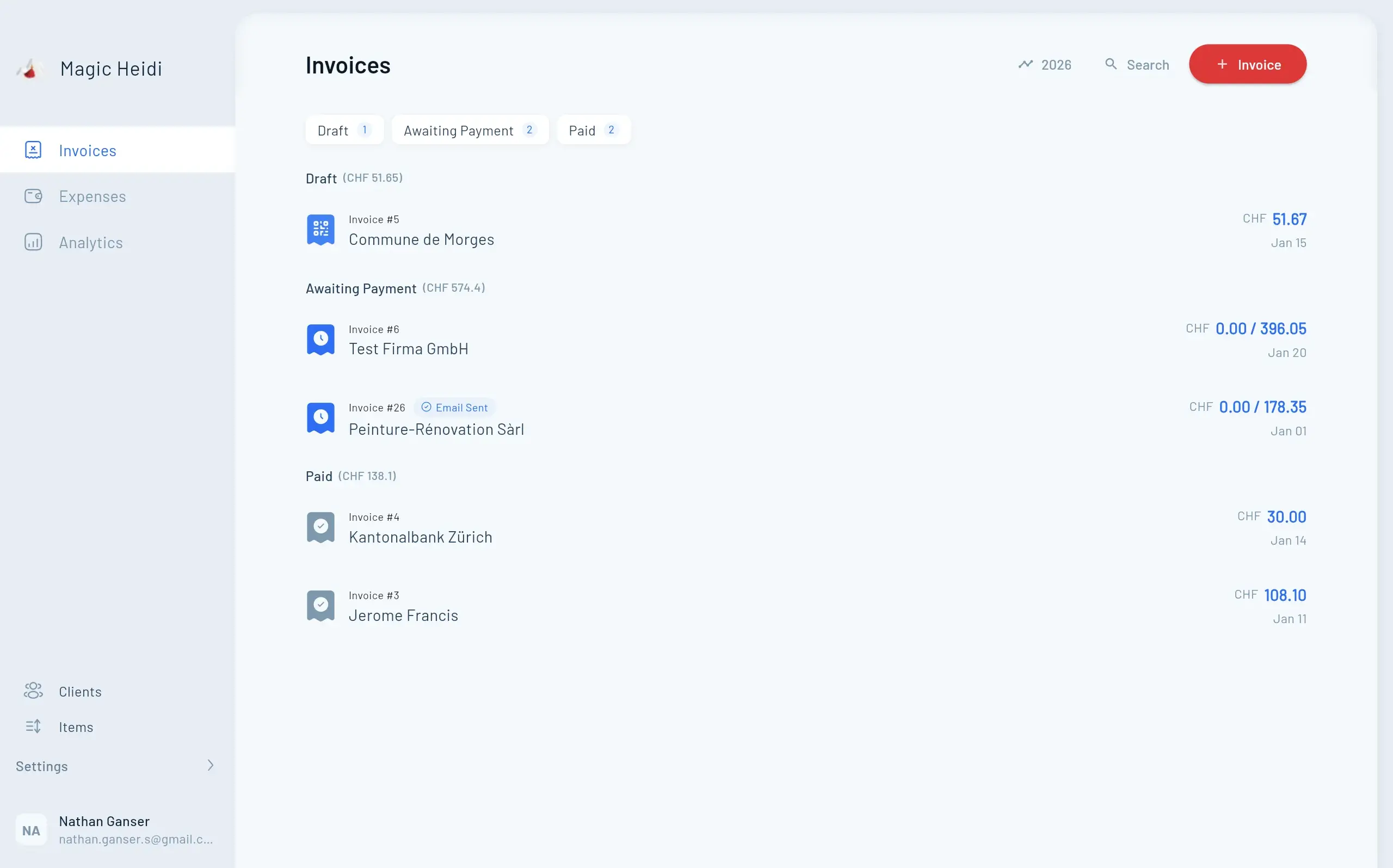
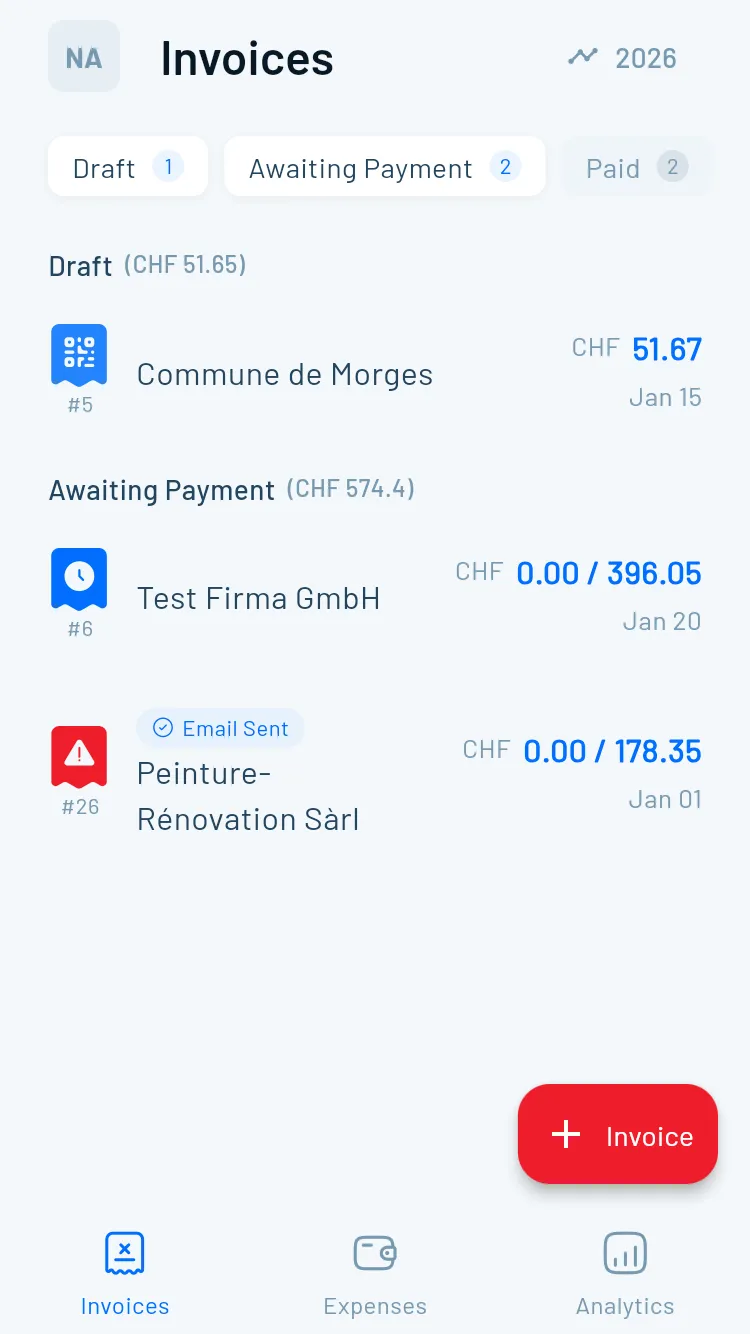
Built specifically for Swiss invoicing. QR codes work immediately—no banking configuration maze.

  • CHF 39/month or CHF 299/year
  • Best for freelancers
  • Guest mode to test before committing
  • QR invoices work out of the box

Swiss21/AbaNinja

Backed by major Swiss corporations, offers free plans for small teams.

  • Free Starter plan, paid plans CHF 21 or CHF 49/month
  • Best for budget-conscious startups
  • POS integrations
  • Online shop features

Infinity.swiss

Modern, Stripe-like interface from a Zurich-based team.

  • CHF 25-40/month
  • 25% off annual plans
  • Clean modern design
  • Fast development cycles
Quick Comparison

Feature Comparison

See how the options stack up against each other.

FeaturebexioMagic HeidiSwiss21Infinity
Starting PriceCHF 35/mo (excl. VAT)CHF 24.99/mo (annual)FreeCHF 25/mo
QR Setup✗ Complex✓ Simple⚠ Medium⚠ Medium
Full Accounting✓ Yes⚠ Limited✓ Yes✓ Yes
Free Trial30 days✓ Guest modeFree tier14 days
User Base40,000+GrowingGrowingGrowing
FAQ

Frequently Asked Questions

Is a QR code mandatory on Swiss invoices?

Yes. Since September 30, 2022, QR invoices are the mandatory payment standard in Switzerland. Old orange and red payment slips are no longer accepted.

Can I use a regular IBAN for QR invoices?

Yes, for SCOR and NON type invoices. But for automatic payment reconciliation (QRR), you need a QR-IBAN from your bank.

What happens if my QR invoice has errors?

Recipients may be rejected at post offices. They'll need to request a corrected invoice from you, delaying your payment.

Does bexio support multiple languages?

Yes. bexio operates in German, French, Italian, and English—covering all Swiss business needs.

How do I get a QR-IBAN?

Contact your bank directly. Most Swiss banks provide QR-IBANs free of charge for business accounts.

Want QR Invoices That Just Work?

If you want something simpler than bexio, try Magic Heidi free—QR invoices work out of the box, no banking configuration required.