Credit note template: 10 models & tools to Swiss standard
Discover 10 credit note templates for Switzerland: software, download models, mandatory details, MWST (Swiss VAT) corrections and customization tips.
Founder of Magic Heidi
When credit notes become a challenge, you usually notice it the moment things need to move quickly, a MWST (Swiss VAT) correction is due, or a Word template simply isn't clean enough. In Switzerland it's not enough to just build a pretty document. The credit note must be clearly labelled as a credit note, carry a consecutive number, and correctly reflect the details of the parties, the date and the offset against the original invoice, so that it is recognised for accounting and VAT purposes, as the Swiss overview of credit notes shows (Vorlage-Kostenlos on Swiss credit notes).
That's exactly why it's worth comparing software tools and pure download templates side by side. If you just need a clean file quickly, a template is often the better choice. But if you create credit notes regularly, work with QR-Rechnungen (QR-bills) or want to post invoices directly, a suitable solution saves noticeably more manual work, as the Swiss overview of retention, QR-bills and archiving also shows (Credit notes in Swiss accounting).
If you're also looking for a practical template for other everyday topics, you'll find a Free cancellation letter template from TIXPI here.
1. Magic Heidi
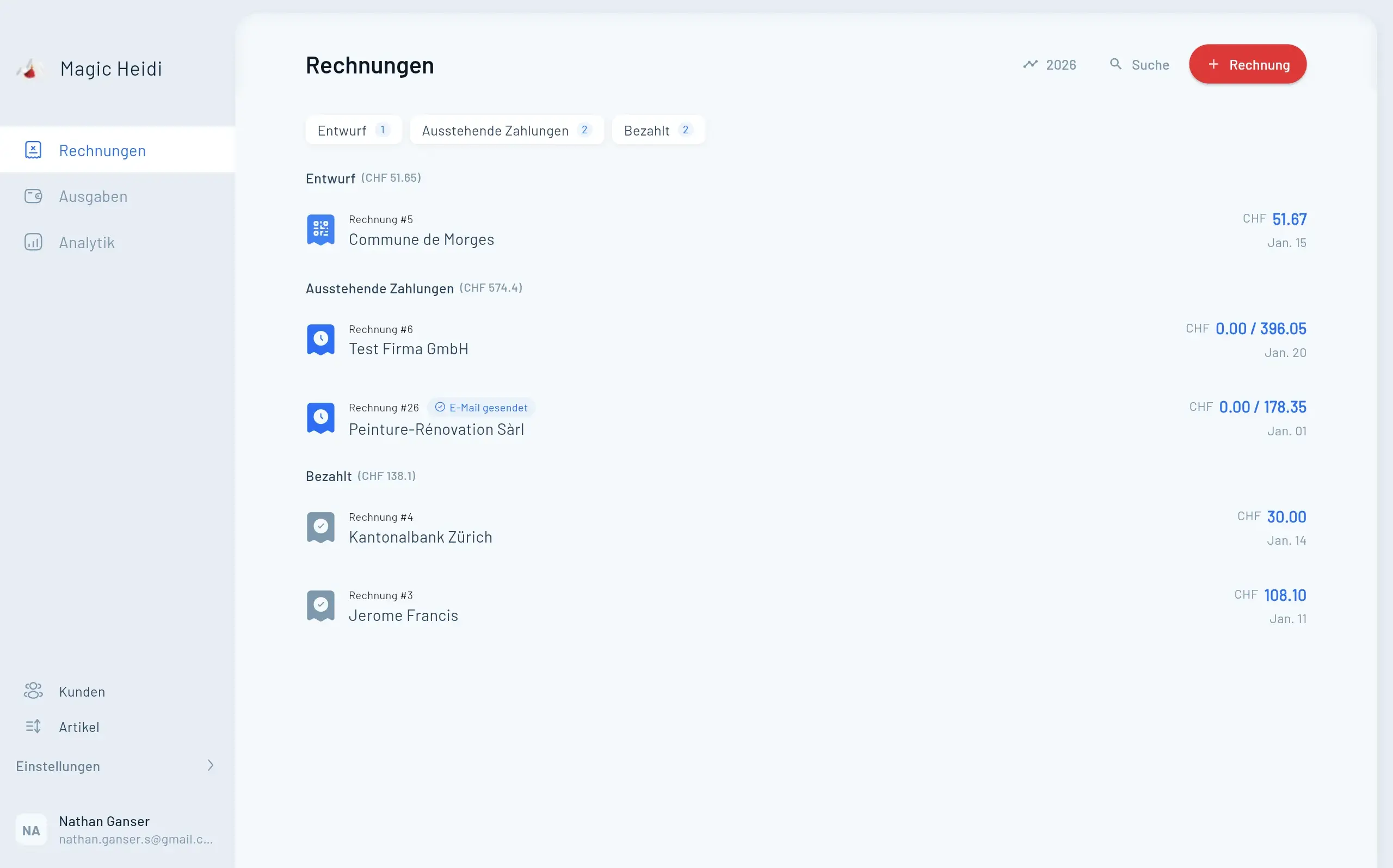
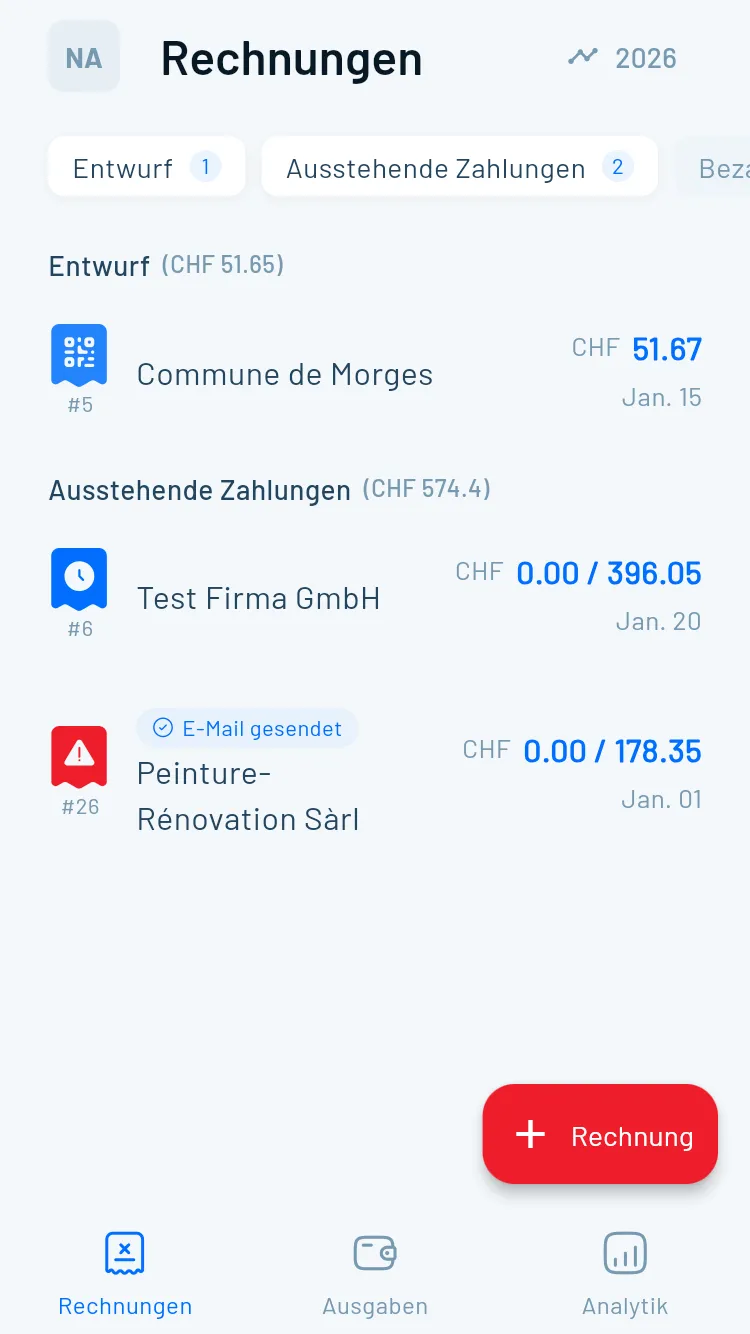
Magic Heidi is the strongest solution for self-employed people when credit notes are not created in isolation, but within the real invoicing and accounting flow. The software is clearly aimed at freelancers, Einzelfirmen (sole proprietorships) and creatives in Switzerland, with QR-Rechnungen (QR-bills) to SIX specification, MWST (Swiss VAT) management, bank statement import and native apps for iPhone, Android, macOS, Windows and web. The data is hosted in Zurich, and the interface is available in German, French, Italian and English.

The practical advantage lies not only in creation, but in clean downstream processing. Credit notes are embedded directly in everyday invoicing, and the connection to QR-payment, payment recognition and fiduciary export reduces the typical error sources of manual templates. Anyone who regularly processes invoices, partial payments and corrections quickly notices that a tool like this produces less rework than a file-based solution.
What really matters in practice
Practical rule: A good credit note is not just a document, but a correct booking object. If the invoice, the offset and the MWST don't match, even the most beautiful layout won't help.
The pricing logic stays deliberately clear. There is a free version with 3 invoices and 3 expenses, plus a Pro plan for CHF 39 per month, CHF 24.99 per month with annual billing or CHF 299 per year, along with a 30-day money-back guarantee. If you want quick setup, little configuration effort and a lean solution without bloated SME features, you get exactly what many solo businesses need in everyday life. The guide to the credit note feature can be found directly in the Magic Heidi tutorial on creating credit notes.
Advantages
- Swiss-first workflow: QR-Rechnungen, MWST and booking logic are tailored to Swiss requirements.
- Less manual work: Receipts are read by AI from photos and PDFs, including provider, date, amount, MWST and category.
- Clean handover: Exports for fiduciaries and tax documents make the year-end close easier.
Disadvantages
- Not for complex multi-client structures: Anyone needing a large ERP world is too broadly served here.
- Fiduciary work is often still needed for GmbH year-end closes: The software makes the export easier, but doesn't replace every closing logic.
2. bexio
Anyone looking for a CH-compliant all-in-one solution often ends up at bexio. The platform covers quotes, invoices, accounting and credit notes in a single workflow, and that's exactly the big plus when it comes to regular corrections. It's particularly practical that credit notes can be derived from invoices and posted directly, rather than first copying a template and then transferring it manually into the accounting system.

The strength lies in the ecosystem. QR-Rechnungen, a layout designer, debtor and creditor management and Word-based templates make bexio strong for companies that want not just a single credit note but a consistent financial process. Anyone who only needs to issue a correction now and then, on the other hand, will sometimes find the platform too comprehensive.
A sensible demarcation matters. In bexio it's not just about making a document look nice, but generating the credit note so that it fits into the existing invoicing and posting flow. That saves errors, especially when payments are later reconciled with bank movements.
The detailed guide to invoice creation in the context of the workflow can be found in the Magic Heidi guide to writing invoices and templates. This is helpful if you want to build the structure of an invoice cleanly and derive consistent credit note patterns from it.
Advantages
- Consistent process: Invoice, credit note and posting interlock.
- Swiss standard in everyday life: QR-Rechnungen and local support structures fit CH businesses well.
- Templates included: Word downloads and layout design help with adapting to the corporate design.
Disadvantages
- Rather mid to higher price level: For pure template use often more than necessary.
- More functional breadth than needed: Anyone who just wants to create a document carries unnecessary complexity.
3. Swiss21 / AbaNinja
Swiss21 with AbaNinja is the pragmatic free entry point for many Einzelfirmen (sole proprietorships) that want to generate a credit note from an invoice and offset it directly against open receivables. That's exactly what makes the solution attractive for solo self-employed who don't want to build a large software landscape but still need a Swiss structure.

In everyday life AbaNinja scores with clear logic. You generate the credit note directly from the invoice, reconcile it with open amounts and keep the document flow simple. That's especially useful when you don't want to jump between multiple tools and maintain your invoices in the same system anyway.
Where Swiss21 is strong and where it isn't
Integration into the Abacus ecosystem is an advantage as soon as you grow or work with existing Abacus structures. At the same time, that's exactly the point where some users need onboarding, because the workflows are a bit more typically ERP-oriented than with pure freelancer apps. The free entry makes testing easy, but the extended integrations can become chargeable.
Anyone looking for a simple Swiss basic solution should generate the credit note in exactly the system where the invoice was created. This keeps offsetting and archiving cleanly traceable.
For users who like to orient themselves with a template first before switching to a system, this approach is still interesting. The setup doesn't force a big changeover, but allows a step-by-step entry. If you want very lean operation, though, the Abacus style quickly feels a bit heavier than necessary.
Advantages
- Free entry: For many small businesses the basics last a long time.
- Simple offsetting: Credit note and invoice are cleanly set against each other.
- Swiss connectivity: QR-Rechnungen and ecosystem integration are clearly designed for CH use.
Disadvantages
- Extensions can be chargeable: The free use doesn't stay unlimited in every case.
- Onboarding needed: The interface is functional, but not always self-explanatory.
4. KLARA
KLARA from PostFinance suits SMEs that want to manage their credit notes in the same system as order management and accounting. It's particularly interesting that credit notes can be created like invoices, for example via minus quantities, and then land automatically in KLARA accounting. That reduces double work and makes the processes very pleasant for teams with clear procedures.

The proximity to PostFinance is a real advantage for many Swiss companies, because banking and accounting processes are often closely linked anyway. Anyone who creates recurring documents or wants to customise layouts will find a solid template area here. KLARA is, however, more package-dependent than pure download templates, so it's worth taking a close look at the feature scope before getting started.
Who KLARA works for
KLARA is mainly suitable when you don't need a one-off template but a recurring document process. That's more helpful in everyday life than a pretty Word document, because correct posting is already thought through in the system. Especially for credit notes with frequent adjustments, this automation is valuable.
The terminology sometimes differs from classic ERP terms, and that can be irritating at first. But once you understand it, you benefit from a clean document logic and tight interlocking with accounting. For many CH SMEs that's worth more than maximum freedom in layout.
Advantages
- Automatic posting: Credit notes land directly in accounting.
- Good Swiss embedding: PostFinance proximity and widespread use in the CH environment.
- Customisable layouts: Recurring documents can be standardised solidly.
Disadvantages
- Packages and modules determine the price: Not everything is automatically included.
- Different logic than classic ERP systems: Operation needs some rethinking.
5. smallinvoice
smallinvoice is the right choice when you need a lightweight Swiss invoicing app with templates but don't want a complete accounting machine. The software brings document layouts, free-text templates, a Swiss QR payment part and optional modules for projects, times and expenses. That makes it flexible enough for small service providers without bloating the interface unnecessarily.

The Free plan is the entry point for many users. Anyone who first just wants to test a clean credit note template can start small and expand later. That's exactly the difference from rigid download files, which work immediately but don't evolve with you.
Strengths in everyday life
smallinvoice makes particular sense when you often adapt your documents but don't need complex invoicing logic. Layouts and text can be handled more flexibly than in pure form templates, and the QR payment part brings Swiss everyday suitability. That's helpful for agencies, service providers and solo self-employed with changing projects.
The flip side is the modular structure. Anyone who needs additional functions has to check more carefully what's included in the chosen package and where additional costs may arise. For teams with a clearly delineated invoicing need that's fine, but for very price-sensitive users it can add up.
Advantages
- CH-oriented and lightweight: Good balance between templates and software.
- Free plan available: Entry is easy.
- Flexible document design: Layouts and free text can be sensibly customised.
Disadvantages
- Feature scope is package-dependent: Not everything is included in the basic scope.
- Additional costs possible: Especially for advanced users or modules.
6. Banana Buchhaltung
Banana Buchhaltung is more an accounting tool than a credit note editor, and that's exactly what makes it interesting for many fiduciaries and number-focused users. Anyone who wants to post a credit note correctly and map MWST corrections cleanly will find strong Swiss logic here. The software also supports Swiss QR-code invoice layouts and CSV/XML imports for bank data.
The strength lies in accounting precision. Banana isn't designed to serve you the credit note as a ready-made pretty template, but to keep posting and correction technically clean. So if you create the document in Word, PDF or another layout tool and then do the booking in Banana, you benefit from a very clear division of labour.
Where Banana makes sense
Banana fits when accounting is in the foreground and not the selling of invoices. Fiduciaries often appreciate exactly this sober structure because it's easy to audit. For users who expect a ready-made print template, the solution is less convenient.
The best template is of little help if the MWST is later posted incorrectly. In Banana the benefit lies exactly in keeping the booking cleanly traceable in the Swiss context.
The disadvantage is the lack of a one-click function for a complete credit note print template. You usually have to maintain layouts or text separately. In return you get a very solid basis for the accounting side of the process.
Advantages
- Strongly CH-focused: Often a very good fit for fiduciaries and accounting.
- MWST corrections well mapped: Clean posting is the focus.
- Bank data imports possible: Useful for reconciliation in day-to-day business.
Disadvantages
- No ready-made template out of the box: Layout work often stays with you.
- Less convenient for quick document creation: More a specialist tool than a template generator.
7. Crésus Faktura
Crésus Faktura is the classic Swiss desktop solution for users looking for long-lived invoicing software with a credit note function. The software supports QR-Rechnung, eBill via Crésus+ and banking integration, and it remains interesting for businesses that don't want to work primarily in the cloud. The purchase or rental model additionally gives flexibility in licence choice.

The logic is rather traditional, but that's exactly an advantage for many. Anyone who wants a stable office software with clear menus and reliable processes will feel at home here faster than in modern, heavily simplified apps. Credit notes can be offset against invoices, and the Swiss orientation is noticeable in everyday life.
Practical impression
Crésus is particularly suitable for users who want to keep control over a local way of working. Cloud services are more of an add-on than the core, so the solution feels down-to-earth and not gimmicky. That has pros and cons, depending on how used you are to modern app interfaces.
Advantages
- Long-lived Swiss solution: Clear orientation toward CH invoicing.
- Flexible licence model: Purchase or rent as needed.
- Credit note and offsetting integrated: Well suited for classic debtor processes.
Disadvantages
- Desktop character remains visible: Not as modern as pure web apps.
- Cloud functions are add-on modules: Anyone expecting everything online needs more planning.
8. Invoicemaker.ch
If you simply need a credit note template for direct download, Invoicemaker.ch is pretty straightforward. The platform provides Swiss credit note templates in PDF, Word, Excel as well as Google Docs and Sheets and offers an online editor for quick PDF creation. That's ideal if you don't want to introduce new software.

The big advantage is speed. Pick a template, enter data, generate the PDF, done. For one-off cases that's often more efficient than learning a new platform.
What works well
The strength is simplicity without a forced account. Anyone who just needs a clean document and handles the rest of the accounting elsewhere gets a pragmatic tool here. However, you have to add the QR payment part separately if needed, when your credit note should be machine-readable and payment-ready.
For recurring processes that's less ideal. As soon as credit notes interact with invoices, bank reconciliation or MWST logic, you notice the limits of a pure template approach. That's exactly when a quick help turns into an isolated solution.
Advantages
- Instantly usable: No long setup, no tool switch.
- Multiple formats: Practical for different working styles.
- Free and simple: Good for occasional credit notes.
Disadvantages
- No accounting functions: Everything behind the template stays with you.
- QR payment part often needed separately: Not always complete for CH payment processes.
9. INV24
INV24 offers a dedicated credit note template for Switzerland and a lightweight invoicing and credit note tool with customer and article master data. That's useful for users who want to be ready to start quickly and prefer simple basic invoicing instead of getting to grips with an extensive system. The Free plan makes getting started straightforward.
Operation is deliberately lightweight. PDF export and status tracking are enough for many small use cases, especially when credit notes only come up occasionally. At the same time, depth on Swiss special topics is limited, particularly regarding MWST details and QR requirements.
Who INV24 is enough for
INV24 is mainly sensible when you want to start quickly without much prior knowledge. The software brings enough structure for basic cases, but not so much complexity that you lose time on configuration. That's pleasant as long as your requirements stay simple.
As soon as you need more than basic invoicing, the platform becomes borderline. Anyone expecting fiduciary processes, clean MWST statements and fully integrated Swiss payment logic should compare more carefully. As a lean entry solution, though, it serves a clear purpose.
Advantages
- Quick entry: Easy to use and available without much effort.
- Free plan available: Good for a first test.
- Simple PDF export: Practical for standard cases.
Disadvantages
- Limited CH specifics: MWST and QR not particularly deep.
- No complete accounting: Too narrow for ongoing processes.
10. UBS QR-Portal Templates
The UBS QR-Portal isn't credit note software, but a useful source of current Excel and CSV templates around QR-Rechnungen and complete invoices. If your credit note needs a machine-readable QR payment part, these templates can be integrated into your document. That's especially helpful when you work with your own layouts and want to standardise the payment area cleanly.
The strength lies in being up to date and close to bank processes. For users who build their documents themselves, that's often the most pragmatic way to embed the QR payment part technically clean. A standalone credit note editor it is not, and that's exactly where the limit lies.
Where the templates help
Anyone who already has their own document design can use the UBS templates as a technical basis. That saves structural errors and reduces the likelihood of the QR part later not reading cleanly. For faster integration, the Magic Heidi reference on invoice settings, MWST and QR payment part is also worthwhile.
Advantages
- Current QR templates: Good for technical accuracy.
- Bank-close logic: Fitting for payment processes with QR-Rechnung.
- Good for custom layouts: When you design your template yourself.
Disadvantages
- No own credit note editor: The actual document creation stays external.
- Manual embedding needed: Somewhat cumbersome for users without layout experience.
Quick comparison of credit note templates: 10 Swiss tools
| Product | Core features ✨ | Target group 👥 | Unique selling point ✨ | Price & rating 💰/★ |
|---|---|---|---|---|
| 🏆 Magic Heidi | QR-Rechnungen, AI receipt scanning, MWST management, multi-currency, bank import, native apps | Freelancers & Einzelfirmen 👥 | Swiss hosting (Zurich), unlimited AI scans, native apps on 5 platforms, GDPR-compliant ✨ | 💰 Free + Pro CHF 39/mo (CHF 24.99/mo with annual billing CHF 299) · ★★★★★ (4.9★) |
| bexio | Quotes, invoices, credit notes, QR, bank reconciliation | SMEs / accounting workflows 👥 | Established CH ecosystem; strong credit note workflows ✨ | 💰 Mid/upper segment · ★★★★ |
| Swiss21 / AbaNinja | Credit note from invoice, offsetting, QR, Abacus integration | Solo self-employed / free entry 👥 | Free entry into the Abacus ecosystem; simple offsetting ✨ | 💰 Free basis (extensions chargeable) · ★★★★ |
| KLARA (PostFinance) | Invoice/credit note editor, automatic posting, recurring documents | SMEs, PostFinance users 👥 | PostFinance integration; package offers and trials ✨ | 💰 Package-dependent · ★★★★ |
| smallinvoice | Document layouts, QR payment part, projects/times as modules | Einzelfirmen / lightweight invoicing 👥 | Flexible layouts; Free plan + optional modules ✨ | 💰 Free plan + chargeable modules · ★★★★ |
| Banana Buchhaltung | Accounting focus, MWST codes, QR layouts, CSV/XML import | Fiduciaries & accounting-oriented users 👥 | Strongly CH-focused; widely used by fiduciaries ✨ | 💰 Moderate (subscription/one-off purchase) · ★★★★ |
| Crésus Faktura (Epsitec) | Credit notes, QR-Rechnung, dunning, eBill | Desktop users / traditional firms 👥 | Long-lived desktop product; purchase or rental model ✨ | 💰 Purchase/rental possible · ★★★ |
| Invoicemaker.ch | Ready-made credit note templates (PDF/Word/Excel), online editor | Users who only need templates 👥 | Free, instantly usable, no account needed ✨ | 💰 Free · ★★★ |
| INV24 | Credit note template Switzerland, customer/article master, PDF export | Quick start / basic invoicing 👥 | Quickly ready to use; Free plan available ✨ | 💰 Free plan · ★★★ |
| UBS QR-Portal (Templates) | Current Excel/CSV QR templates, integration guide | UBS customers / developers 👥 | Bank-close, current QR templates; UBS-compatible ✨ | 💰 Free · ★★★ |
How to use your credit note template optimally
The best credit note template is the one that fits your process, not the one with the most beautiful design. In Switzerland what comes first is the correct labelling as a credit note, then the consecutive number, then the clean mapping of parties, amounts and offset against the original invoice. That's exactly where many manual templates fail, because they look visually tidy but treat the MWST and booking logic too loosely.
Swiss practice is clear here: mandatory details and archiving are no side issue. Business records fundamentally have to be retained for 10 years, and that's especially important for credit notes, because in everyday life they're often connected with QR-Rechnungen, incoming payments and offsets (Retention and QR-Rechnung in Swiss accounting). At the same time, the credit note must be cleanly linked in content to the original invoice, otherwise posting quickly becomes unnecessarily error-prone.
A simple decision logic has proven itself in practice. Use a pure download template if you rarely write credit notes and handle payment separately. Reach for a software solution if you generate credit notes regularly, offset them directly with invoices or want to integrate the QR payment part in a standardised way. And choose an accounting tool when the correction doesn't end with the document but has to run cleanly through into the MWST and year-end close.
A common mistake is trying to treat invoice correction, cancellation and credit note as the same process. In Swiss practice the demarcation matters, because it determines how you name the document, how you post it and how you later hand it over to the fiduciary. The best template doesn't replace that decision, it only supports it.
If you want to start quickly, begin with a tool that thinks QR-Rechnung, MWST and credit note in the same flow. If, on the other hand, you only need a single file, check the mandatory details manually before sending each time. That keeps the credit note not only formally correct but also genuinely usable in everyday life.
Magic Heidi connects credit notes, invoices, QR-Rechnung and MWST logic in a Swiss solution for self-employed people. If you want to set up your credit note template not just as a file but as a clean workflow, take a look at Magic Heidi and see how quickly you can get from template to finished credit note.