

Financial Integrations for Swiss Freelancers: Save 10 Hours Monthly
Every hour spent copying transactions between systems is an hour you're not billing clients. Connect your payment platforms, banking, and accounting tools to automate data flow and eliminate reconciliation headaches.

Why Integration Matters More Than You Think
Manual financial management creates invisible costs that compound over time.
The real price of disconnected tools:
- Time drain: Freelancers spend an average of 8-12 hours monthly on financial admin tasks that could be automated
- Error multiplication: Manual data entry has a 1-4% error rate—that's 1-4 mistakes per 100 transactions
- Delayed visibility: Without real-time syncing, you're making business decisions based on outdated financial data
- Tax season chaos: Scattered records across multiple platforms turn tax filing into a week-long ordeal
- Growth limitations: Manual processes don't scale—doubling your income shouldn't double your admin time
Consider a typical Swiss freelance consultant earning CHF 120,000 annually. If your effective hourly rate is CHF 100 and you spend 10 hours monthly on manual bookkeeping, that's CHF 12,000 yearly in opportunity cost. A well-integrated system costing CHF 500/year saves you CHF 11,500.
The math isn't just compelling—it's obvious.
The Swiss Context: What Makes Your Integration Needs Unique
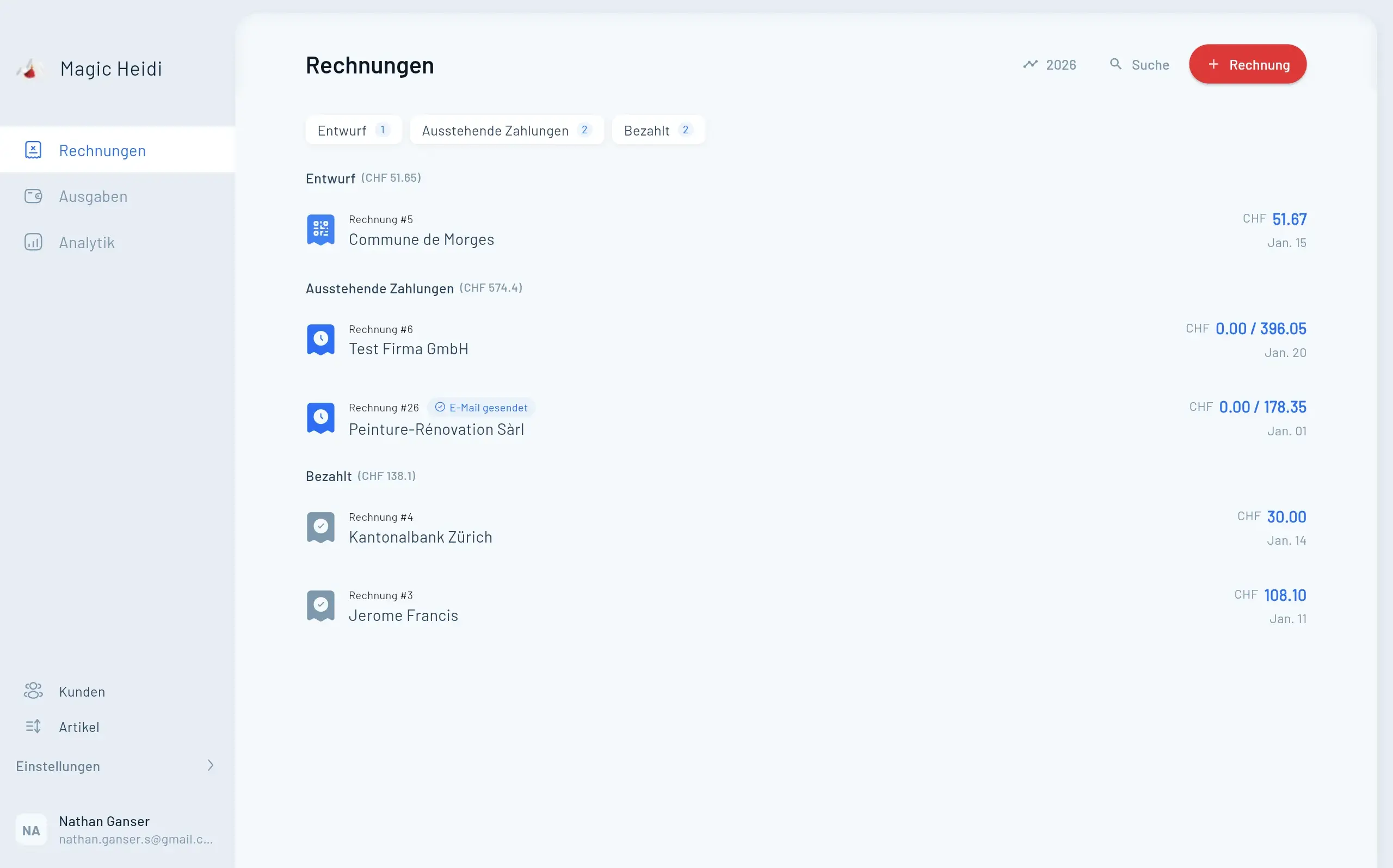
Swiss freelancers face unique integration challenges: QR-invoice compliance, multi-language operations, VAT complexity, and banking standards that generic advice doesn't address.
Time Drain
8-12 hours monthly on manual bookkeepingData Entry Errors
1-4% error rate per 100 transactionsDelayed Insights
Outdated data leads to poor decisionsSwiss-Specific Integration Requirements
QR-invoice compliance: Since July 2020, Swiss payment slips use QR-codes with embedded payment data. Your integration stack must read, generate, and process QR-invoices correctly to receive payments smoothly.
Multi-language operations: Operating across Switzerland's language regions means your tools need to handle German, French, and Italian invoicing—often simultaneously.
VAT complexity: Swiss VAT rates (7.7% standard, 2.5% reduced, 3.7% accommodation) require precise categorization. Integration errors here create compliance headaches during quarterly VAT reporting.
The CHF 500,000 threshold: Below this revenue level, you can use simplified cash accounting. Above it, double-entry bookkeeping becomes mandatory. Your integrations should accommodate both methods as your business grows.
Swiss banking standards: PostFinance, UBS, Raiffeisen, and other Swiss banks use ISO 20022 formats (camt.053/054) for statement data. Your accounting software needs to parse these correctly.
Four Key Connection Points Every Swiss Freelancer Needs
A complete integration strategy covers payment platforms, e-commerce, banking, and workflow automation.
Payment Platform → Accounting
Connect Stripe, PayPal, SumUp, Twint to your accounting software. Automatically record payments, track fees, handle currency conversion, and categorize payment methods.
- Invoice payment recording when clients pay
- Transaction fee deduction tracking
- Currency conversion for international payments
- Swiss VAT rate application on each transaction
E-commerce → Accounting
Link Shopify, WooCommerce, Etsy to eliminate reconciling hundreds of transactions. Record net payouts instead of individual orders for cash-basis accounting.
- Sales revenue and cost tracking
- Platform fee deductions (2.5-3%)
- Refund and return processing
- Multi-currency order handling
Banking → Accounting
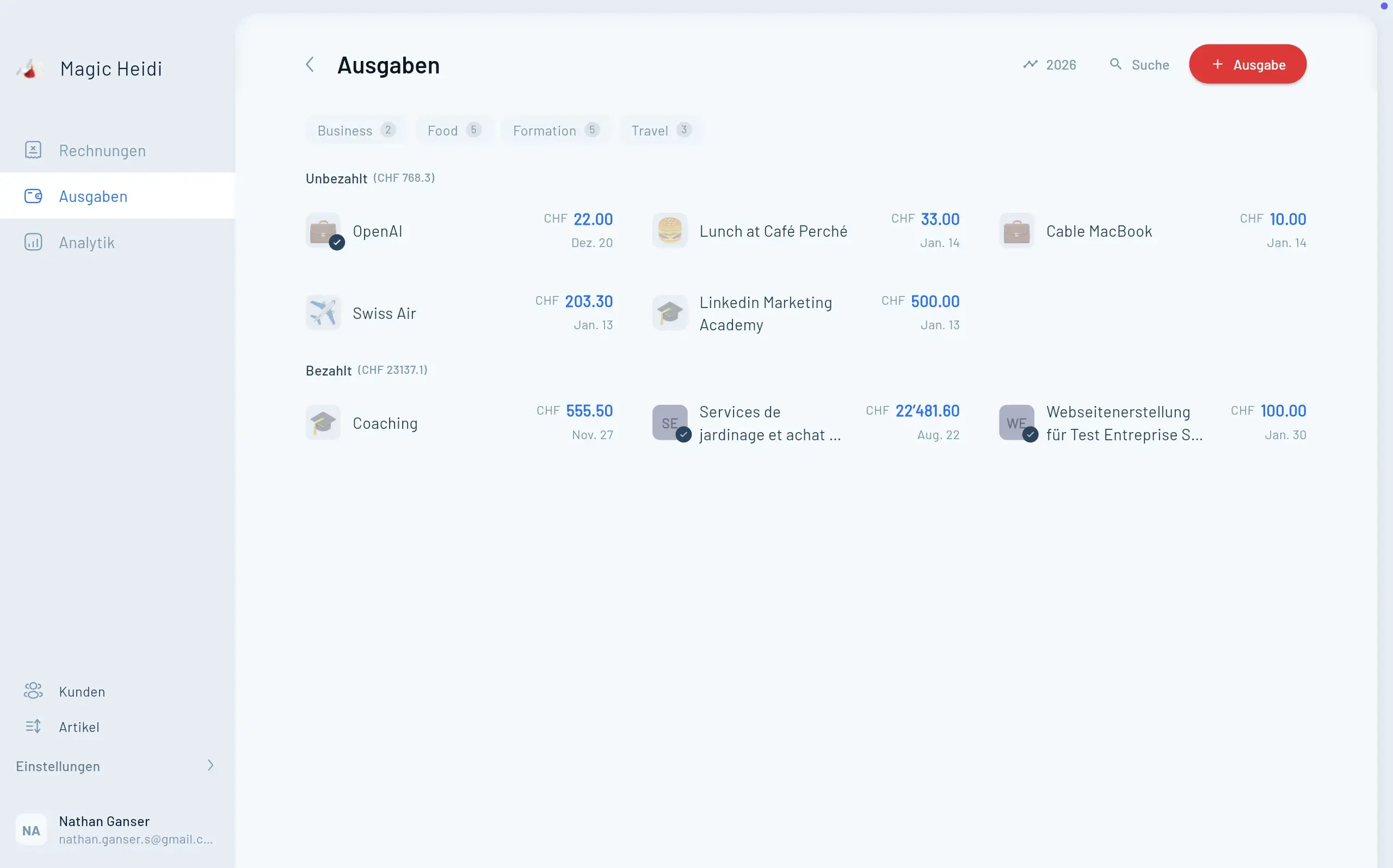
Automatic bank statement imports from PostFinance, UBS, Raiffeisen, ZKB, Revolut Business create complete financial pictures without manual CSV uploads.
- Daily transaction imports in ISO 20022 format
- Automatic payment matching
- Bank fee recording
- Multi-account consolidation
Workflow Automation
Use Zapier to connect time tracking, invoicing, accounting, CRM, and email when native integrations don't exist.
- Auto-create invoices from time tracking
- Send payment confirmations automatically
- Add clients to CRM on first invoice
- Generate monthly financial reports
Payment Platform Integration: Your First Priority
This is your highest-impact integration because it handles the most frequent transactions. Connect Stripe, PayPal, or SumUp to your accounting software to automatically record payments, track fees, and apply correct Swiss VAT rates.

Deep Dive: Key Integration Tools for Swiss Freelancers
Revolut Business: Your Multi-Currency Swiss Account
Revolut Business has become popular among Swiss freelancers who work internationally, offering modern banking features traditional Swiss banks haven't matched in this Swiss review.
Core benefits for Swiss freelancers:
- Swiss IBAN for CHF: Revolut partners with PostFinance to provide genuine CH IBANs, meaning clients can pay you like any Swiss bank account
- Multi-currency accounts: Hold EUR, USD, GBP and 25+ currencies without conversion fees up to monthly limits
- Real-time exchange rates: Convert currencies at interbank rates (0.5% markup on weekends)
- Business cards: Issue virtual and physical cards for business expenses with instant spending notifications
- API access: Connect Revolut to accounting software for automatic transaction imports
Pricing structure (2025):
- Basic Plan: CHF 10/month (CHF 1,000 free local transfers monthly)
- Grow Plan: CHF 40/month (CHF 10,000 free local transfers)
- Scale Plan: CHF 150/month (unlimited free local transfers)
Integration capabilities: Revolut provides CSV exports compatible with most Swiss accounting software. For real-time syncing, tools like Zapier or Make.com can trigger actions when transactions occur, though this requires paid automation plans.
Best for: Freelancers earning 30%+ of income in foreign currencies or paying international contractors regularly. If you're purely CHF-based, traditional Swiss banks integrated with local accounting software may be simpler.
Shopify Integration: E-commerce Accounting Done Right
Swiss freelancers selling products face unique bookkeeping challenges with Shopify because the platform processes hundreds of transactions that need categorization, VAT tracking, and financial reporting.
The traditional approach (painful): Record every single order as a separate accounting entry—feasible for 10 orders monthly, impossible for 500.
The smart Swiss approach: Use the net payout method.
When Shopify transfers money to your bank account, they send a payout summary: total sales minus platform fees, payment processing fees, and refunds. For cash-basis accounting (allowed under CHF 500,000 revenue), record this single net amount per payout rather than individual orders.
Example:
- Total sales: CHF 15,240
- Shopify subscription: CHF 65
- Payment processing fees: CHF 380
- Refunds: CHF 240
- Net payout: CHF 14,555
Record CHF 14,555 as revenue and CHF 445 as expenses. One entry replaces hundreds.
Integration tools: Platforms like Synder or A2X automatically generate these summary entries and sync them to QuickBooks, Xero, or other accounting software. Some Swiss accounting tools like bexio offer direct Shopify connectors.
VAT consideration: Ensure your integration tracks Swiss VAT (7.7%) correctly on all sales. For international sales to EU customers above €10,000 annually, you'll need OSS (One Stop Shop) VAT registration—your integration should flag this threshold.
Zapier: The Swiss Army Knife of Automation
Zapier connects over 6,000 apps through automated workflows called "Zaps"—if-this-then-that sequences that move data between your tools.
Powerful Zaps for Swiss freelancers:
1. New Stripe payment → Create accounting entry
- Trigger: New successful payment in Stripe
- Action: Create sales invoice in accounting software with payment marked as received
- Saves: Manual invoice-payment matching
2. Time tracking milestone → Generate invoice
- Trigger: Toggl/Harvest project hours reach 40
- Action: Create draft invoice in invoicing tool pre-filled with tracked hours
- Saves: Manual time log compilation
3. New invoice paid → Send thank-you email + Update CRM
- Trigger: Accounting software marks invoice as paid
- Action 1: Send personalized thank-you email to client
- Action 2: Update client status in CRM to "Active"
- Saves: Client relationship management time
4. Monthly financial summary → Slack notification
- Trigger: First day of new month
- Action: Pull previous month's revenue/expense totals and post to Slack/email
- Saves: Manual report generation
Pricing: Free plan offers 100 tasks/month (sufficient for testing). Paid plans start at CHF 20/month for 750 tasks—usually worthwhile once you're running 3+ active Zaps.
Learning curve: Zapier is remarkably user-friendly. Most freelancers create their first working Zap within 30 minutes using pre-built templates.
SumUp: Mobile Payment Integration
For freelancers meeting clients in person—coaches, consultants, mobile service providers—SumUp offers the easiest card payment acceptance in Switzerland.
Why SumUp for Swiss freelancers:
- Transparent pricing: 0.99% transaction fee for Swiss cards (1.9% for international cards)
- No monthly fees: Pure pay-per-use model ideal for inconsistent in-person payments
- Immediate setup: Account creation and card reader delivered within days
- Multi-currency: Accept EUR, USD, GBP with automatic conversion to CHF
Integration approach: SumUp doesn't offer extensive native integrations, but provides daily transaction exports via email or API. These CSV files import easily into Swiss accounting software.
Alternative automation: Use Zapier to watch for new SumUp transactions and automatically create accounting entries, though this requires SumUp's paid API access.
Best for: Freelancers processing CHF 5,000-50,000 annually in card payments. Above that volume, dedicated payment terminals with direct accounting integration become more cost-effective.
Step-by-Step: Setting Up Your First Integration
Let's walk through connecting a payment platform to accounting software—the highest-impact integration for most freelancers. We'll use Stripe as an example, but the process is similar for other payment platforms.

Implementation Guide
Step 1: Verify Compatibility
Check whether your accounting software offers native Stripe integration:
- bexio: Native Stripe connector available
- Klara: Requires Zapier bridge
- Abacus: Direct API integration possible
- BuchhaltungsButler: Native support
If native integration exists, use it—it's more reliable than third-party bridges.
Step 2: Gather API Credentials
Both platforms need to authenticate the connection.
From Stripe:
- Log into Stripe Dashboard
- Navigate to Developers → API Keys
- Copy your "Secret key" (starts with sk_live_...)
- Store securely—this key provides full account access
From your accounting software:
- Access Settings → Integrations
- Find Stripe connector
- Follow authorization flow (usually OAuth)
Step 3: Configure Mapping Rules
Tell the integration how to categorize incoming data.
Key mapping decisions:
- Revenue account: Where should sales revenue post? (Usually "Service Revenue" or "Product Sales")
- Payment fees account: Where should Stripe's 2.9% + CHF 0.30 fee post? (Usually "Payment Processing Expenses")
- VAT rate: Which Swiss VAT rate applies? (7.7% for most services)
- Customer matching: Should new Stripe customers auto-create in accounting software?
Pro tip: Start with manual review mode where the integration creates draft entries you approve. After verifying accuracy for 2-3 weeks, enable automatic posting.
Step 4: Test the Integration
Don't wait for real transactions to discover configuration errors.
Testing process:
- Create a test product in Stripe priced at CHF 1.00
- Complete a test purchase using Stripe's test card (4242 4242 4242 4242)
- Verify the accounting entry appears correctly with proper VAT calculation
- Check that the payment fee (CHF 0.30) posts to the correct expense account
- Review currency handling if you accept non-CHF payments
Common issues to catch:
- Gross vs. net amount posting (should post gross sales and separate fee expense)
- Incorrect VAT rate application
- Missing customer name/reference in accounting entry
- Duplicate entries if the integration runs twice
Step 5: Monitor and Maintain
Integrations occasionally break due to API changes or software updates.
Weekly check: Verify that transaction counts match between Stripe and your accounting software. If Stripe shows 15 payments but accounting shows 12, investigate immediately.
Monthly reconciliation: Match your Stripe payout deposits to your bank account against total accounting entries. These should align within rounding differences.
Update management: When either platform releases major updates, test your integration with a small transaction to ensure continued function.
Common Integration Challenges
And How to Solve Them
Even well-designed integrations encounter predictable problems. Here's how to troubleshoot the most common issues Swiss freelancers face when connecting their financial tools.
Enable duplicate detection in accounting software settings
Configure auto-creation of invoices for unmatched payments
Use actual deposited CHF amounts as revenue figures
Create separate entries for gross revenue and fees
Security and Compliance: Protecting Your Financial Data
Integrations involve API keys and automated data access—serious security considerations.
API Key Management
Never share API keys via email, messaging apps, or stored in unencrypted files. Use password managers (1Password, Bitwist) with secure sharing if your accountant needs access.
Rotate keys annually: Generate new API credentials yearly and revoke old ones. If a platform experiences a data breach, rotate immediately.
Minimum permissions: When platforms offer granular API permissions, enable only what your integration needs. Read-only access for reporting tools, limited write access for automation.
GDPR Compliance
Swiss freelancers must comply with Swiss Federal Data Protection Act (FADP) and often EU GDPR when serving European clients.
Integration implications:
- Client data storage: Verify where integration platforms store data. EU/Swiss servers preferred.
- Data processing agreements: Major platforms (Zapier, Stripe) offer DPA templates—sign them.
- Access logging: Enable audit trails showing who accessed financial data and when
- Retention policies: Configure automatic deletion of old transaction details after required retention period (10 years for Swiss tax records)
Backup Strategy
Integrations automate data flow, but automation failures can cause data loss.
3-2-1 backup rule:
- 3 copies of your financial data
- 2 different storage types (cloud + local)
- 1 off-site backup
Practical approach: Your accounting software's cloud storage (copy 1) + monthly exports to your computer (copy 2) + quarterly backup to external drive stored elsewhere (copy 3).
Test recovery: Twice yearly, restore a backup to verify data integrity. Discovering corruption during actual emergency is too late.
Choosing Your Stack: A Decision Framework
Not every freelancer needs the same setup. Match your integration complexity to your business reality.
| Feature | Starter Stack | Growth Stack | Advanced Stack |
|---|---|---|---|
| Annual Revenue | CHF 0-50K | CHF 50-150K | CHF 150K+ |
| Monthly Cost | CHF 20-40 | CHF 60-100 | CHF 150-250 |
| Time Saved | 30-60 min | 4-6 hours | 8-12 hours |
| Transaction Volume | 5-10 monthly | 20-50 monthly | 50+ monthly |
| Tools Included | Accounting + Bank | + Stripe + Automation | + E-commerce + CRM |
| Automation Level | Manual imports | Native integrations | Full workflow |
The ROI of Integration: Real Numbers
Let's calculate actual return on investment for a typical Swiss freelance consultant.
Baseline situation:
- Annual revenue: CHF 100,000
- Effective hourly rate: CHF 100
- Current monthly admin time: 10 hours
- Manual processes: Bank reconciliation, invoice-payment matching, expense categorization, monthly reporting
After integration implementation:
- Monthly admin time: 4 hours (60% reduction)
- Time saved: 6 hours monthly = 72 hours annually
- Value of time saved: 72 × CHF 100 = CHF 7,200 annually
Integration costs:
- Accounting software: CHF 40/month
- Zapier Professional: CHF 20/month
- Revolut Business: CHF 10/month
- Total annual cost: CHF 840
Net annual benefit: CHF 7,200 - CHF 840 = CHF 6,360
ROI: 657% (you earn CHF 7.57 for every CHF 1 invested)
Payback period: 1.4 months
This doesn't account for:
- Reduced error rates (fewer costly mistakes)
- Improved cash flow from faster invoicing
- Better financial decision-making from real-time data
- Reduced stress and mental load
The financial case is clear. The only question is which integrations to implement first.
Your 30-Day Integration Project
Don't attempt everything simultaneously. Phased implementation prevents overwhelm and ensures each integration works correctly before adding the next layer.

30-Day Implementation Timeline
Week 1: Foundation and Planning
Day 1-2: Audit your current workflow
- List all platforms handling financial data
- Document how information flows between them
- Identify manual steps taking the most time
Day 3-4: Research integration options
- Check native integration availability
- Compare third-party bridge platforms
- Read reviews from other Swiss freelancers
Day 5-7: Plan integration priority
- Select your highest-impact integration first
- Purchase necessary software subscriptions
- Gather API credentials and access
Week 2: First Integration Implementation
Day 8-10: Set up payment → accounting integration
- Configure bank connection or payment platform
- Define mapping rules
- Enable test mode
Day 11-12: Testing and validation
- Process test transactions
- Verify accounting entries
- Adjust categorization rules
Day 13-14: Monitor real transactions
- Switch to production mode
- Review first real entries daily
- Document any issues
Week 3: Secondary Integrations
Day 15-17: Add banking integration
- Enable automatic statement imports
- Configure transaction matching
- Test reconciliation process
Day 18-19: Implement workflow automation
- Create first Zapier workflow
- Test trigger-action sequence
- Monitor for 48 hours
Day 20-21: Refine and optimize
- Adjust automation rules based on real performance
- Fix categorization errors
- Update documentation
Week 4: Documentation and Handoff
Day 22-24: Create process documentation
- Write step-by-step integration management guides
- Document troubleshooting procedures
- Create backup/recovery instructions
Day 25-27: Train stakeholders
- If you have a bookkeeper, walk them through new processes
- Ensure accountant understands automated entries
- Create emergency contact list for integration issues
Day 28-30: Establish monitoring routine
- Set calendar reminders for weekly checks
- Create dashboard for key metrics
- Plan quarterly integration audit
Frequently Asked Questions About Integrations
Do I need technical skills to set up integrations?
No. Modern integration platforms like Zapier and native connectors in accounting software are designed for non-technical users. Most integrations take 15-30 minutes to configure using step-by-step wizards. If you can create a Stripe account and log into your accounting software, you can set up integrations.
What happens if an integration stops working?
Most platforms send email alerts when integrations fail. Weekly transaction count verification (comparing payment platform totals to accounting entries) catches problems quickly. When issues arise, check for software updates, API key expiration, or permission changes. Most problems resolve in 10-15 minutes.
Are integrations secure for sensitive financial data?
Yes, when properly configured. Use platforms with Swiss/EU data storage, enable two-factor authentication, rotate API keys annually, and sign data processing agreements. Major integration platforms (Stripe, Zapier, Revolut) maintain SOC 2 Type II certification and comply with Swiss data protection standards.
Can I use integrations if I'm below the CHF 500,000 VAT threshold?
Absolutely. Integrations work for both cash-basis accounting (below CHF 500,000) and accrual accounting (above CHF 500,000). Configure your accounting software for your chosen method—integrations adapt automatically. Most Swiss freelancers start with cash-basis and seamlessly transition to accrual when needed.
How do integrations handle multi-currency transactions?
Payment platforms like Stripe and Revolut automatically convert foreign currencies to CHF using real-time exchange rates. Your integration records both the original currency amount and CHF equivalent. For tax purposes, use the actual CHF amount deposited to your account rather than theoretical conversion rates.
What if my accountant needs access to integrated data?
Most accounting software offers multi-user access with different permission levels. Give your accountant 'Accountant' role access—they can view all transactions, run reports, and verify entries without modifying integration settings. Never share API keys; use proper user management instead.
Automate Your Finances with Magic Heidi
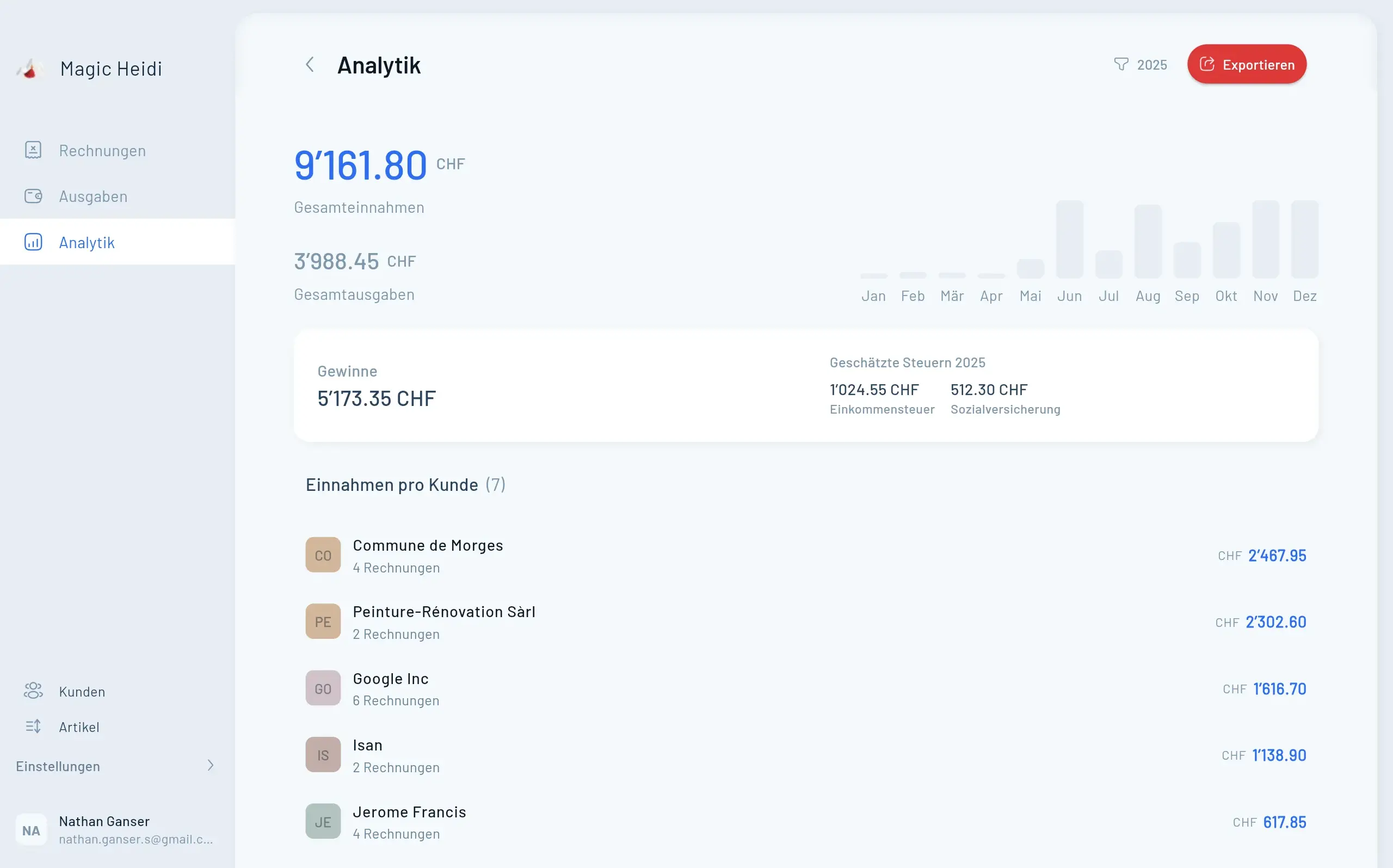
Manual bookkeeping doesn't scale with your ambitions. Magic Heidi offers QR-invoice generation, automatic bank imports, VAT calculation, and integrations with the tools you already use—all designed to give you hours back each week.