Zapier Integration

Automate Your Swiss Invoicing: Magic Heidi + Zapier

Stop copying data between apps. Create Swiss QR invoices, import expenses, and sync accounting data automatically—no coding required. Connect to 8,000+ business tools.

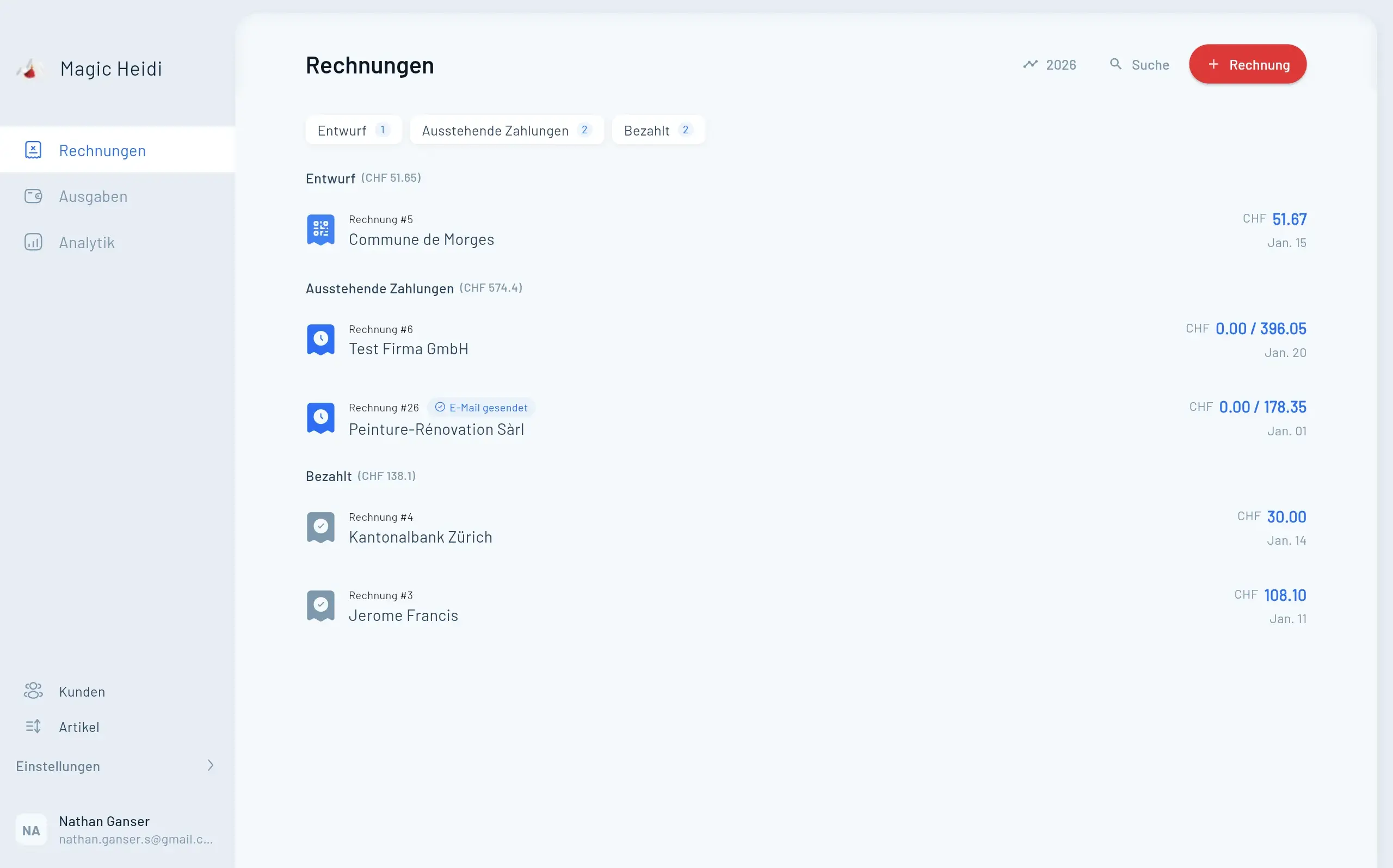
Magic Heidi Invoice Automation

What is Zapier?

Zapier is an automation platform that connects your business apps together. It works through simple "if this, then that" commands called Zaps.

Here's how it works: When something happens in one app (like a new customer in your CRM), Zapier automatically triggers an action in another app (like creating an invoice in Magic Heidi).

No technical skills needed. You set up automations with a visual interface—no code, no developers, no complicated setup.

With over 8,000 app integrations, Zapier helps businesses automate repetitive tasks that waste time and create errors. For Swiss freelancers and small businesses, this means less admin work and more time for billable projects.

Why Automate Your Invoicing?

Manual invoicing wastes hours every week. Copying data between apps creates errors. Chasing payments takes time you don't have. Magic Heidi's Zapier integration eliminates all of it.

⏱️

Save 10+ Hours Weekly

Eliminate manual data entry and repetitive invoicing tasks
🎯

Zero Errors

Data flows directly from source systems—no typos, no mistakes
🔄

8,000+ App Connections

Connect CRM, project tools, payment systems, and more
How It Works

Magic Heidi's Zapier Integration

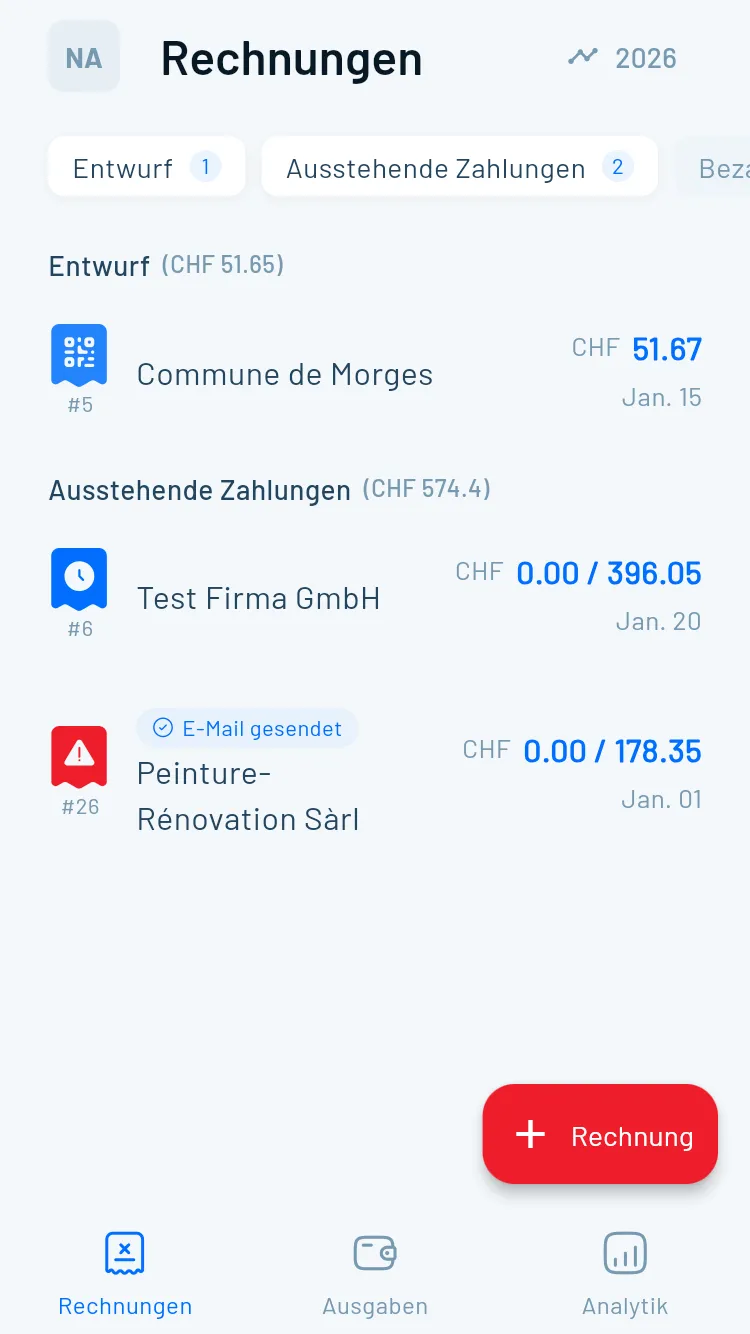
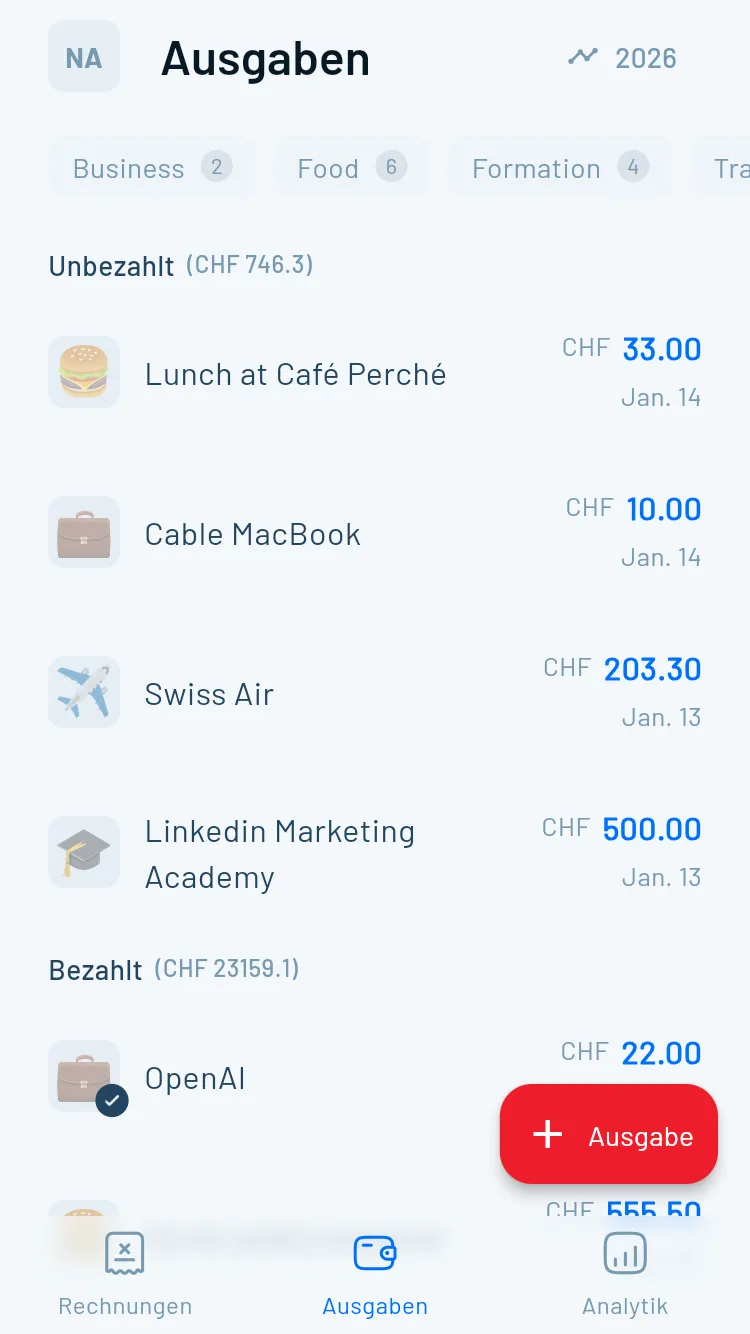
Magic Heidi connects to Zapier through a simple API key. Once connected, you can automate your entire invoicing and expense workflow. Every invoice includes compliant Swiss QR codes—mandatory since September 2022.

Magic Heidi Zapier Automation

Swiss QR Invoice
Compliance Built-In

Every invoice generated through Zapier includes a compliant Swiss QR code. Since September 2022, QR-bills are mandatory in Switzerland. Magic Heidi automatically generates QR codes with all required information—whether you create invoices manually or through automation.

📱 Scan & Pay
Swiss Banking Standards
🔒 Zero Manual Entry
Instant Processing
🏦
Creditor Details

Bank information automatically included

💰
Payment Amount

Currency and exact amount encoded

🔢
Reference Number

Unique tracking for every invoice

👤
Debtor Information

Customer details for easy scanning

Real Results

Before and After Automation

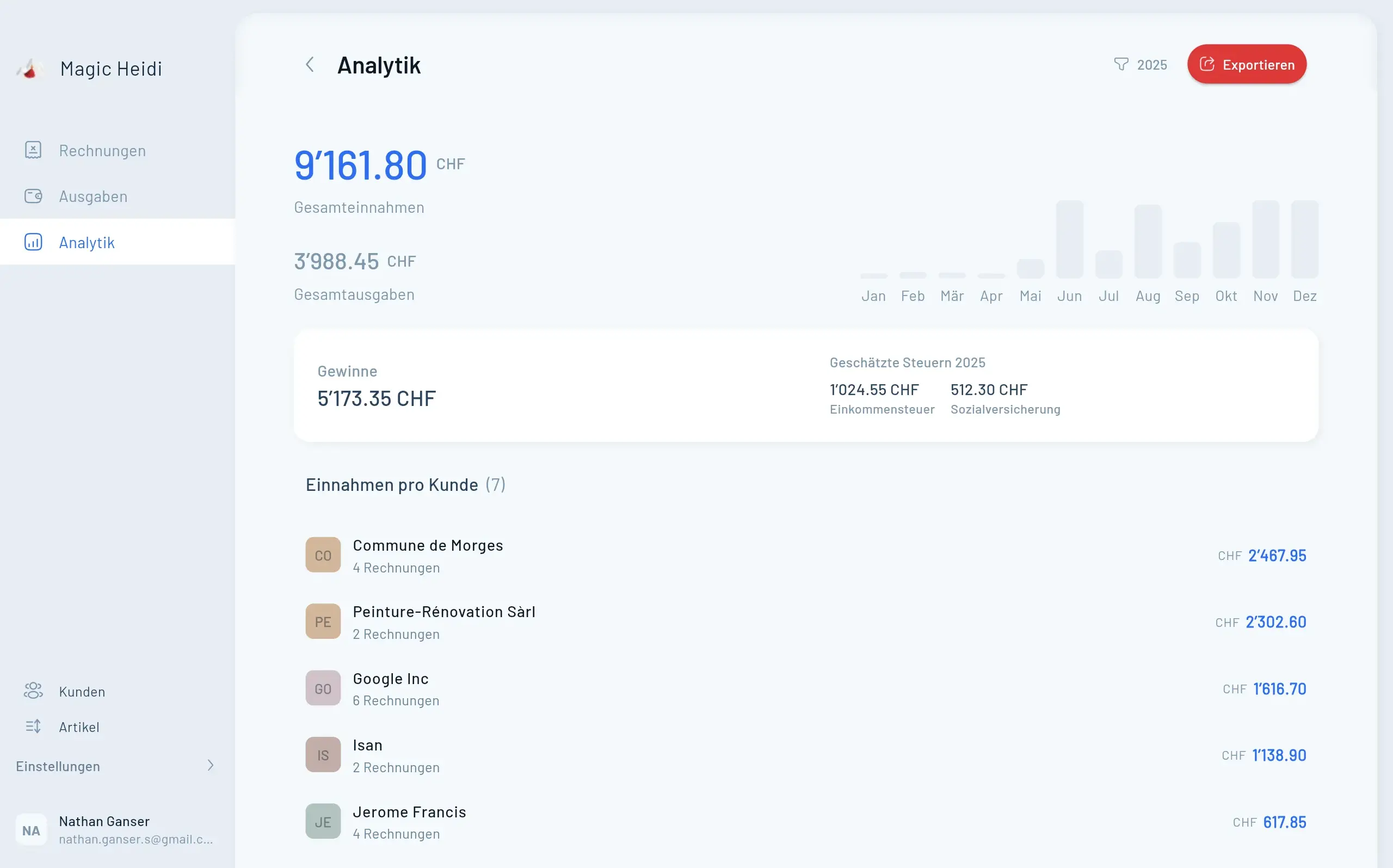
Manual invoicing takes 15-20 minutes per invoice. Automation reduces this to seconds. For a freelancer creating 20 invoices per month, that's 5-7 hours saved monthly—over 60 hours per year.

Magic Heidi Analytics Dashboard

Before Automation

Weekly invoicing routine:

  • Pull client details from email or CRM: 40 minutes
  • Type invoice data into Magic Heidi: 60 minutes
  • Double-check for errors: 30 minutes
  • Send invoices and log in spreadsheet: 20 minutes
  • Chase late payments manually: 45 minutes

Total time: 3+ hours per week on admin tasks

Error rate: 2-3 mistakes per month (wrong amounts, missing details)

After Automation

Weekly invoicing routine:

  • Review auto-generated invoices: 15 minutes
  • Approve and send with one click: 5 minutes
  • System sends automatic reminders: 0 minutes

Total time: 20 minutes per week on admin tasks

Error rate: Near zero (data comes directly from source systems)

Result: Save 2.5+ hours weekly. That's 130+ hours per year—over three full work weeks.

Benefits

Why Swiss Freelancers Love Automation

Automation doesn't just save time—it transforms how you run your business. Scale operations without hiring more staff. Improve accuracy and professionalism. Free up time for billable work.

  • ⏱️
    Save 10+ Hours Weekly

    Eliminate manual data entry and admin work

  • 🎯
    99% Fewer Errors

    Data flows directly from source systems

  • 💸
    Faster Payments

    Automated reminders improve cash flow

  • 📈
    Infinite Scalability

    Handle 100 invoices as easily as 10

Invoices
  • Invoice #3

    Magic Heidi

    CHF 500

    Jan 29

  • Invoice #2

    Webbiger LTD

    CHF 2000

    Jan 24

  • Invoice #1

    John Doe

    CHF 600

    Jan 20

Getting Started

Setup Guide: 5 Minutes to Automation

No technical skills required. Follow these simple steps to start automating your invoicing today.

Step 1

Get Your Magic Heidi API Key

Open Magic Heidi (web, mobile, or desktop) and navigate to Settings > Integrations. Click "Generate API Key for Zapier" and copy your unique key. Keep it secure—don't share publicly.

  • Two-click setup
  • Encrypted connection
  • Regenerate anytime
  • Works on all platforms
Magic Heidi API Key
Step 2

Connect Magic Heidi to Zapier

Sign up for Zapier (free plan available), click "Make a Zap", search for "Magic Heidi", and paste your API key. Test the connection and you're ready to build automations.

  • Free plan available
  • Visual interface
  • Instant connection test
  • No coding needed
Zapier Connection
Step 3

Choose Your First Workflow

Start simple. Pick one repetitive task like creating invoices from CRM contacts. Zapier walks you through selecting triggers, actions, and mapping data fields.

  • Pre-built templates
  • Visual workflow builder
  • Test before activating
  • Turn on/off anytime
Workflow Setup
Step 4

Test and Activate

Run a test to verify the automation works correctly. Check that Magic Heidi receives the right data and the invoice looks perfect. Once your test succeeds, activate the Zap—it now runs automatically, 24/7.

  • Manual test triggers
  • Detailed activity logs
  • Error notifications
  • Cloud-based automation
Test Automation

Pricing: What Does This Cost?

Magic Heidi includes Zapier integration on all plans—no extra fees. Zapier offers a free plan perfect for getting started.

Zapier Free

CHF0/month
Perfect for getting started
  • 100 tasks per month
  • Single-step Zaps
  • No credit card required
  • 8,000+ app connections
Sign Up Free

Zapier Professional

CHF20/month
Approx., billed annually
  • 750 tasks per month
  • Multi-step Zaps
  • Premium apps included
  • Priority support
Upgrade Zapier
🛡️What's a task? Every time your Zap runs counts as one task. Creating 20 invoices per month = 20 tasks. Most freelancers run comfortably on the free or Professional plans.

Who Benefits Most from This Integration?

Swiss Freelancers and Self-Employed Professionals

Consultants, designers, developers, coaches, photographers—anyone billing clients regularly. Automation handles invoicing while you focus on client work.

Small Business Owners

If you're running a Swiss business with 1-10 employees, automation scales your operations without hiring more admin staff.

Agencies and Service Providers

Managing multiple clients and projects? Connect your project management tools directly to Magic Heidi. When projects complete, invoices generate automatically.

Accountants and Bookkeepers

Serving multiple Swiss clients? Automation ensures consistent, compliant invoicing across all accounts. Reduce manual work and improve accuracy.

Anyone Using Multiple Business Tools

The more apps you use, the more valuable Zapier becomes. If your business data lives in Notion, Airtable, Google Sheets, Trello, or dozens of other tools, Zapier connects everything seamlessly.

FAQ

Frequently Asked Questions

Do I need coding skills to use Zapier with Magic Heidi?

No. Zapier's interface is entirely visual—drag, drop, and click to build automations. If you can use Gmail or Excel, you can use Zapier.

How secure is the API connection?

Your API key is encrypted in transit and at rest. Zapier is SOC 2 Type II certified and processes billions of tasks securely. Only share your API key with trusted services, and you can regenerate it anytime in Magic Heidi settings.

Will invoices created through Zapier be Swiss QR compliant?

Yes, 100%. Magic Heidi generates compliant Swiss QR invoices whether you create them manually or through automation. The QR codes include all mandatory information and work with all Swiss banking apps.

Can I connect Magic Heidi to apps not in Zapier's directory?

If an app has a Zapier integration, you can connect it to Magic Heidi. With 8,000+ apps available, most popular business tools are covered. For apps without Zapier integration, you can use webhooks or email triggers as alternatives.

What happens if I exceed my monthly task limit in Zapier?

On paid plans, your Zaps keep running. Zapier bills you for extra tasks at a per-task rate. On the free plan, Zaps pause until the next billing cycle. You'll receive notifications before hitting your limit.

How long do automations take to run?

Most Zaps trigger within 1-15 minutes. Instant triggers (like webhooks) run in seconds. For invoicing, this means invoices appear in Magic Heidi almost immediately after the trigger event.

Can I see what my Zaps are doing?

Yes. Zapier provides a detailed log of every automation run. You can see exactly what data transferred, when it ran, and if any errors occurred. This makes troubleshooting simple.

Will this work on mobile?

The automations run in the cloud, so they work regardless of your device. Set them up on desktop for the easiest experience, then enjoy automated workflows on your iPhone, Android, Mac, Windows, or web.

Ready to Eliminate Manual Invoicing?

Stop copying data between apps. Stop chasing payment reminders. Stop spending hours on admin work that could be automated. Magic Heidi's Zapier integration gives you back 10+ hours every week—time you can spend growing your business, serving clients, or simply working less.