File Swiss VAT Online: How Your 2026 Return Works

Filing your Swiss VAT return online has been mandatory since 2025. Step-by-step guide to the FTA ePortal: login, fields, deadlines. Done in 15 minutes.

Nathan Ganser avatar
Nathan Ganser

Founder of Magic Heidi

Since 1 January 2025, you have to file your Swiss VAT return (MWST) online — through the ePortal of the Federal Tax Administration (FTA). Paper forms are gone. The deadline hasn't changed: 60 days after the end of the reporting period.

If you're sitting in front of the ePortal for the first time, it might feel like a bureaucratic obstacle course. The good news: filing online is easier than its reputation suggests. If you have your numbers ready, you'll submit your VAT return in 15 minutes.

In this guide, I'll walk you through how to file Swiss VAT online, step by step: from the AGOV login to filling in the key fields, all the way to deadline extensions and payment. I've been doing my own VAT returns for years — first on paper, now online. So you're not getting textbook theory here, but the process as it actually plays out in practice.

Key Takeaways

  • Since 1 January 2025, filing VAT electronically through the FTA ePortal is mandatory. Paper forms have been abolished.
  • The deadline is 60 days after the end of the quarter or half-year. You can request an extension in the ePortal for free, in just a few clicks.
  • With the effective method you file quarterly, with the net tax rate method only twice a year. Since 2025, there's also an annual filing option for SMEs with up to CHF 5'005'000 in turnover.
  • At its core, the return only needs three numbers: your turnover, the VAT you owe per rate, and your input tax.
  • Accounting software with a VAT feature calculates these numbers automatically. You just copy them into the ePortal.

Who has to file VAT online — and how often?

You become liable for VAT as soon as your worldwide turnover reaches CHF 100'000 per year. Below that, you're exempt, though you can register voluntarily. I've written up what that means for you as a self-employed person in detail in my guide to Swiss VAT for freelancers.

Once you're registered, your filing rhythm depends on your method: quarterly with the effective method, twice a year with the net tax rate method, or — since 2025, on request — just once a year. You'll find the details of all three options in the overview further down.

For most freelancers, the net tax rate method is the most convenient option: fewer returns, no input tax receipts to collect. The effective method mainly pays off when you have high expenses with lots of input tax — think expensive equipment or material purchases.

Picture Lara, a fictional graphic designer from Bern. She crossed the turnover threshold last year and opted for the net tax rate method. Her rate as a designer: 5.9 percent. Instead of wading through receipts every quarter, she logs into the ePortal twice a year, enters her turnover, and the portal calculates what she owes. Time per return: fifteen minutes.

Setting up the ePortal: Your access in 4 steps

Before you can file your VAT online, you need to set up ePortal access — a one-time job. Best not to leave it until deadline day, because verification can take a few days.

  1. Create an AGOV login. AGOV is Switzerland's official government login. You register with your email and the AGOV access app on your smartphone (or a security key as an alternative).
  2. Verify your identity. Depending on the procedure, you confirm your identity online with an ID document or via a letter with a code.
  3. Sign in to the ePortal and link your business. On eportal.admin.ch you enter your UID (the business identification number, e.g. CHE-123.456.789).
  4. Activate VAT permissions. As the owner, you request the role directly. Confirmation arrives either instantly or by post, depending on the case.

After that, you'll see the "File VAT return" section in the ePortal with all open and past reporting periods. The old paper VAT forms have been completely replaced by these digital forms. Content-wise, though, they're structured almost identically — including the familiar numbered fields.

Tip from experience: Set up your access as soon as you receive your VAT number. If you leave it until just before the deadline and end up waiting for the confirmation letter, you're putting yourself under pressure for no reason.

Filling in your VAT return online: The key fields explained

Now for the core part: filling in the return. The online form in the ePortal follows the same logic as the old paper form. You don't need to know every field — as a freelancer, a handful is usually all it takes.

Here's how to file your Swiss VAT return online, in short:

  1. Log into the ePortal and open the pending reporting period
  2. Enter your turnover in field 200, deductions in fields 220 to 280
  3. Split your turnover by tax rate (fields 302, 312, 342)
  4. Deduct input tax in fields 400 and 405 (effective method only)
  5. Check the amount, submit, and pay within the deadline

And now the whole thing in detail:

Step 1: Declare your turnover (field 200)

In field 200, you enter the total of your agreed or collected consideration — your turnover for the period, including both VAT-liable and VAT-exempt services. Deductions like services delivered abroad (exports are exempt from VAT) go in fields 220 to 280.

Step 2: Calculate the tax (fields 302, 312, 342)

Here you split your taxable turnover across the tax rates:

  • Field 302: Standard rate, 8.1 percent (applies to most services)
  • Field 312: Reduced rate, 2.6 percent (e.g. food, books)
  • Field 342: Special accommodation rate, 3.8 percent

As a service provider, your turnover almost always lands entirely in field 302. The ePortal calculates the tax you owe automatically.

Step 3: Deduct input tax (fields 400 and 405)

Only relevant for the effective method: here you deduct the VAT you've paid yourself on business expenses.

  • Field 400: Input tax on materials and services
  • Field 405: Input tax on investments and other operating costs (e.g. laptop, office furniture)

Step 4: Check and submit

The portal shows you the amount due in field 500 (or your credit in field 510). Check the numbers, submit your VAT return online, done. You get a payment option with a QR-bill right in the portal.

Let's take Marco as an example — a fictional IT consultant from Zug using the effective method. His quarter: CHF 30'000 in turnover, all at the standard rate. VAT owed: CHF 2'430. In the same quarter, he bought a laptop for CHF 2'000 and paid for software subscriptions — CHF 180 in input tax altogether. He enters 30'000 in fields 200 and 302, CHF 180 in the input tax fields, and ends up owing CHF 2'250. The whole return takes him less than 20 minutes, because his accounting software shows him all three numbers ready to go.

And this, by the way, is exactly where it's decided whether your VAT return is painful or relaxed: not in the ePortal, but in your bookkeeping throughout the year. Accounting software for the self-employed with Swiss VAT logic keeps these totals running, so at the end of the quarter all you do is type them in.

Filing VAT with the net tax rate method: The short version

With the net tax rate method, filing online gets even simpler. You essentially fill in two things:

  1. Field 200: your total turnover including VAT
  2. Field 322/332: your turnover multiplied by your approved net tax rate

Input tax? Skipped entirely. The flat rate already covers it. You're still allowed to show the normal tax rates on your invoices, though — so 8.1 percent for most services. The difference between the VAT you collect and the flat rate stays with you as a small buffer.

Good to know:

  • You have to apply to the FTA for the net tax rate method — it doesn't apply automatically.
  • The method is available up to CHF 5'024'000 in turnover and CHF 108'000 in tax owed per year.
  • You can switch to the effective method, but you're then locked in again for a minimum period.

Whether the net tax rate method works out in your favour depends on your input tax. Rule of thumb for freelancers: low expenses means net tax rate method, high investments means effective method. Run the numbers both ways before you commit.

Want to see what your VAT numbers look like when they're calculated automatically? Magic Heidi supports both methods and calculates VAT on every invoice automatically. Try it for free, no credit card →

Deadlines, extensions and payment: What you need to stick to

Your VAT return must be filed and paid within 60 days after the end of the reporting period. With the effective method, that means concretely:

Reporting periodFile and pay by
Q1 (January to March)31 May
Q2 (April to June)31 August
Q3 (July to September)30 November
Q4 (October to December)28/29 February

With the net tax rate method, the deadlines are end of August (first half-year) and end of February (second half-year) accordingly.

Three things you should know about the deadlines:

  • Extensions are free and uncomplicated. Right in the ePortal, you can request an extension in a few clicks, no justification needed. But it only postpones the filing, not the interest clock.
  • Late payment means default interest. The FTA publishes the current rate. For small amounts it isn't charged, but you shouldn't count on that.
  • Once a year there's the annual turnover reconciliation. If you spot differences between your year-end accounts and the returns you filed, you correct them with a corrective return — at the latest 240 days after your financial year closes.

And if you don't file at all? Then the FTA estimates your tax liability at its own discretion — usually not in your favour. So it's doubly worth investing the 15 minutes and filing your VAT online on time.

Common mistakes when filing VAT online (and how to avoid them)

From conversations with other freelancers and my own experience: these five pitfalls come up again and again.

  1. Setting up access too late. AGOV registration and UID linking need lead time. Sort this out weeks before your first deadline, not hours.
  2. Mixing up turnover and taxable turnover. Field 200 takes your total turnover; deductions like services abroad go separately into fields 220 to 280. If you simply leave out exports, you're inviting follow-up questions.
  3. Claiming input tax without receipts. You can only deduct input tax you can back up with invoices or receipts. So capture your receipts digitally as you go instead of stuffing them in a shoebox.
  4. Wrong tax rate on your own invoices. Since 2024, the standard rate is 8.1 percent. If you're still invoicing at 7.7 percent, you owe the tax you showed anyway — plus the cleanup work. Invoicing software with Swiss VAT rates takes this source of errors off your plate.
  5. Adding up numbers by hand. Excel sums across four months of invoices and expenses are the most common source of differences at the annual turnover reconciliation.

An example for that last point: picture Sandra, a fictional photographer from Lucerne. She did her first VAT return with Excel: three evenings typing up invoices, hunting down receipts, double-checking sums. She'd entered one CHF 1'800 invoice twice and only noticed at the turnover reconciliation the following year. Since she started keeping her invoices and receipts in an app, she just reads off the VAT totals. Filing in the ePortal is now the fastest part of her quarter-end.

Bottom line: 15 minutes instead of bureaucratic stress

Filing Swiss VAT online in 2026 is no dark art: set up access via AGOV, link your business in the ePortal, fill in a handful of fields per period, file and pay within 60 days. With the net tax rate method you do this twice a year, with the effective method four times — and since 2025, on request, even just once a year.

The real effort isn't in the ePortal, it's in the preparation. If you keep your invoices and receipts clean all year, you just read off the three numbers you need at the end.

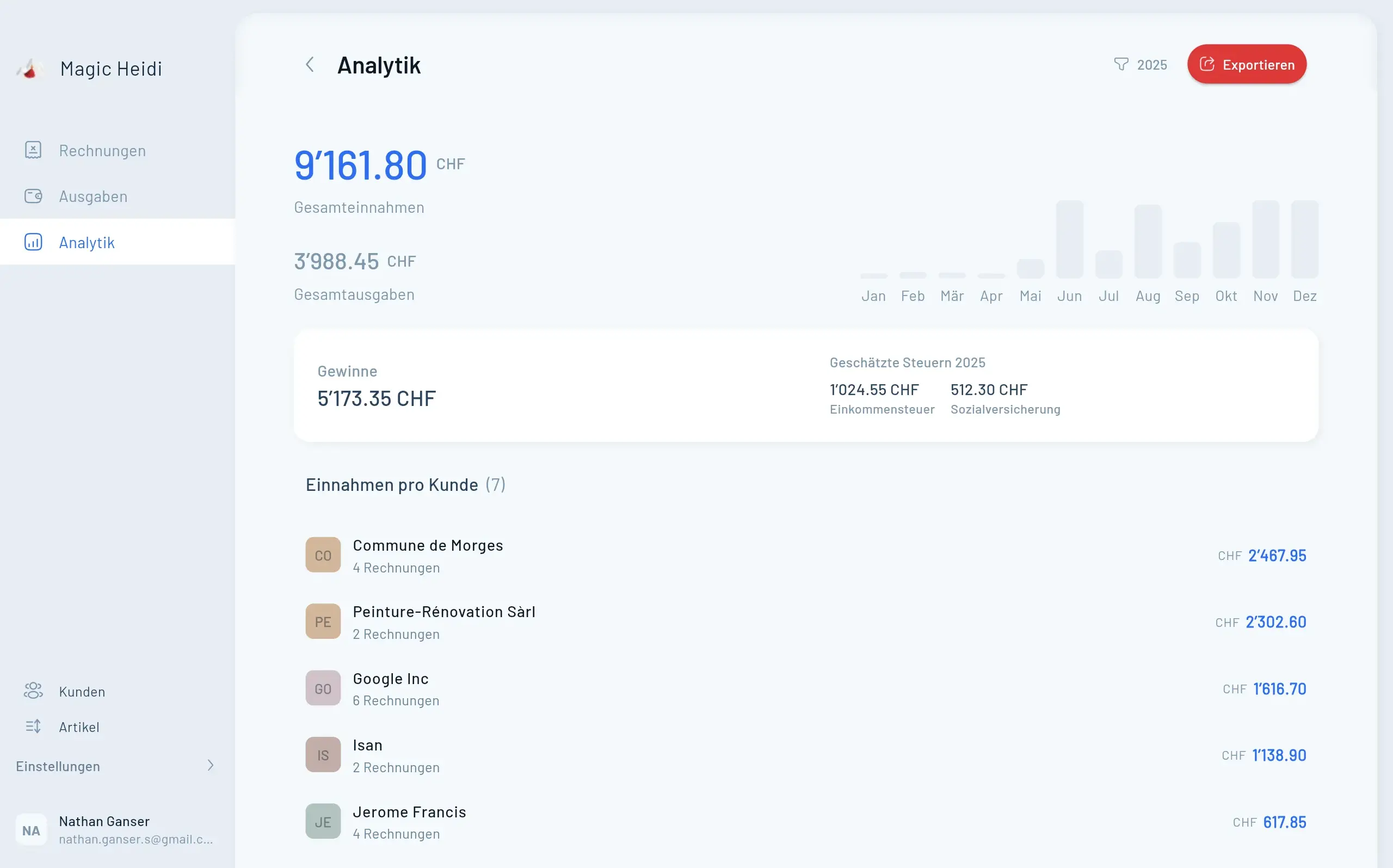
That's exactly what we built Magic Heidi for: Swiss invoices with automatically correct VAT, receipts captured by photo, and your VAT totals per period at a glance — for both filing methods. All you do is copy the numbers into the ePortal.

Start for free with Magic Heidi → No credit card needed, and your next VAT return will be the easiest one yet.

Magic Heidi

Your VAT numbers ready-made for the ePortal

Invoices, receipts and VAT in one Swiss app. More on VAT management →

VAT calculated automatically

Every invoice with the correct Swiss tax rate, including a SIX-compliant QR-bill.

Both filing methods

Effective method or net tax rate method: Magic Heidi keeps the right totals for you.

Period totals at a glance

Turnover, tax and input tax per quarter or half-year — you just copy them into the ePortal.

FAQ

Common questions about filing Swiss VAT online

Can I still file my VAT return on paper?

No. Since 1 January 2025, filing electronically through the FTA ePortal is mandatory. The transition period has ended, and the old paper VAT forms are no longer sent out.

What do I need to file VAT online?

Three things: an AGOV login, your business (UID) linked in the ePortal, and your numbers for the reporting period — turnover, tax per rate, and input tax if applicable.

How long does filing a VAT return online take?

If your bookkeeping is up to date, about 15 to 20 minutes. The ePortal isn't what eats your time — gathering the numbers is. With accounting software that keeps your VAT totals automatically, even that shrinks to a few minutes.

What happens if I miss the deadline?

File as soon as you can. Default interest accrues on the amount owed from the due date, and if you don't file at all, the FTA estimates your tax at its own discretion. An extension requested before the 60 days run out, on the other hand, is free and hassle-free.

Do I have to file anything as a freelancer below CHF 100'000 in turnover?

No. Below the turnover threshold you're exempt from VAT and don't file a return. But keep an eye on your turnover: if you cross the threshold, you have to actively register with the FTA.

Where do I find the VAT forms?

The old paper VAT forms no longer exist. Today you fill in the return directly in the FTA ePortal, with the same numbered fields as before. You no longer need templates to print out or mail in.

Get started

Your next VAT return in 15 minutes

Invoices, receipts and VAT totals — automatic all year round. Start for free, no credit card.