Free Guide

Excel Accounting Template: The Complete DIY Guide

You didn't become a freelancer to spend hours wrestling with accounting software. Learn how to set up a bookkeeping spreadsheet from scratch—no accounting degree required.

Freelancer managing paperwork and accounting

Take Control of Your Finances.
No Software Required.

A well-designed Excel accounting template can handle everything a freelancer needs—at zero cost. By the end of this guide, you'll have a working system that keeps you organized, tax-ready, and in control of your money.

💰

Zero Cost

No monthly fees or subscriptions
🎯

Full Control

Customize everything to your needs
📊

Tax-Ready

Stay organized for tax season
The Basics

What Is an Excel Accounting Template?

An Excel accounting template is a pre-structured spreadsheet designed to record and manage your business finances. Think of it as a digital version of the old-fashioned ledger book—but with automatic calculations.

Single-Entry vs. Double-Entry Bookkeeping

Before we dive in, you need to understand two approaches:

Single-entry bookkeeping records each transaction once. Income goes in one column, expenses in another. Simple, straightforward, perfect for freelancers.

Double-entry bookkeeping records every transaction twice—as a debit and a credit. It's the standard for larger businesses but overkill for most freelancers.

Here's the honest truth: if you need double-entry bookkeeping, you probably need accounting software, not Excel. This guide focuses on single-entry bookkeeping—what 90% of freelancers actually need.

Essential Components

Every Template Needs Three Core Elements

Think of these as the foundation of your financial house. A Chart of Accounts for categories, a Transactions Sheet for daily records, and an Income Statement for profit/loss summary.

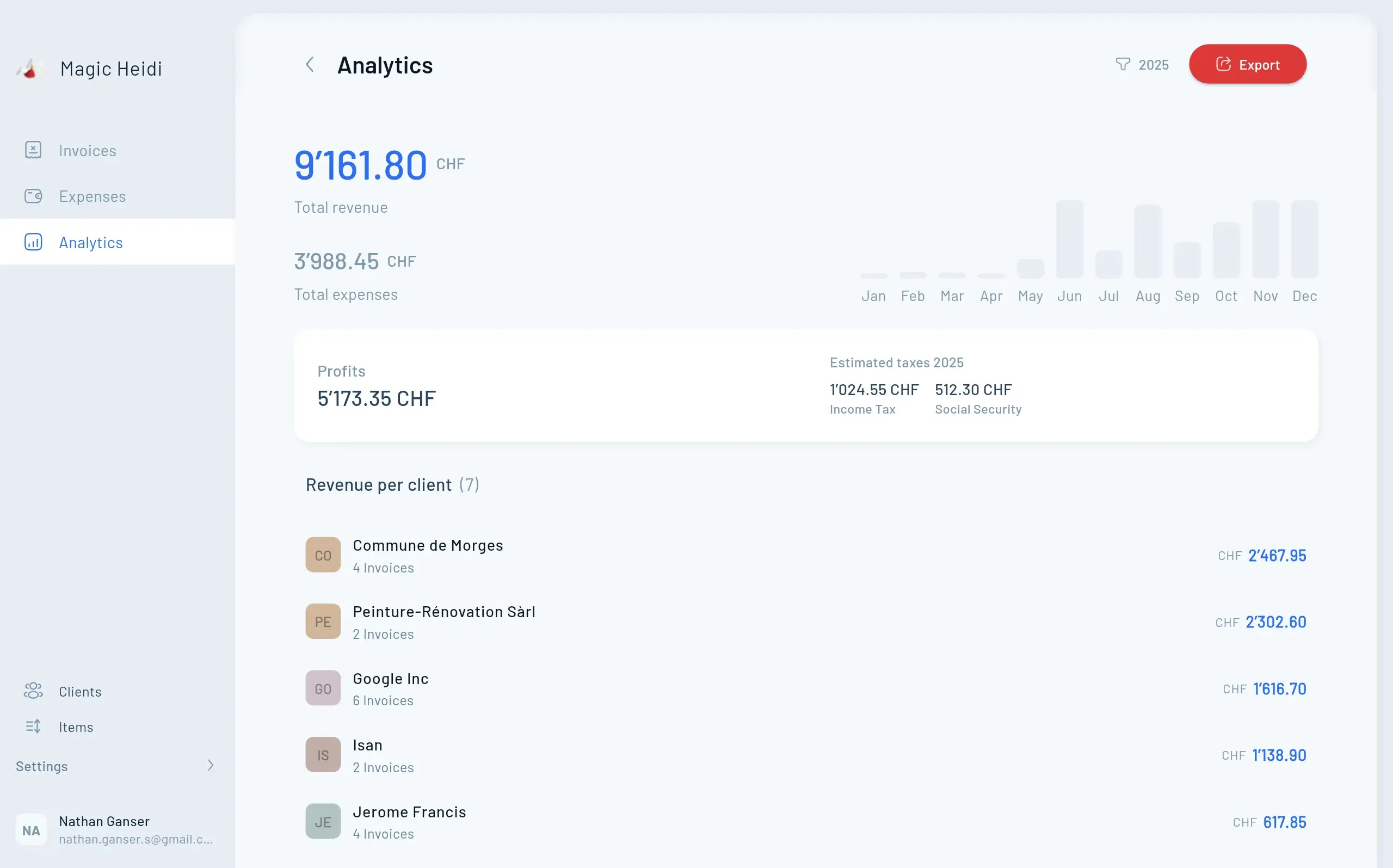
Magic Heidi Analytics Dashboard showing financial overview
Step-by-Step Guide

Setting Up Your Excel Accounting Template

Follow these five steps to create a working bookkeeping spreadsheet.

Step 1

Create Your Chart of Accounts

Set up a list of categories following the Swiss Kontenrahmen KMU. Use 1000-series for assets, 2000-series for liabilities, and 3000+ for income and expenses.

  • Account codes make sorting easier (1001: Client Services, 2001: Software)
  • Create dropdown lists to prevent typos
  • Start with 10-15 categories
  • Expand as needed later
Chart of Accounts setup
Step 2

Set Up the Transactions Sheet

This is where you'll spend most of your time. Create columns for Date, Description, Category, Income, Expense, and Running Balance.

  • Format Date column as dates
  • Format money columns as currency
  • Use data validation for category dropdowns
  • Keep it clean and consistent
Transactions sheet layout
Step 3

Add Formulas for Automatic Calculations

Create formulas that automatically update your running balance and totals.

  • Running Balance: =F1+D2-E2
  • Total Income: =SUM(D:D)
  • Total Expenses: =SUM(E:E)
  • Net Profit: =SUM(D:D)-SUM(E:E)
Excel formulas in action
Step 4

Create a Simple Income Statement

Use SUMIF formulas to pull totals by category and calculate your net profit automatically.

  • List all income categories with formulas
  • List all expense categories with formulas
  • Calculate total income and expenses
  • Show net profit at the bottom
Income statement overview
Step 5

Test and Validate Your Template

Before trusting your template with real data, test it thoroughly with sample transactions.

  • Enter 5-10 sample transactions
  • Verify running balance calculates correctly
  • Check category totals on Income Statement
  • Delete test data and start fresh
Testing and validation

Swiss-Specific
Considerations

Switzerland has over 326,000 active sole proprietorships, and roughly 25% of workers are freelancers. Here's what you need to know for Swiss compliance.

🇨🇭 Swiss Compliant
📊 Tax-Ready
🔒 10-Year Records
💼 Freelancer-Friendly
📋
Simplified Accounting

Under CHF 500k turnover? Simple bookkeeping is sufficient

💰
VAT Threshold

Mandatory registration above CHF 100,000 annual turnover

📁
Record Retention

Keep business documents for at least 10 years

Deductible Expenses

Track equipment, home office, training, travel costs

Honest Assessment

Pros and Cons of Excel Accounting

Let's be honest about what Excel can and can't do for your freelance business.

AspectAdvantagesLimitations
Cost Zero cost, no subscriptionsManual data entry required
Flexibility Complete customizationNo automatic bank imports
Learning Teaches how accounting worksError-prone without checks
Data Control Full control, your computerNo collaboration features
Scalability Perfect for 10-50 transactions/monthSlows down with large data
FAQ

Frequently Asked Questions

Can I really do my accounting in Excel?

Yes, absolutely. Excel accounting uses spreadsheets to record and manage financial transactions. For freelancers and small businesses with straightforward finances, it's a legitimate bookkeeping method used by thousands of professionals.

What's the minimum an accounting spreadsheet needs?

At minimum, include three sheets: a chart of accounts (your categories), a transactions sheet (your daily records), and an income statement (your profit/loss summary). Everything else is optional enhancement.

How often should I update my accounting spreadsheet?

Weekly is ideal. Set a recurring 15-minute appointment—Friday afternoon works well. This keeps data fresh and prevents the overwhelming backlog that happens with monthly or quarterly updates.

Is single-entry bookkeeping legally acceptable?

For most freelancers and sole proprietors, yes. In Switzerland, simplified accounting (single-entry) is explicitly allowed for businesses under CHF 500,000 annual turnover. Check requirements in your specific jurisdiction.

What's the biggest mistake people make with Excel accounting?

Inconsistency. Starting strong in January, then abandoning the system by March. The second biggest mistake: overcomplicating the template with features you'll never use. Start simple, stay consistent.

How do I handle multiple currencies in Excel?

Create additional columns for original currency and exchange rate. Use a formula to convert to your base currency. Update exchange rates monthly for approximate accuracy, or use the actual rate on each transaction date for precision.

Should I keep receipts if I have everything in Excel?

Yes. Your spreadsheet is a summary record, not source documentation. Keep digital copies of all receipts and invoices—Swiss law requires 10-year retention. Use a simple folder system: one folder per year, subfolders by month.

When does Excel stop being enough?

Most freelancers outgrow Excel when they hit 100+ monthly transactions, need VAT compliance, or want automatic bank imports. If bookkeeping feels like a burden rather than a quick task, it's time to explore software options.

Take Control of Your Finances Today

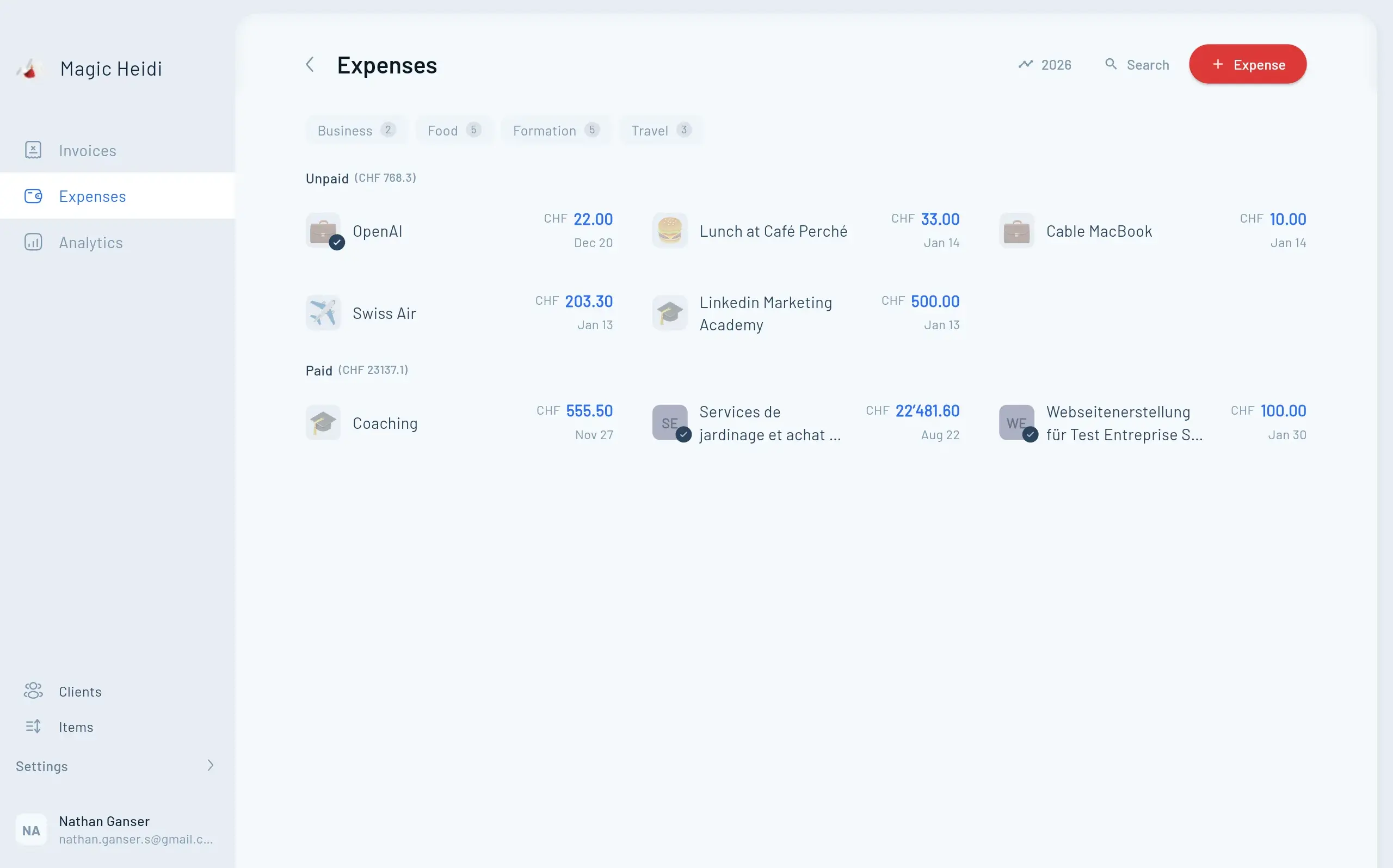
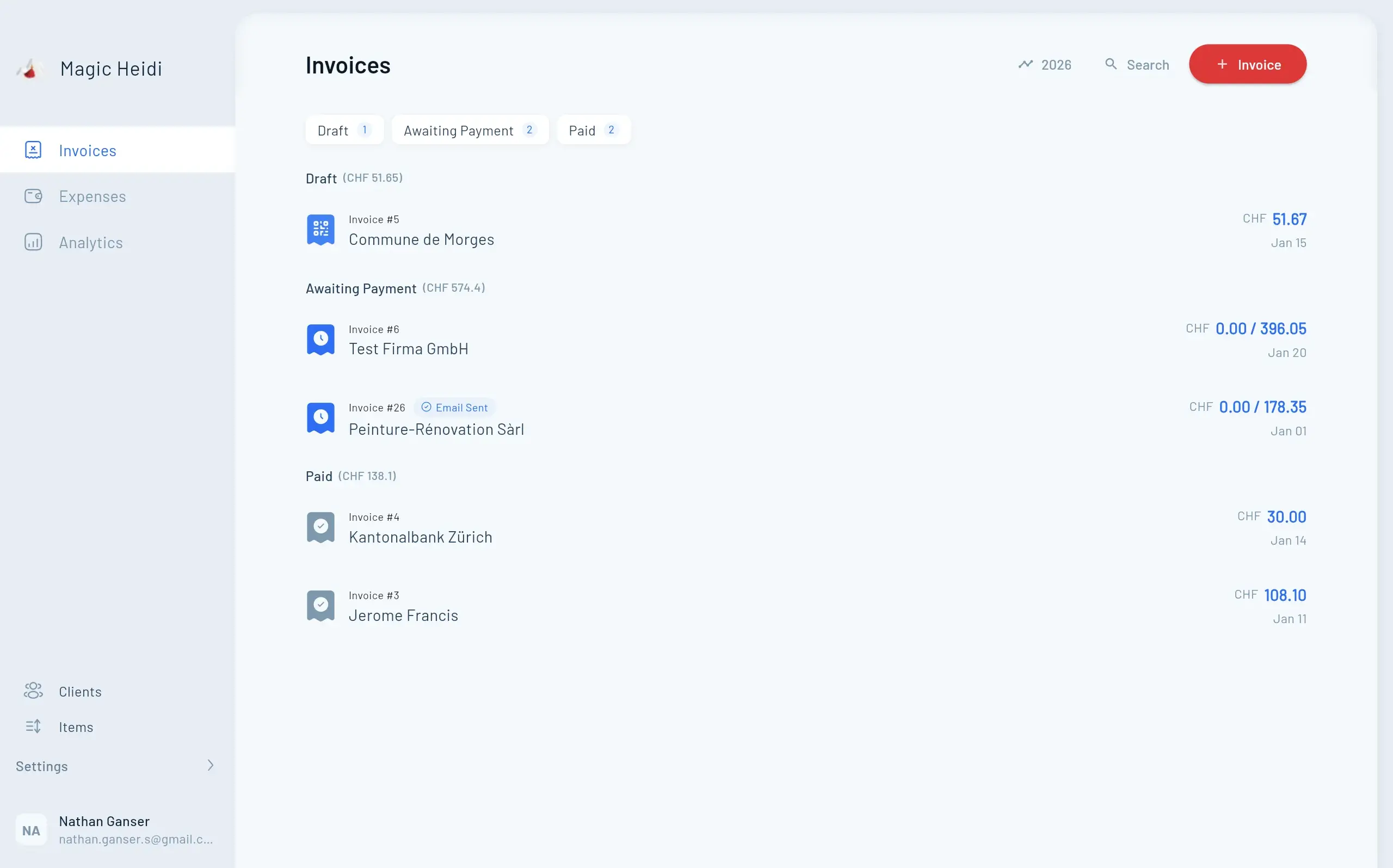
Start simple. Stay consistent. Watch your business finances become clear. When you're ready to upgrade from Excel, Magic Heidi is here to help Swiss freelancers with professional invoicing, expense tracking, and tax-ready reporting.