Swiss Accounting Software 2026: Compare Tools, Prices & QR Invoice Compliance
A practical guide for Swiss freelancers and micro‑SMEs: pricing, QR invoice readiness (structured addresses), VAT (MwSt/TVA), bank reconciliation (ISO 20022/CAMT), and how to pick the right tool.

Swiss Accounting Software 2026: Top Picks, Pricing & QR Invoice Readiness (Switzerland)
Choosing accounting software in Switzerland in 2026 isn’t just about a clean dashboard or a low monthly price. Buyers are comparing tools on Swiss compliance (QR invoices), VAT handling (MwSt/TVA), bank reconciliation (ISO 20022 imports), collaboration with a fiduciary, and—more than ever—how much time automation can realistically save.
This guide is written for Swiss freelancers, self‑employed people, and micro‑SMEs (1–10 employees) who want an up-to-date view of the market in 2026. It includes a quick comparison table, a selection checklist, compliance notes (including QR invoice changes that affect 2026), and FAQs that match what people actually worry about before switching from Excel or an older desktop program.
Accounting software Switzerland: quick comparison
Prices are indicative “starting from” signals. Always confirm current plans, included users, and add-ons before committing.
| Software | Best for | Typical starting price (CHF) | Key strengths | Key limitation to watch |
|---|---|---|---|---|
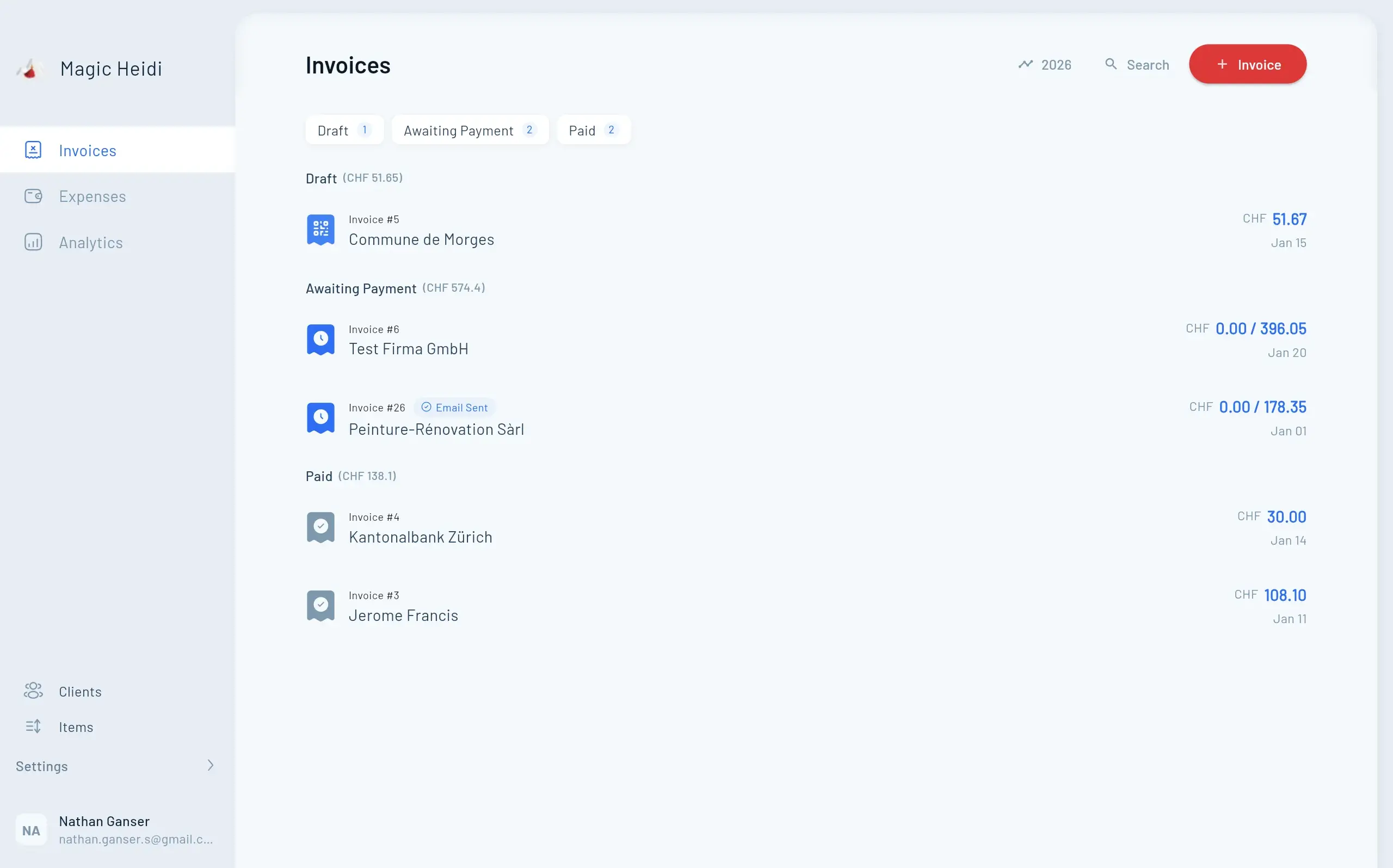
| Magic Heidi | Freelancers & self‑employed who want speed + Swiss readiness | Free/basic; ~CHF 24.60–30/mo (Pro) | QR invoicing, VAT support, automation/AI-assisted workflows, simple setup | Advanced ERP-style modules (inventory/payroll) may require separate tools |
| Infinity | Automation-first bookkeeping for busy solo operators | ~CHF 24/mo | AI-heavy categorization, time-saving workflows | Check Swiss-specific VAT/QR invoice depth by plan |
| bexio | Growing SMEs needing an ecosystem | ~CHF 35+/mo | Strong SME suite, add-ons, multi-user | Costs can rise quickly with modules/users |
| CashCtrl | Budget-conscious users who still want structured accounting | Free/basic; ~CHF 340/yr (Pro) | Solid accounting foundation, cost control | UI/automation may feel lighter vs modern “AI-first” apps |
| Banana Accounting | Desktop-first bookkeeping, simple setups | Free/basic; ~CHF 69/yr (tier dependent) | Lightweight, offline-friendly, familiar accounting approach | Cloud collaboration + automation typically less advanced |
If you want a fast recommendation:
- Most Swiss freelancers (service business, limited complexity): Magic Heidi or Infinity
- If you expect to add employees, projects, or broader operations: bexio
- If you prefer low-cost structure and don’t need heavy automation: CashCtrl or Banana
Why “QR invoice readiness” matters in 2026.
And what changed.
In Switzerland, invoicing compliance becomes urgent only when something breaks: a customer’s bank rejects the QR bill, your VAT report isn’t consistent, or your fiduciary can’t reconcile your numbers cleanly.
QR-bill rules evolve
“We already generate QR invoices” isn’t enough—ask which version and whether structured addresses are supported.Bank acceptance risk
A PDF can look correct but still fail processing if data formats are outdated.Fiduciary handoff
Clean exports, audit trail, and consistent VAT coding reduce year-end costs.What changed for Swiss accounting software in 2026 (why “QR invoice readiness” matters)
For 2026, the most common compliance-driven buying trigger is Swiss QR-bill (QR invoice) guideline updates, specifically the move toward structured addresses and related formatting rules. Industry explainers reference a transition period that runs until September 30, 2026, after which non-compliant elements may be rejected by banks. That means “we already generate QR invoices” isn’t enough—you want to know which version and whether the tool supports the newer requirements.
Practical implication: When you evaluate bookkeeping software or invoicing software in 2026, ask:
- Does it support QR invoices with structured addresses (not only unstructured free-text)?
- Can you update customer master data to the required structure easily?
- Are templates and exports kept current without manual patching?
How to choose accounting software in Switzerland
(2026 checklist)
Use this checklist to avoid paying for features you don’t need—and to avoid choosing a “simple” tool that breaks when you need VAT reports or fiduciary collaboration.
Business type
Freelancer vs GmbH/AG vs micro‑SME changes what you need (roles, audit trail, multi-user).
- { "Freelancer/self‑employed": "fast invoicing + expenses + VAT (if registered) + year-end export" }
- { "GmbH/AG": "permissions, audit trail, stronger reporting" }
- { "Micro‑SME (1–10)": "collaboration and process consistency" }
- Keep complexity proportional to operations
Bookkeeping method
Match the tool to what your fiduciary requires: income/expense vs double-entry.
- Ask your fiduciary what they recommend/require
- Ensure reports align with your filing needs
- Avoid “half-supported” double-entry implementations
- Confirm year-end export workflow
VAT (MwSt/TVA)
If you’re VAT-registered, the VAT logic is non-negotiable.
- VAT codes and correct tax logic per transaction
- VAT reporting periods
- Exports your fiduciary trusts
- Supports your VAT method (effective vs flat-rate, if applicable)
QR invoice compliance (2026 readiness)
Minimum expectations for Swiss invoicing in 2026.
- Generates compliant QR bills
- Supports structured address data fields
- Stays current with guideline updates (no hacks)
- Easy customer master-data cleanup
Bank reconciliation (feed vs import)
If reconciliation is slow, you lose the time you “saved” elsewhere.
- Bank feeds (if supported)
- ISO 20022 import (e.g., CAMT statements)
- Matching rules and accuracy
- Transparent audit trail for corrections
Fiduciary collaboration
Lower year-end costs come from clean access and clean outputs.
- CSV/PDF exports with audit trail
- Role-based access for fiduciary
- Consistent chart of accounts + VAT coding
- Clear handover process
Detailed comparison: best options for Switzerland in 2026
Below are the most common categories Swiss buyers compare: freelancer-first apps, automation-first tools, SME suites, and low-cost desktop solutions.
- ⚡Freelancer-first
Minimal setup, fast invoicing, practical bookkeeping
- 🤖Automation-first
AI-assisted categorization and time-saving workflows
- 🧩SME suite
Multi-user + broader operations and add-ons
- 💰Low-cost structured accounting
Lean setups with dependable accounting basics
- Invoice #3
Magic Heidi
CHF 500
Jan 29
- Invoice #2
Webbiger LTD
CHF 2000
Jan 24
- Invoice #1
John Doe
CHF 600
Jan 20
Magic Heidi (best for Swiss freelancers who want speed + compliance)
Best for: self‑employed people and small service businesses who want invoicing + bookkeeping basics without heavy setup.
Why it’s popular in 2026:
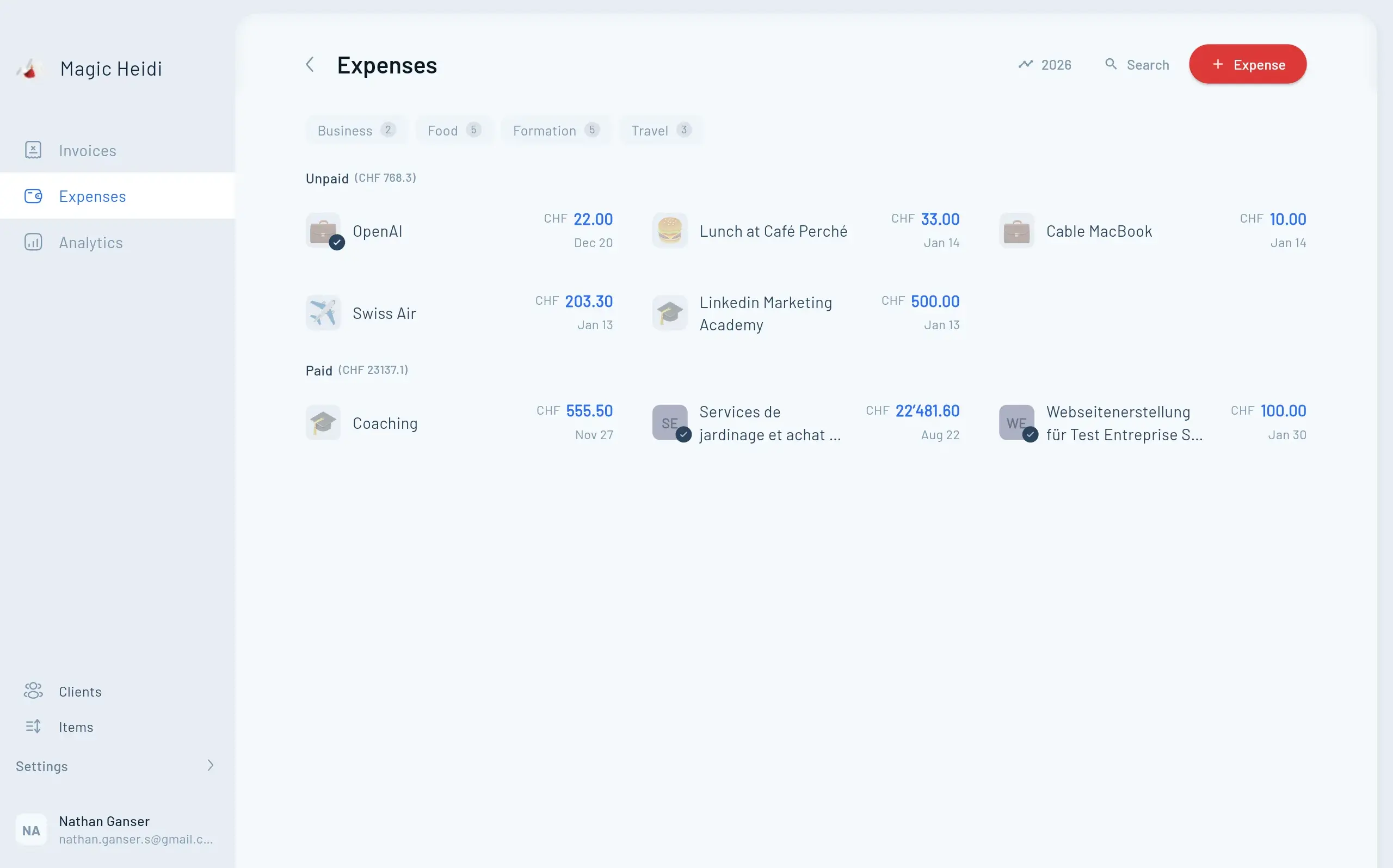
- Designed around freelancer workflows: create invoices quickly, track expenses, and stay ready for tax season.
- Swiss-specific expectations (QR invoicing, VAT logic) are a core part of the value proposition.
- Often positioned with a free/basic option and a paid tier around ~CHF 24.60–30/month for Pro-level functionality.
What to verify during your trial:
- QR invoice generation supports the newer structured address requirements
- VAT reporting flow matches your filing cadence
- Export format your fiduciary prefers (and whether they can get access directly)
Watch-outs:
- If you need full SME operations (inventory, payroll, advanced project accounting), you may outgrow a freelancer-first tool and need integrations or a broader suite.
If you want the shortest path to “invoicing + bookkeeping that just works”: Magic Heidi is a strong starting point for 2026 buyers.
From invoice to reconciliation—without chaos
Test with a real workflow: create a QR invoice, import/connect bank transactions, and generate a fiduciary-ready export.

Infinity (best for automation-first solo operators)
Best for: freelancers who prioritize time savings through automation and want less manual categorization.
Typical starting price: often referenced around ~CHF 24/month.
Why it makes the shortlist:
- AI-forward approach: auto-categorization and workflow automation can reduce repetitive admin.
- Good fit for high-volume receipt capture (travel, client meals, subcontractors—depending on your business).
What to verify:
- Depth of Swiss VAT support (codes, reporting, exports)
- QR invoice compliance level (especially structured addresses)
- Bank import/reconciliation quality (rules, matching accuracy)
Watch-outs:
- “Automation” varies by plan and data quality. Make sure you can override and audit categorizations cleanly—your fiduciary will care.
bexio (best for growing SMEs that want a broader business suite)
Best for: companies that are moving beyond solo bookkeeping and want a more complete small-business platform.
Pricing signal: commonly starts around ~CHF 35/month and increases with tiers, modules, and users.
Why SMEs choose it:
- Broader ecosystem: invoicing + accounting plus optional modules (depending on plan), multi-user access, and business process features.
- Suitable when you need more structure across sales/admin, not just bookkeeping.
What to verify:
- Total cost once you add users or required modules
- Whether the plan includes what you consider “basic” (e.g., reminders, multi-currency, reporting)
- Fiduciary collaboration features and export workflows
Watch-outs:
- It can be more than a freelancer needs—so ensure you’re paying for ROI, not complexity.
CashCtrl (best for cost-conscious buyers who still want solid accounting)
Best for: users who want reliable accounting structure at a controlled annual cost.
Pricing signal: free/basic available; Pro commonly referenced around ~CHF 340/year.
Why it stays relevant:
- Strong value for structured bookkeeping
- Works well for users who don’t need heavy automation but do want dependable accounting basics
What to verify:
- QR invoice functionality and 2026 guideline readiness
- Ease of bank import and reconciliation
- Reporting and exports that satisfy your fiduciary
Watch-outs:
- If you expect modern automation (AI capture, smart matching, minimal manual work), compare carefully.
Banana Accounting (best for desktop-first bookkeeping and simple setups)
Best for: people who prefer a lightweight, offline-friendly approach and are comfortable with accounting basics.
Pricing signal: free/basic plus paid tiers; one common reference is ~CHF 69/year for a paid plan (tier dependent).
Why people choose it:
- Familiar, spreadsheet-like control with accounting logic
- Good for those who want to own files locally and keep things lean
What to verify:
- QR invoice creation and updates aligned with Swiss guidelines
- Collaboration method (sharing files vs cloud access)
- Export format your fiduciary accepts without rework
Watch-outs:
- Cloud collaboration and automation are usually not the primary strengths of desktop-first tools.
2026 Swiss compliance corner:
QR invoices & structured addresses
If your customers pay via Swiss QR bills, QR invoice compliance is a deliverability issue. A QR invoice can look fine as a PDF but still fail bank processing if the underlying data doesn’t meet current rules.
Street + number, postal code, city—stored in dedicated fields (not one free-text block).
Industry explainers reference a transition period through September 30, 2026.
Verify you can update existing customers easily, ideally in bulk.
Ensure the QR invoice uses the new data structure in its underlying payload.

What “structured address” means (in plain English)
A structured address means your invoice stores payer/payee address details in dedicated fields (e.g., street, house number, postal code, city), rather than a single free-text block. Guideline updates push adoption of structured formats to improve automated processing.
What to check in your software this week
Open your invoicing settings or customer record and confirm:
- Customer address fields are structured (street + number separated, postal code/city clean)
- QR invoice preview uses the updated data structure
- You can update existing customers in bulk or easily (if you have many)
- The software provider states how they handle QR guideline changes (release notes, compliance docs)
If your current tool can’t support structured addresses, 2026 is the right time to switch—before you’re forced into an urgent migration.
Common pitfalls when switching accounting software (and how to avoid them)
Pitfall #1: Choosing based on price only
A cheaper plan often becomes expensive through:
- Add-ons for “basic” features (extra users, exports, reminders, VAT reports)
- Higher fiduciary costs because exports aren’t clean
Fix: compare total cost (subscription + time saved + fiduciary time).
Pitfall #2: Ignoring your fiduciary’s workflow
If your fiduciary needs specific exports, accounts, or audit documentation, switching without alignment creates year-end pain.
Fix: ask your fiduciary which exports they prefer (CSV, PDF, account structure) and test it during the trial.
Pitfall #3: Underestimating bank reconciliation work
Manual reconciliation is where bookkeeping time disappears.
Fix: test with real bank data: import an ISO 20022/CAMT file (or connect your bank feed) and see how fast matching really is.
Pitfall #4: Treating QR compliance as “done forever”
QR invoice rules evolve. Your software needs a track record of staying current.
Fix: choose a vendor that clearly communicates compliance updates and makes them frictionless.
FAQs: accounting software Switzerland 2026
Do I need double-entry bookkeeping in Switzerland?
It depends on your legal form, size, and reporting requirements. Many self‑employed people can start with simpler bookkeeping, while companies and growing SMEs often need double-entry structure. When in doubt, ask your fiduciary which method they require—and pick software that supports it cleanly.
What is the best accounting software for freelancers in Switzerland (2026)?
For many freelancers, the “best” tool is the one that combines fast invoicing, Swiss QR invoice support, VAT handling (if needed), easy bank reconciliation, and clean exports for a fiduciary—without complexity. Magic Heidi and Infinity are often compared for speed/automation; bexio is frequently chosen when you need a broader SME suite.
Does my software need to support Swiss QR invoices (QR-bill)?
If you invoice Swiss customers who pay through bank workflows, yes. In 2026, you should also confirm support for structured addresses and ongoing guideline updates—not just “a QR code on the invoice.”
What changes in QR invoices affect 2026?
Guideline updates emphasize structured address formats and other formatting rules. Industry sources describe a transition window running through September 30, 2026, after which non-compliant invoices may face acceptance issues in banking processes.
Can accounting software handle Swiss VAT (MwSt/TVA)?
Most Swiss-focused tools offer VAT features, but depth varies. Verify that the software supports your VAT method, correct VAT codes, reporting periods, and produces a VAT statement/export your fiduciary trusts.
What’s the difference between bank feeds and CAMT/ISO 20022 imports?
Bank feeds connect directly and pull transactions automatically (depends on bank support and provider). CAMT/ISO 20022 imports let you upload bank statement files. Both can work well; the best choice depends on your bank and how much automation you want.
Can my fiduciary (Treuhänder/fiduciaire) access my accounting?
Many cloud tools allow accountant access with permissions; desktop tools usually rely on exports or shared files. If fiduciary collaboration matters, prioritize software with role-based access, audit trail, and clean exports.
Do I need data hosting in Switzerland?
Not always, but many Swiss businesses prefer Swiss/EU hosting for privacy and contractual comfort. If your clients or industry have requirements, confirm data residency, backups, and export options.
How long do I need to keep invoices and accounting records?
Many businesses follow a 10-year archiving practice for accounting documents. Your software should make it easy to export and store records in a durable format.
Is there a free accounting software option in Switzerland?
Some products offer free/basic tiers. The key question is whether the free plan supports what you actually need in 2026—especially QR invoice compliance, VAT reporting (if you’re registered), and exports for your fiduciary.
The simplest way to pick the right tool (2026 decision framework)
If you only remember one method, use this:
- Start with compliance: QR invoice readiness (structured addresses) + VAT support if applicable
- Then choose your workflow:
- Want speed + minimal setup → freelancer-first tool
- Want automation-first bookkeeping → AI-forward tool
- Want broader operations + multi-user → SME suite
- Finally validate with reality: run a 30–60 minute trial using:
- One real invoice
- Five real expenses
- One bank import/feed
- One export for your fiduciary
This prevents the most common mistake: picking software that looks great in a demo but fails in your weekly routine.
Ready to stop wrestling with admin in 2026?
Build an accounting setup that gets invoices paid (Swiss QR invoice compliant), keeps VAT and bookkeeping clean, and makes year-end handoff to your fiduciary painless.