Magic Heidi
 QR-Zahlungsteil auf Ihre Rechnung hinzufügen
Laden Sie Ihre bestehende Rechnung als PDF hoch und erhalten Sie dieselbe Datei mit einem konformen Schweizer QR-Zahlungsteil zurück. Ohne Registrierung, ohne Softwareinstallation.
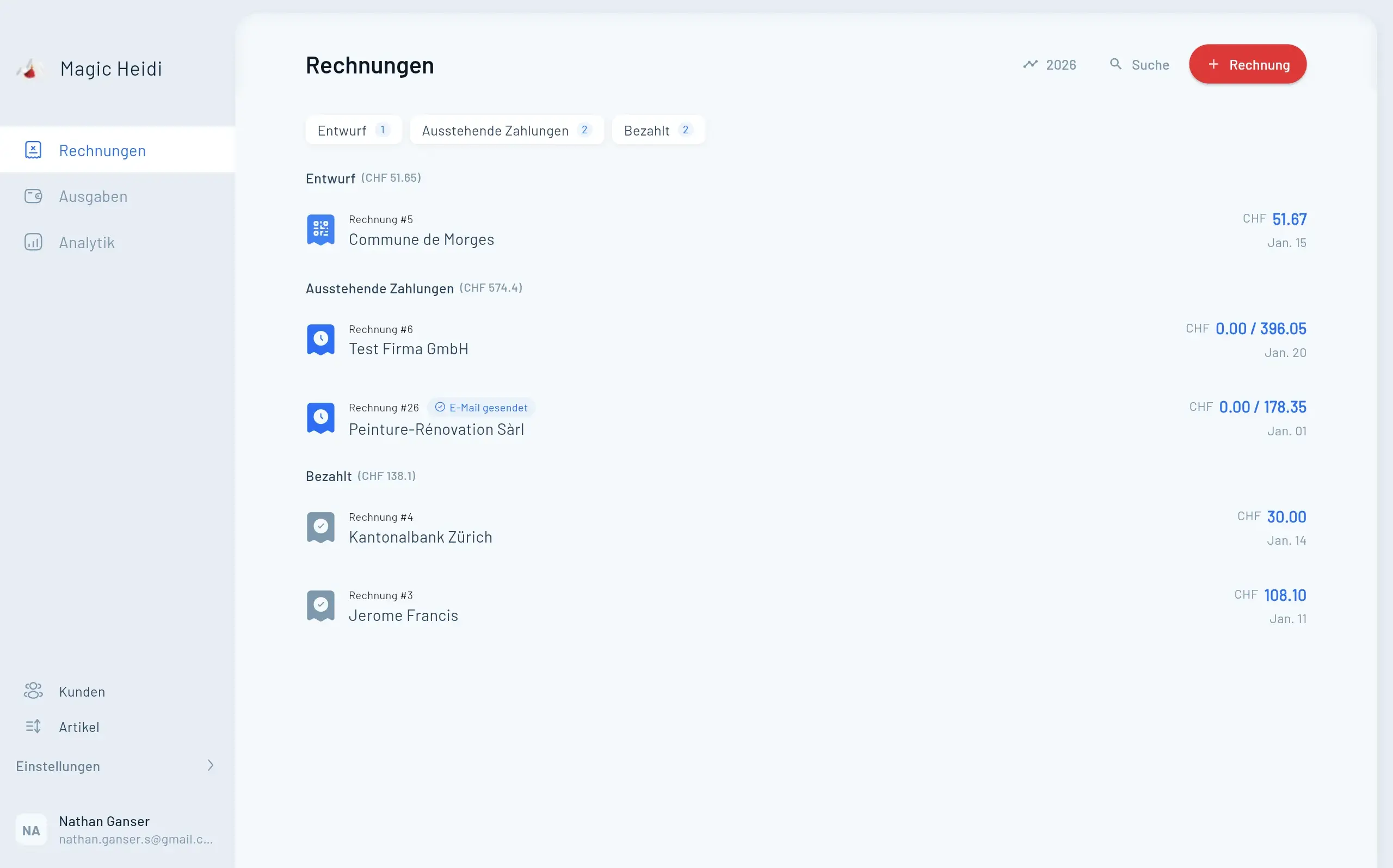
Wichtig zur Orientierung: Dieses Tool ist für den Fall gedacht, dass Sie bereits eine fertige Rechnung als PDF haben.
- Möchten Sie stattdessen eine komplette QR-Rechnung neu erzeugen? Nutzen Sie den QR-Rechnung Generator.
- Sind Sie unsicher, welches Tool passt? Die kurze Übersicht finden Sie unter QR-Zahlungsteil hinzufügen oder neu erstellen.
QR-Zahlungsteil auf Rechnung hinzufügen
PDF hochladen — mit QR-Zahlungsteil herunterladen.
Die QR-Rechnung ist der einzige akzeptierte Einzahlungsschein
Seit Oktober 2022 sind die orangen und roten Einzahlungsscheine endgültig abgeschafft. Jede Rechnung in der Schweiz braucht jetzt einen QR-Zahlungsteil, damit Kunden bequem per Banking-App bezahlen können.
Einzahlungsscheine abgeschafft
Orange & rote Scheine seit Okt. 2022 nicht mehr akzeptiert.Kunden erwarten QR
Scan-to-Pay via Banking-App — schneller, weniger Fehler.Update Nov. 2025
Strukturierte Adressen (Typ S) jetzt obligatorisch.Drei Schritte — fertig
Behalten Sie Ihr bestehendes Rechnungsdesign. Einfach PDF hochladen und wir fügen den QR-Zahlungsteil an.
1. Rechnung als PDF hochladen
Starten Sie mit dem PDF, das Sie bereits haben — erstellt in Word, Excel, Google Docs, Canva oder jedem anderen Tool. Ein- oder mehrseitige Rechnungen funktionieren.
- Jede PDF-Rechnung funktioniert
- Drag & Drop oder Klick zum Hochladen
- Keine Dateigrössenbeschränkung
2. Zahlungsdetails eingeben
Geben Sie Ihren Namen, IBAN oder QR-IBAN, Währung (CHF/EUR), Betrag und optionale Referenz ein. Das Tool generiert einen konformen QR-Zahlungsteil.
- IBAN oder QR-IBAN
- CHF und EUR unterstützt
- Optionale QR- oder SCOR-Referenz
3. Aktualisiertes PDF herunterladen
Ihre Originalrechnung mit dem QR-Zahlungsteil als neue Seite angehängt. Per E-Mail versenden oder ausdrucken — Ihr Kunde scannt und bezahlt in Sekunden.
- Gleiche Rechnung, QR-Teil ergänzt
- Bereit zum Versenden oder Drucken
- Scan-to-Pay oder manuelle Eingabe
Warum brauchen Schweizer Rechnungen einen QR-Code?
Seit dem 1. Oktober 2022 sind alle alten Einzahlungsscheine (der orange Einzahlungsschein mit Referenznummer und der rote Einzahlungsschein) abgeschafft. Schweizer Banken verarbeiten sie nicht mehr. Die QR-Rechnung ist jetzt das einzige standardisierte Zahlungsformat.
Ohne QR-Zahlungsteil müssen Ihre Kunden IBAN, Referenznummer und Betrag manuell in ihre Banking-App eintippen — das führt zu Tippfehlern, verspäteten Zahlungen und unnötigem Aufwand.
Wichtige Daten
- Juni 2020 — QR-Rechnung lanciert (alte Scheine noch akzeptiert)
- Oktober 2022 — Alte Einzahlungsscheine endgültig abgeschafft
- November 2025 — QR-Rechnung v2.3: Strukturierte Adressen (Typ S) obligatorisch
- September 2026 — Ende der Übergangsfrist für Typ-K-Adressen
Für wen ist dieses Tool?
- Freelancer, die mit Word, Excel oder Google Docs Rechnungen erstellen
- KMU mit verschiedenen Systemen in unterschiedlichen Abteilungen
- Vereine und Clubs, die Mitgliederbeiträge fakturieren
- Vermieter, die Mietzinsrechnungen ausstellen
- Treuhänder, die Rechnungen für verschiedene Kunden vorbereiten
Häufige Fragen zu QR-Rechnungen
Ist das Tool wirklich kostenlos?
Ja. Das Tool ist kostenlos — keine Registrierung nötig. Für laufende Rechnungsstellung mit automatischen QR-Rechnungen, MWST und Zahlungsverfolgung schauen Sie sich Magic Heidi an.
Brauche ich eine QR-IBAN oder reicht eine normale IBAN?
Eine normale Schweizer IBAN funktioniert für die meisten QR-Rechnungen. Sie brauchen eine QR-IBAN nur, wenn Sie eine QR-Referenz (QRR) für automatische Zahlungszuordnung verwenden möchten. Fragen Sie im Zweifel Ihre Bank.
Welche Währungen werden unterstützt?
Schweizer QR-Rechnungen unterstützen CHF und EUR. Für andere Währungen benötigen Sie eine alternative Zahlungsmethode.
Kann mein Kunde auch manuell bezahlen (ohne QR-Scan)?
Ja. Der QR-Zahlungsteil enthält auch lesbare Zahlungsinformationen, damit Kunden die Daten manuell eingeben können.
Funktioniert das mit mehrseitigen Rechnungen?
Ja. Der QR-Zahlungsteil wird als neue Seite am Ende Ihres PDFs angefügt — unabhängig davon, wie viele Seiten die Originalrechnung hat.
Was hat sich im November 2025 geändert?
QR-Rechnung v2.3 macht strukturierte Adressen (Typ S) obligatorisch. Unstrukturierte/kombinierte Adressen (Typ K) werden auslaufen, mit einer Übergangsfrist bis September 2026.
QR-Rechnung Guide
Alles über Schweizer QR-Rechnungen — IBAN vs QR-IBAN, Referenztypen, Compliance.
QR-Rechnung Generator
Eine komplette QR-Rechnung von Grund auf erstellen — ohne bestehendes PDF.
Änderungen 2025 erklärt
Was sich mit QR-Rechnung v2.3 geändert hat — strukturierte Adressen, erweiterter Zeichensatz.
MWST-Rechner
Schweizer MWST für alle drei Sätze berechnen: 8.1%, 3.8%, 2.6%.
QR-Zahlungsteil automatisch auf jeder Rechnung?
Dieses kostenlose Tool ist ideal für einzelne Rechnungen. Mit Magic Heidi enthält jede Rechnung automatisch einen QR-Zahlungsteil, MWST-Berechnung und Zahlungsverfolgung.