Swiss QR Billing & Payments: Everything You Need to Know in 2025
Master the new regulations, understand IBAN vs QR-IBAN, and create compliant invoices that get paid faster.
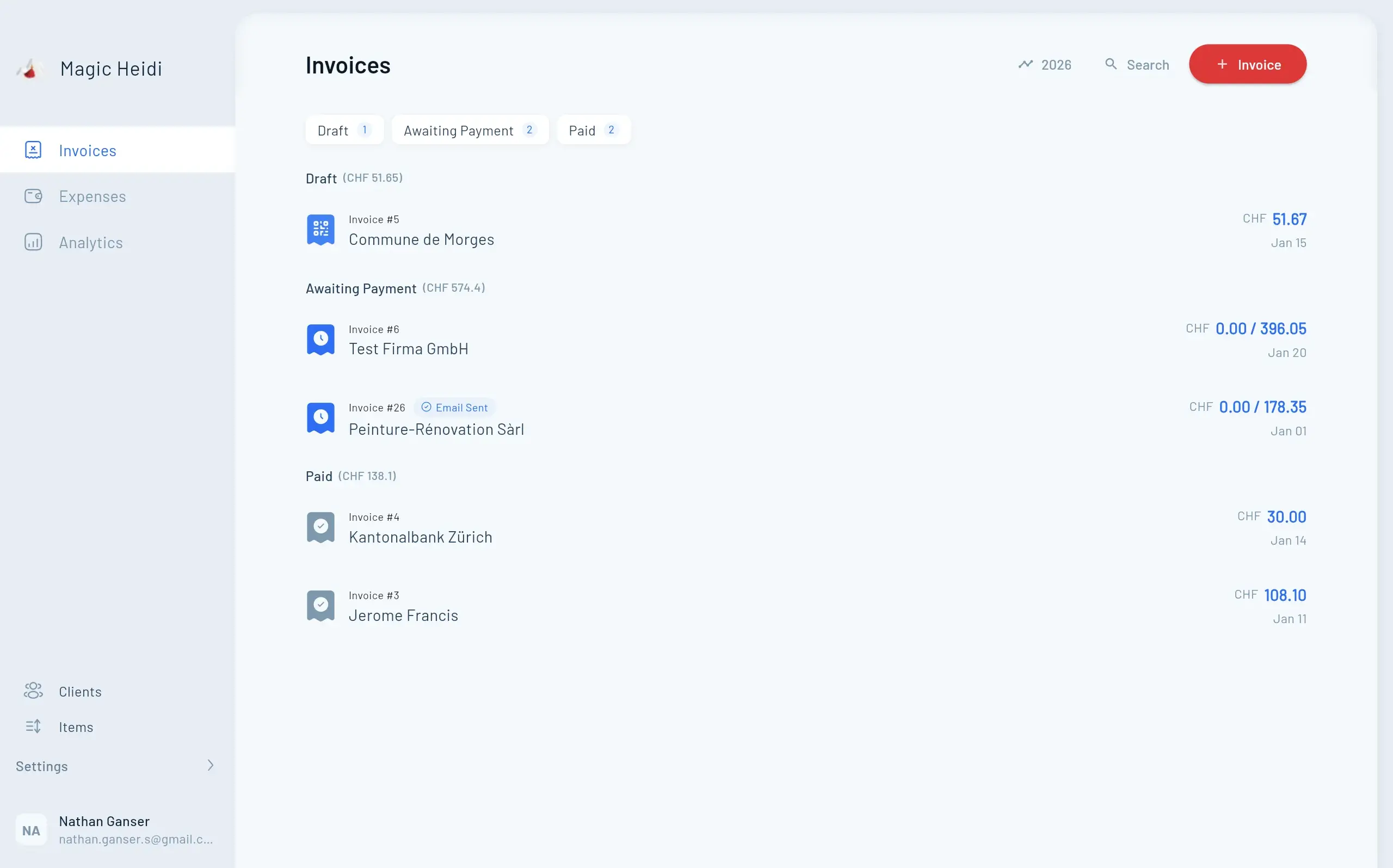
If you've heard whispers about Swiss QR billing changes and wondered what they mean for your business, you're not alone. As of November 2025, new regulations are in effect—and understanding them is crucial for getting paid on time.
The good news? QR billing isn't complicated once you understand the basics. Whether you're a freelancer sending your first invoice or an established business adapting to new requirements, this guide will walk you through everything you need to know about Swiss QR billing and payments.
What Is a Swiss QR Bill?
Understanding the modern standard for invoicing in Switzerland
The magic happens in that QR code. It contains everything needed to process a payment: your IBAN, the amount, reference number, and customer details. Your clients simply scan it with their banking app, and all payment fields auto-fill in seconds.
No more typos. No more wrong reference numbers. No more chasing down missing information.
QR-Bill 2025 Changes: What's Actually Required
Since November 22, 2025, one critical change went into effect: structured addresses are now mandatory for all QR bills in Switzerland.
Structured Addresses
Now mandatory since November 2025Extended Character Set
SPS standard support requiredUpdated Software
QR-bill version 2.3 or laterStructured vs Unstructured Addresses
Understanding what changed and why it matters
| Address Type | Structured (Type S) | Unstructured (Type K) |
|---|---|---|
| Status | ✓ Required | ✗ Rejected |
| Format | Separate fields | Combined text |
| Example | Street: Bahnhofstrasse Number: 123 | Bahnhofstrasse 123 |
| Bank Acceptance | ✓ Accepted | ✗ Rejected since Nov 2025 |
Important Deadlines
- November 22, 2025: Structured addresses become mandatory
- November 13, 2026: Banks complete cleanup of standing orders and payment templates
- Now: Update your invoicing software to stay compliant
Modern invoicing software like Magic Heidi automatically handles these requirements, so you don't need to worry about formatting details.
IBAN vs QR-IBAN: Making Sense of the Confusion
You can use your regular IBAN for QR bills. QR-IBANs are optional and only required for specific use cases.
What Is a QR-IBAN?
A QR-IBAN looks almost identical to a regular IBAN, with one difference: positions 5-9 contain a number between 30000 and 31999.
Regular IBAN:
CH93 0076 2011 6238 5295 7
QR-IBAN:
CH44 30005 011 6238 5295 7
When You Need Each IBAN Type
Choose based on your business needs and payment processing requirements
| Use Case | IBAN Type | Reference Type |
|---|---|---|
| Simple invoices | Regular IBAN | NON (no reference) |
| Invoices with creditor reference | Regular IBAN | SCOR (RF reference) |
| Automated reconciliation | QR-IBAN | QRR (27-digit number) |
Understanding Reference Types:
QRR, SCOR, and NON
The reference number on your invoice helps match payments to the correct customer.
QRR (QR Reference)
Format: 27-digit numeric reference | Requires: QR-IBAN | Best for: Large businesses processing hundreds of invoices
- Automatic payment matching
- Works with camt.054 files
- Requires QR-IBAN setup
- Ideal for high-volume operations
SCOR (Creditor Reference)
Format: Up to 25 alphanumeric characters starting with RF | Works with: Regular IBAN or QR-IBAN | Best for: Businesses wanting structured references
- International standard (ISO 11649)
- No QR-IBAN required
- Alphanumeric flexibility
- European compatibility
NON (No Reference)
Format: Free text or empty | Works with: Regular IBAN only | Best for: Freelancers and small businesses
- Simplest option available
- No special setup needed
- Perfect for small businesses
- Maximum flexibility
The Real Benefits of QR Billing
Beyond compliance, QR billing transforms how you handle payments.
- 💰50% Cost Reduction
Dramatic savings in payment processing time
- ⚡Faster Payments
Clients pay in seconds instead of minutes
- ✓Fewer Errors
Automatic data entry eliminates typos
- 📊Better Cash Flow
Less time chasing unpaid invoices
- Invoice #3
Magic Heidi
CHF 500
Jan 29
- Invoice #2
Webbiger LTD
CHF 2000
Jan 24
- Invoice #1
John Doe
CHF 600
Jan 20
What Your Clients Gain
Making payments effortless for everyone involved
How to Implement QR Billing
Getting started is straightforward, especially with modern invoicing software.
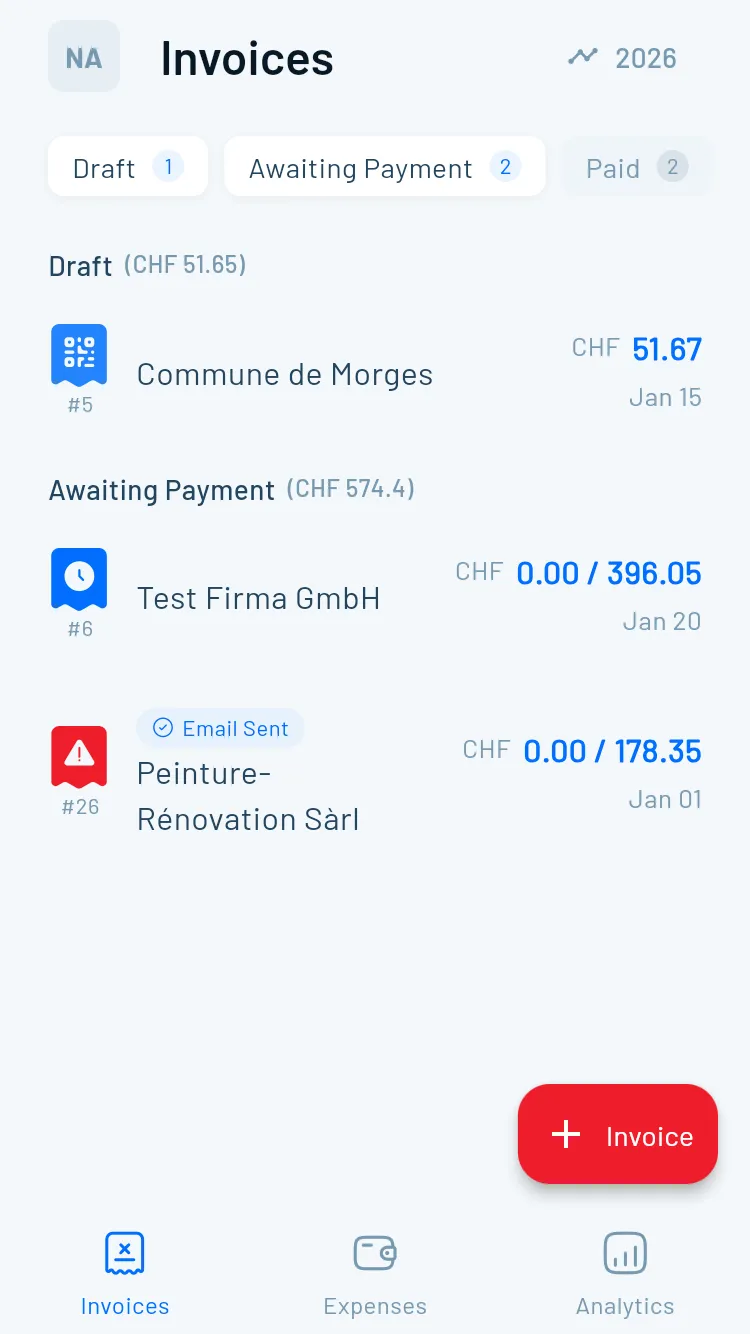
Create Compliant QR Invoices
in 30 Seconds
Magic Heidi handles all technical requirements automatically.
Create Invoice
Add your services, rates, and customer details as usual
- Intuitive interface
- Auto-save functionality
- Template support
- Customer database
Enable QR Billing
Toggle on in invoice settings—automatically compliant with 2025 standards
- Structured addresses included
- Proper formatting guaranteed
- Validation built-in
- Compliance assured
Send and Track
Your invoice includes a fully compliant QR code, payments matched automatically
- Email delivery
- Payment tracking
- Automatic reconciliation
- Real-time notifications
Without Specialized Software
Option 1: Use bank portals
- UBS QR portal - Free QR-bill creation for UBS and Credit Suisse account holders
- PostFinance QR generator - Available for all Swiss bank accounts
Option 2: At bank branches
Most Swiss banks will help you create and print QR bills directly at the counter if needed.
Validation Checklist
Before sending your first QR invoice:
✅ Address format is structured (separate fields for street, house number, postal code, city)
✅ Software version supports QR-bill v2.3 or later
✅ IBAN or QR-IBAN is correctly formatted
✅ Reference type matches your IBAN type (QRR only with QR-IBAN)
✅ Currency is CHF or EUR
✅ QR code scans properly in your banking app
UBS QR Invoicing Integration
Additional options for UBS and Credit Suisse account holders
Free Creation
Generate QR bills without additional invoicing software
Already Compliant
Automatically includes structured addresses
No Login Required
Quick access for occasional invoices
Professional Format
Print-ready QR bills
Auto Reconciliation
camt.054 electronic notifications available
Real-time Confirmation
Payment data flows directly to accounting
International Payments and QR Billing
QR bills are designed for Swiss domestic payments (Switzerland and Liechtenstein). Here's what happens with international clients:
For Foreign Clients
The limitation: Foreign banks can't scan Swiss QR codes.
The solution: All payment information is still visible as text on the invoice. International clients can manually enter the details for a standard SEPA or international transfer.
Pro tip: Include a note for international clients explaining they'll need to enter details manually. Consider adding your IBAN in a prominent text block for easy copying.
Currency Support
QR bills work with:
- Swiss Francs (CHF)
- Euros (EUR)
For other currencies, you'll need to use traditional invoice formats.
Common Issues and Solutions
My QR code won't scan
Check print quality (need 300 DPI minimum), ensure QR code is 46mm x 46mm minimum size, verify banking app is updated, and try better lighting conditions. If issues persist, regenerate and reprint at higher quality.
Bank rejected my QR bill
Most common causes: unstructured address format (update to Type S), QRR reference without QR-IBAN, invalid check digit in reference number, or software not updated to v2.3. Verify your software is current and addresses are properly structured.
Payment not matching invoice
This can happen if client modified amount before paying, reference number wasn't included, or payment was split across multiple transactions. Contact client for payment confirmation. With structured QR codes, this becomes increasingly rare.
International client can't pay
This is expected behavior. Provide clear instructions: 1) Use the IBAN shown in text format, 2) Include the reference number in payment details, 3) Ensure amount and currency are correct. Consider creating a simple guide for international clients.
Do I need a QR-IBAN?
No, most businesses can use their regular IBAN. Only get a QR-IBAN if you need QRR reference type for automatic payment reconciliation with large invoice volumes.
Is QR Code Invoicing Mandatory?
Understanding the requirements and why you should adopt QR billing
The technical answer: For registered businesses, yes. QR bills are the Swiss standard for professional invoicing.
The practical answer: As a freelancer, you could technically provide just your IBAN for manual transfers. But the effort to implement QR billing is minimal, especially with modern tools. The benefits far outweigh any setup time.
Your 2025 Compliance Checklist
Take action now to ensure your invoices remain compliant
Start Using QR Billing Today
Create your first compliant QR invoice in minutes. No credit card required, no complicated setup—just professional invoices that get paid on time.