Validate QR bills: How to check Swiss QR codes correctly
Validate QR bills according to the SIX standard: step-by-step guide for QR payload, IBAN, reference and checksums. Including tools and common errors.
Founder of Magic Heidi
You probably know the pattern: the invoice is cleanly built, the amount is correct, the customer seems satisfied, and yet after sending it you get the feedback that the QR code cannot be processed properly. Then the usual back and forth begins — re-exporting the file, checking the data, sending it again — and in the end this one small error costs more time than creating the entire invoice. If you want to validate QR bills, you have to start earlier, not when the first payment fails.
In practice, it quickly becomes clear what the technology checks and what only accounting can properly assess. A validator primarily detects the formal and technical correctness of the Swiss QR code; the bank or the payee look at other aspects later, and the substantive invoice content often remains your responsibility. Exactly this distinction saves nerves in everyday work, because it makes clear what a tool can and cannot do.
Why QR bills must be checked systematically
A typical case from everyday life: you send an invoice with a QR code, the customer scans it, and the process stops right at the beginning. Not because the amount is wrong, but because the code, the address or the technical structure are not built the way the Swiss standard requires. Since the introduction of the QR bill on June 30, 2020 and the end of the parallel phase on September 30, 2022, the correct handling of Swiss QR codes is no longer optional but the norm in Swiss payment transactions. This historical transition matters because since then the technical structure and the presentation of the payment part must be reliably checked in practice before an invoice goes into circulation. myfactory.com
What an error triggers in everyday life
A faulty QR code is never just a technical problem. It slows down incoming payments, creates queries from the customer and can lead to the invoice having to be recreated. Especially with manually maintained templates or unclearly configured software, these errors pile up, because small input errors in the code end up looking like major substantive errors.
Rule of thumb: What is not validated before sending is often objected to by the customer or the bank.
On top of that comes the physical part of the QR bill. Fixed requirements apply to the format and paper of the payment part: it must be produced in DIN A6/5 landscape format with 210 × 105 mm and printed on natural white or white paper with at least 80 and at most 100 g/m². For paper delivery, a perforation of the payment part with receipt is also required. Anyone who only thinks of the payment part digitally but ignores the printout often produces the next error at the counter or in the filing system. SIX Style Guide QR bill
The clean solution is therefore always the same: check technically first, then review the content. The technical check prevents an invoice from failing because of structure, encoding or layout. The substantive check ensures that it is also correct from a business and tax perspective.
What the Swiss QR code must contain
Before you can validate a QR bill, you need to know what the validator actually sees. The Swiss QR code does not simply contain some payment block, but clearly defined fields that must be structured and in the correct order. For Switzerland, in particular QRType, Version, Coding Type and currency must be kept syntactically and semantically correct before processing, and the technical specification requires validation against the applicable rules before values are processed further. SIX IG QR bill
Reading technical mandatory fields correctly
A validator checks the form first. Is the field format correct. Is the version permitted. Is the coding correct. Does the currency match the technical structure. This level is unforgiving, because a single formal outlier can already cause the check to fail.
Then comes the semantic side. The data may be correctly structured, but it must also fit together within the QR system. A QR bill with a QR reference absolutely requires a QR-IBAN. And the QR bill is fundamentally intended only for payments within Switzerland and Liechtenstein, with the payment part and receipt designed exactly for this payment area. PostFinance QR bill explained
The structured address is not a detail
Since the currently valid standard version, the structured address is central. For many, this is the most common stumbling block, because old or mixed address forms are no longer simply waved through. Umlauts and special characters are better supported in the new standard, but precisely for that reason address data must be maintained cleanly instead of merely being somehow readable.
A good self-check sounds like this. Is the address complete. Are street, house number, postal code, city and country recorded separately. Does the combination match the payee. Only after that is it worth looking at the amount and reference.
For practical implementation in everyday invoicing, cleanly pre-structured master data helps, for example via the template for invoice details and VAT references. Anyone who maintains invoice fields consistently reduces validation errors before the actual check even takes place.

Key point: The validator checks the structure first, not the business logic.
Validation with the official SIX portal

If you want to check a QR bill technically, the official validation portal of the Swiss financial center is the obvious route. There the Swiss QR code is analyzed structurally — for structure, mandatory information and formal errors. Raiffeisen describes the process as uploading image files or text data and receiving a detailed test result. Raiffeisen QR bill
How to proceed in practice
First you upload the file or several files in the "Validation" tab. Then you select the standard you want to check against and start the check either individually with "Validate now" or in bulk with "Validate selected messages". Exactly this workflow helps in everyday fiduciary work when not just a single invoice but a whole series needs to be reviewed cleanly. the user guide for validating the Swiss QR code
For complete digital QR bills, you must cut out the QR image part separately and validate it as a permitted image format. If the image check fails, SIX recommends written validation of the extracted invoice data as a .txt file. This is useful in practice because the validator does not assess the entire invoice, but the QR code content or the extracted data. Errors in input data, structure or encoding thus become visible early, before the invoice is processed further.
What you actually read from the result
The validation result is more than a simple yes or no. You can see whether the problem lies in the QR code itself or arose during the generation of the data. Exactly this separation is helpful for software workflows and bulk checks. Raiffeisen points out that the portal produces detailed results and error logs, which considerably simplifies troubleshooting. Raiffeisen check QR bill
In everyday work with many invoices, it is worth planning the portal as a fixed checking step. A clean upload, a clearly selected standard and a readable error log save more time than any subsequent correction in accounting. The decisive point remains the separation between technical QR code validation and substantive invoice review. The validator detects format and structure; accounting and the bank only check afterwards whether the invoice is also substantively consistent.
The most common errors and how to fix them
Most QR bills do not fail because of exotic special cases. They fail at the same recurring points. Particularly common are incorrect reference types, incomplete addresses, inconsistent currency information or technical deviations in the encoding. For QR bills with a QR reference, the QR-IBAN is mandatory; with the wrong combination, the technical logic no longer holds. PostFinance QR bill explained
Technical error or substantive error
The practical stumbling block usually lies in mixing two levels. A validator checks the technical correctness of the Swiss QR code, but not automatically whether the VAT rate is commercially correct or whether the service period makes sense. Exactly this separation is missing in many introductions, even though in everyday life it determines whether an error becomes apparent at the QR code, in accounting or only at payment. Guide to creating QR bills on pfeffersack.ch
An example from everyday life. The QR code is readable, but the structured address is incomplete. The validator reports the technical deviation; accounting may later additionally notice that the invoice address does not match the customer master data. These are two different levels, and both must be resolved separately and cleanly.
Important: Not every error in the invoice image is also a QR error, and not every QR error is a substantive invoice error.
How to fix the typical errors
- Wrong QR-IBAN with QR reference: Check whether the reference type used really matches the account details. With a QR reference, a normal IBAN must not be improvised.
- Incomplete structured address: Check street, house number, postal code, city and country separately. Mixed or half-structured entries quickly lead to rejections.
- Currency information with deviation: Reconcile the currency stored in the QR code with the invoice and the booking system. A clean amount does not help if the encoding is off.
- Errors in the technical standard version: Check whether your software is still working with the valid version. The new requirement version 2.3 has been in force since November 22, 2025, and the earlier version 2.2 has been completely replaced. SIX Standards QR-Bill
- Substantively plausible, technically wrong: Do not hand such cases to the validator, but to accounting or the person who knows the service content.
The cleanest troubleshooting therefore never starts at the end, but at the cause. Anyone who has master data, address logic and the standard version under control reduces rejections significantly faster than with any manual post-correction.
Alternative validation methods compared
Not every QR bill needs the same checking route. For quick individual checks, a mobile tool is often enough; for recurring processes the portal is better; and for the printout, the layout counts in the end. Swiss banks and SIX recommend MobileSCAN test verification and the grid sheet in addition to the validation portal, so that not only the code content but also positioning and format are correct. SIX IG QR bill
When which method makes sense
| Method | Strength | Limitation |
|---|---|---|
| MobileSCAN | Fast and mobile | Mainly suitable for individual checks |
| Grid sheet | Good control of layout and trim edges | Does not check the substantive invoice logic |
| Accounting software | Usable directly in the workflow | Quality depends on the configuration |
| Manual check | Flexible for special cases | Error-prone and slow |
The grid sheet is particularly useful for physical QR bills, because you use it to check the positioning of the Swiss QR code as well as the distances to trim edges and perforation lines. Exactly there, in printing, the inconspicuous problems often arise that later become noticeable when scanning. Technical validation alone is therefore not enough when the end product lands on paper. Raiffeisen check QR bill
For the accounting workflow, software verification is strong when it is cleanly integrated into the creation process. Anyone who creates and checks invoices directly in one system reduces media breaks. Classic invoice logic and a clean document base remain mandatory, however, because the software only checks what you correctly feed it.
If you set up invoices in a structured process anyway, it is worth taking a look at the create invoices template, because a clean structure from the start helps avoid later validation errors.

Practical recommendations for everyday work
For everyday life as a freelancer, fiduciary or small company, a simple order applies. Always check before the first send, test again after software updates and check new customer addresses particularly carefully. Anyone who treats validation as a fixed work step reduces rework and prevents small deviations from only becoming visible at the bank or the recipient. SIX Standards QR-Bill
A workflow that really works
- Initial check in the SIX portal: Use the portal for the technical initial check before the invoice goes out.
- Intermediate check with MobileSCAN: Check quick individual invoices on the go or in day-to-day business.
- Layout check with grid sheet: Check physical QR bills for format, trim edges and perforation.
- Keep master data clean: Maintain addresses and references centrally so that the QR data does not drift apart.
- Clarify unclear cases manually: If the QR code is technically fine but the content seems odd, the question belongs to accounting or directly to the issuer.
Especially in mixed processes with consulting, fiduciary work and invoicing, a clear procedure helps more than a single tool. Anyone organizing office and document processes for startups or small teams often also thinks about related topics such as filing, responsibilities and invoice approvals. A useful external perspective on this is also office planning for startups and scale-ups by Schumm & Rösch, because clean processes in invoice checking usually begin where office organization is set up cleanly.
The actual limit of validation remains important nonetheless. The validator does not replace a substantive review of VAT, service period or commercial plausibility. If these points are unclear, someone with invoicing knowledge must take a look, not just a tool.
If you want to create QR bills cleanly right away, the article How to create an invoice with Magic Heidi offers a suitable entry into a structured invoicing process.

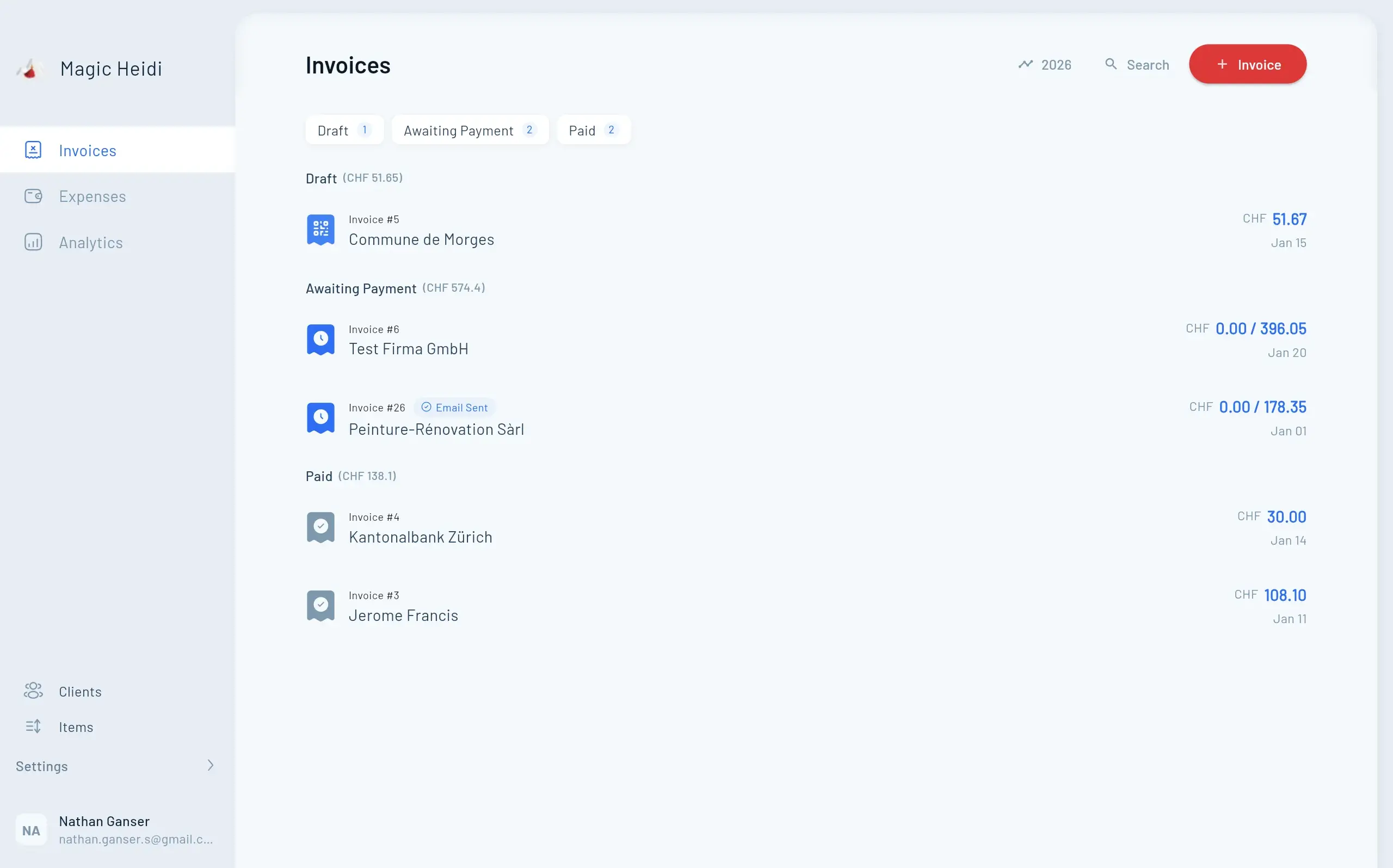
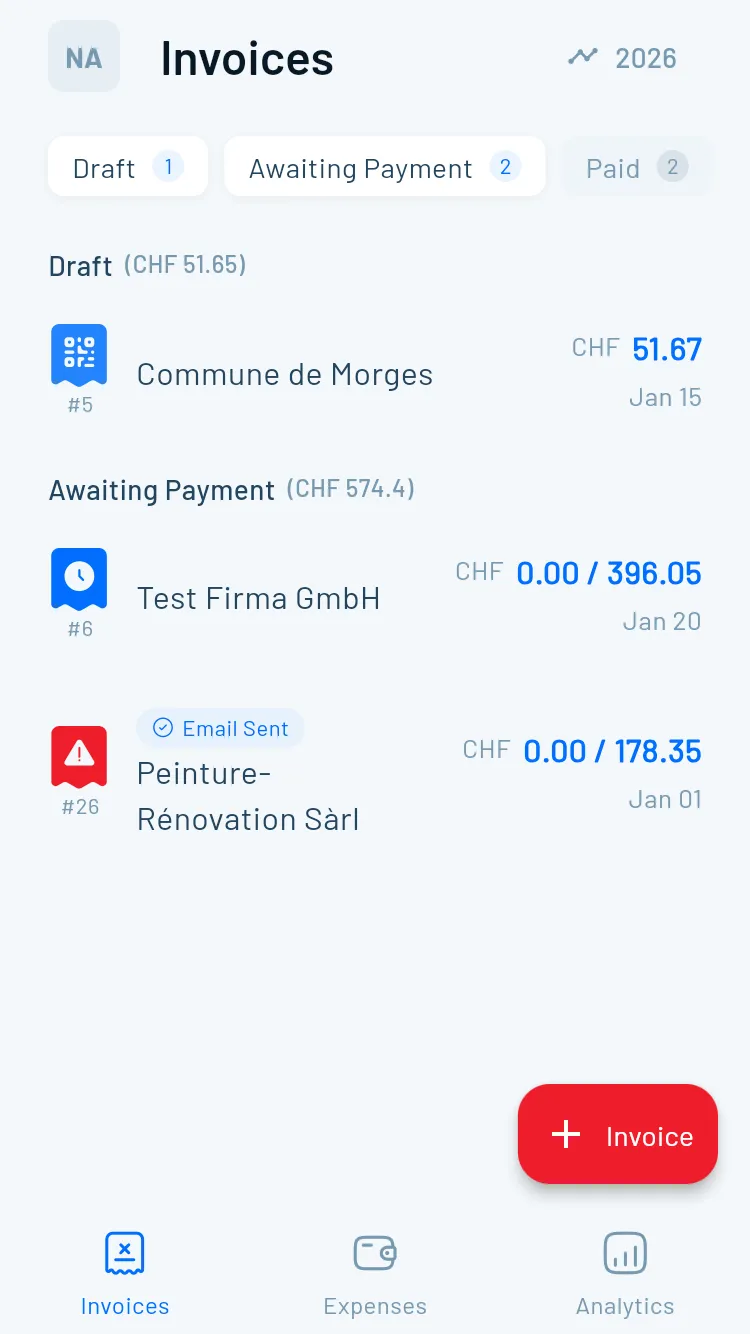
Magic Heidi implements QR bills according to the Swiss standard and helps you create invoices in a structured way before they even go into checking. If you want to set up your process for validating QR bills and creating invoices cleanly, take a look at Magic Heidi and see how you can bring data entry, invoicing and the payment process together in one continuous workflow.