QR Bill Switzerland Obligation

QR Bill Switzerland Obligation: Rules, Deadlines and Exceptions

QR bill Switzerland obligation: Who has to use it? All rules, deadlines and exceptions for 2026 – explained compactly.

QR Bill Switzerland Obligation: Rules, Deadlines and Exceptions

QR Bill Switzerland Obligation: Rules, Deadlines and Exceptions

QR bill Switzerland obligation: Who has to use it? All rules, deadlines and exceptions for 2026 – explained compactly.

Nathan Ganser avatar
Nathan Ganser

Founder of Magic Heidi

In Switzerland, the QR bill has been the mandatory standard for invoices with a Swiss payment connection since October 1, 2022 – almost every self-employed business has to use it. The second, often overlooked obligation concerns structured addresses, which has applied to new QR bills since November 22, 2025.

You might be sitting in front of your first invoice as a graphic designer, consultant or developer right now, wondering whether a QR payment slip is really necessary. The answer is: Yes, as soon as your invoice is meant to be paid via the Swiss payment system. The old red and orange payment slips are long gone, and the current challenge no longer lies in the basic adoption, but in the quality of your address data.

If you pull customer data from Excel, a CRM, old quotes or a self-built template, you can produce a formally familiar invoice today that still causes problems during processing. That's exactly why the question "qr rechnung schweiz pflicht" is too narrow these days. You don't just need to know whether the QR bill is mandatory – you also need to know whether your master data meets the current requirements.

When the QR bill is actually mandatory in Switzerland

A freelance graphic designer sends out his first invoice. The service, amount and payment deadline are correct, but the QR payment slip is missing at the bottom. Should he adapt the template anyway?

Yes, as soon as the invoice is meant to be paid via the Swiss payment system. The QR bill was introduced on June 30, 2020 and gradually replaced the previous payment slips. Since October 1, 2022, red and orange payment slips have been phased out. Invoices with a Swiss payment connection therefore need a QR payment slip as soon as you offer this payment method.

The decisive trigger is the invoice format

The obligation doesn't depend on your revenue. What matters is how you offer payment. An invoice with Swiss payment details and a payment slip must contain the Swiss QR Code along with the associated plain-text information.

This affects freelancers, sole proprietorships and solo self-employed people with a Swiss IBAN or QR-IBAN. Even a small sole proprietorship cannot keep using its old payment slip template indefinitely. Your banking and invoicing software must be able to process the payment data automatically, while the customer can additionally check it manually.

Practical rule: If your customer is supposed to pay via Swiss e-banking, mobile banking or at the post office counter, use the current QR payment slip.

If you list the bank details only in the invoice text, it's not a QR bill. The customer then has to enter the payment manually and cannot use the standardized QR payment route. Pure reminders and amounts below CHF 0.01 are special cases. For normal receivables, you shouldn't build these exceptions into your template as a basis.

Also check your old address data. Since November 22, 2025, new QR bills must use structured addresses. Excel lists, CRM records and self-built templates therefore belong on your review list now.

Swiss payment connection plus payment slip means QR bill.

The seven mandatory details on every QR bill

A Swiss QR Code on an invoice is only valid once all mandatory fields are filled in correctly. The payment slip must show the payment information in machine-readable form and additionally in plain text. This way, the customer can scan the code, check the details or initiate the payment at the counter.

Mandatory details and optional additions, cleanly separated

Mandatory detailFunctionExample
Swiss QR CodeTransfers the payment data to the banking appQR code with IBAN, amount and reference
IBAN or QR-IBANDetermines the recipient accountSwiss IBAN of the invoice issuer
Reference numberAssigns the payment to the invoiceQR reference or SCOR reference
Amount and currencyDefines the payment owed850.00 CHF or an amount in EUR
PayeeShows who the payment goes toName and address of your company
Payment deadlineStates when the receivable is duePayment term on the invoice document
Payment slip and plain-text detailsEnables verification and manual paymentRecipient, amount, reference and message

The content of the Swiss QR Code must match the visible payment slip. A deviating IBAN, a different amount or an incorrect reference makes the invoice faulty, even if the layout looks correct. So check not only the display, but also the read-out data.

Optional messages and additional address details can make processing easier. With a QR-IBAN, however, the QR reference is mandatory. It assigns the payment unambiguously to the debtor invoice and enables the return reference in the notification, as SIX explains about the current QR bill requirements.

Keep the table next to your invoice template and check every field. For recurring invoices, I recommend software that creates the QR payment slip automatically. Manually maintained Word or Excel templates cause errors especially with references and addresses, which often only surface during the payment run.

Key dates and transition deadlines at a glance

Four dates matter for your invoicing processes. 2020 kicked off the transition. 2022 ended the old payment world. 2025 made the structured address the new technical obligation.

Graphic showing important milestones and transition deadlines for the introduction of the QR bill in Switzerland.

Four milestones from introduction to the 2025 address obligation

  • June 30, 2020: The QR bill was introduced in Switzerland. Invoicing software, banks and businesses began switching to the new Swiss payment standard.
  • September 30, 2022: The transition period for red and orange payment slips ended.
  • October 1, 2022: QR bills were the only processable invoice format in Switzerland. The notice from the Federal Tax Administration confirms that the previous payment slips have no longer been accepted as a payment method since this date.
  • November 22, 2025: The Swiss Implementation Guidelines were replaced by version 2.3. Structured addresses are mandatory for new QR bills.

The old transition period has expired. Old printing programs, ESR files and templates with red or orange payment slips no longer belong in your ongoing invoicing process.

Check your data stocks now. Customer data can look correct on the document while being incompletely structured in the QR code. This also affects quotes, recurring invoices, CSV imports, CRM systems and Excel lists. You can find a technical classification in the explanations of the QR bill changes 2025.

Treat the transition as a process review, not a pure layout adjustment. Check address fields, imports, exports and every template from which you generate QR bills.

Structured addresses from November 2025 as a hidden obligation

The QR bill itself has been the standard since October 1, 2022. The second transition concerns the data underneath: since November 22, 2025, new requirements for structured addresses apply. The Swiss Implementation Guidelines were updated to version 2.3, and unstructured addresses are no longer accepted for new invoices, as the SIX factsheet on the transition period for SMEs sets out.

An infographic on the introduction of structured addresses as an obligation for QR bills from November 22, 2025.

Which legacy addresses are affected

A free-text address like "Musterstrasse 8, 8000 Zurich" often sits in a single field. For a structured address, the components must be separated:

  • Name or company
  • Street
  • House number
  • Postal code
  • City
  • Country

So don't just check your customer list. Addresses from quotes, recurring invoices, CSV imports, CRM systems and manual Excel lists are also affected. An old template can continue to display a readable address even though the software doesn't receive separate fields for the QR code.

Particularly problematic are PO box addresses, missing house numbers, merged street fields and combinations of incorrect postal code and city. If you export such data unchecked, the bank or payment office may not be able to process the invoice as expected.

The migration is master data work

Many self-employed people underestimate this point because they see the QR bill as a PDF or layout topic. In fact, you have to check your entire customer base and determine which address should be output as a structured address. This affects not only your own payee, but also the debtor data, insofar as it is used in the QR bill.

For the transition phase, SIX and Swiss banks point to processing until the end of 2026 before unstructured addresses can be rejected. Don't wait anyway. The safe practice is to generate new invoices with separate address fields already now and to clean up old records step by step.

An invoice is only truly migrated when the data source is correct. A new PDF design doesn't fix a merged legacy address.

Who the QR bill applies to and who is exempt

The obligation affects companies with a registered office or branch in Switzerland as soon as their invoices have a Swiss payment connection. For freelancers, the practical case is simple: you issue a Swiss invoice and expect payment to a Swiss account – then you need the QR standard.

What matters is not the size of your office, but the payment processing. B2B invoices without Swiss payment traffic and internal settlements between affiliated companies generally don't fall under the same use case. Public legal entities such as municipalities or cantons are also classified differently.

The cases in direct comparison

Target groupRevenue thresholdMandatory since
Freelancer or sole proprietorship with Swiss payment connectionNo revenue-dependent exception for normal invoices with payment slipOctober 1, 2022
Companies with Swiss payment trafficNo relevant revenue threshold for the standard caseOctober 1, 2022
Invoice issuers without Swiss payment trafficNot decisiveNo QR obligation from Swiss payment connection
Internal settlement between affiliated companiesNot decisiveNo application in the described standard case
Municipalities and cantonsNot decisiveSpecial case of public legal entities

Various older guides mix up the QR obligation with earlier transition rules. For your current invoicing practice, you shouldn't rely on an old threshold. The transition period for the previous payment slips has ended, and the Swiss payment system has been processing QR bills since the cut-off date mentioned.

Companies based in the EU can also be affected if they use a Swiss payment account and operate in Swiss payment traffic. For you as a Swiss freelancer, a clear check counts: Where is the payment account, and which payment slip are you sending? If the answer to both questions points to Switzerland, the QR bill is the right and binding route.

Why the switch is concretely worthwhile for freelancers

The QR bill isn't a pure compliance exercise. It improves the process exactly where invoices often get stuck: in the customer's manual entry.

A customer opens the invoice in the banking app, scans the Swiss QR Code and gets the payment data directly in the payment order. IBAN, amount and reference don't have to be typed out character by character. This reduces typical input errors and makes payment more straightforward.

Less friction at payment receipt

The reference creates a clear link between payment and invoice. If your system reconciles the incoming payment using this reference, you have to search for and assign fewer bookings manually. That's especially valuable when you have several open invoices or recurring customers.

The benefit doesn't come from a decorative QR symbol, but from the process:

  1. You generate the invoice with the correct payment data.
  2. Your customer scans the payment slip.
  3. The bank takes over the available details.
  4. Your accounting can recognize the incoming payment via the reference.

The invoice isn't paid automatically as a result, but it becomes easier and more controllable for the recipient.

Professional process instead of individual tinkering

A current QR bill signals that your payment processes match the Swiss standard. Even more important is the administrative effect: you can run invoices, references and incoming payments in a consistent process, instead of formulating a separate payment instruction for each customer.

For self-employed people who want to simplify their workflow further, Magic Heidi describes improving efficiency for freelancers as part of a digital invoicing and accounting process. My recommendation stays the same regardless of the tool you choose: automate the fields that have to work the same way every time, and check the master data cleanly once.

Setting up the QR bill in practice step by step

Start with the data, not the layout. A cleanly designed invoice with the wrong IBAN or an incomplete address remains faulty. Older customer master data in particular deserves attention now, because structured addresses become a checkpoint from November 2025.

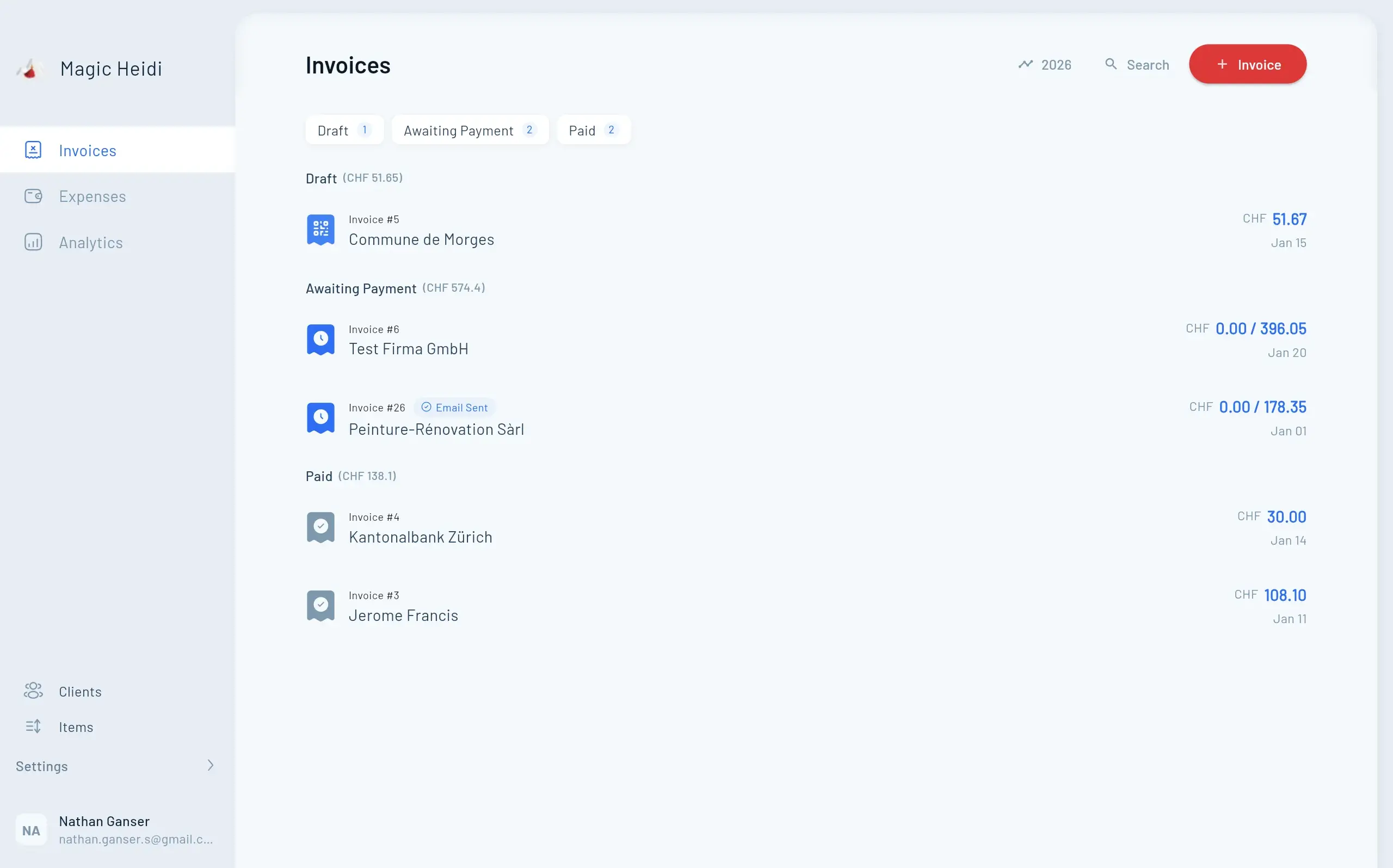
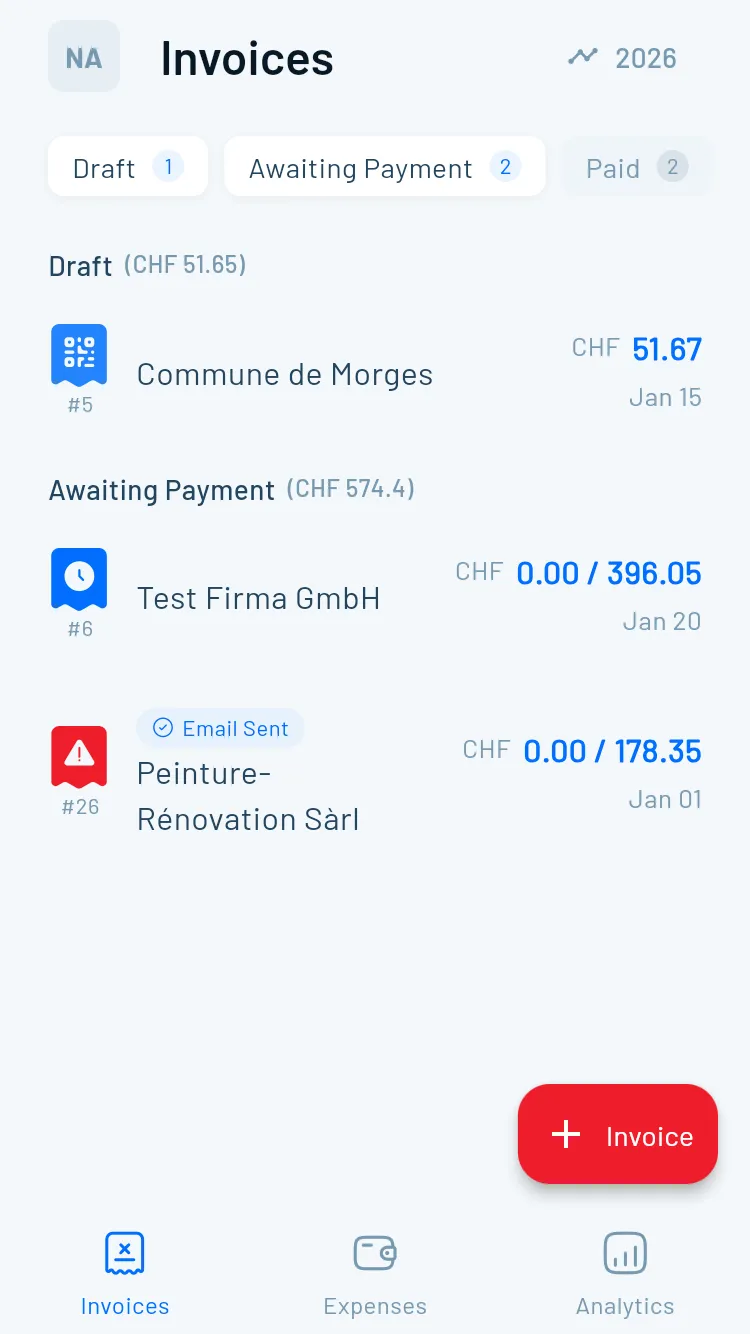
Screenshot from https://example.com/magic-heidi-qr-rechnung-einrichten.png

The setup in a sensible order

First, clean up master data. Capture name, street, house number, postal code, city and country separately. Check especially old address lines, PO boxes without a street, missing house numbers and mismatched postal code/city combinations. Don't take over merged addresses from old templates unchecked.

Second, set up the account. Enter your IBAN and clarify with your bank whether a QR-IBAN is required for invoices with a QR reference. Don't copy account data from an old template if your payment route has changed.

Third, choose the reference method. Decide on QR reference, SCOR reference or no reference. With a QR-IBAN, the QR reference is mandatory.

Fourth, check invoice data. Verify amount, currency, payee, address, reference and due date. This check also has to work with imported data.

Fifth, generate a test document. Create an invoice and scan the Swiss QR Code with a banking app. Compare the read-out details with the visible payment slip. For an additional technical check, the QR bill validator from Magic Heidi is suitable.

Only then set up a standard template for recurring invoices. Customer, amount, invoice number and reference should be inserted automatically. Payee and account data remain protected. Software can generate the Swiss QR Code in the document flow and tie the check to invoice creation.

A second test with the recipient's actual e-banking prevents surprises before you use the template for all customers.

When sending PDFs, check readability after export. Scaling, compression or an unsuitable layout can make scanning harder. Keep the payment slip technically unchanged and don't design the code creatively.

Checklist and next deadlines for your transition

This week, first check your address data and invoicing processes. That's exactly where the avoidable rejections arise after the switch to structured addresses.

A checklist for switching to QR bills in Switzerland with four specific steps to complete.

Your review in four work blocks

  • Migrate master data: Separate street, house number, postal code, city and country in customer, quote and import data. Check especially old addresses you take over from previous invoices, spreadsheets or accounting imports.
  • Activate QR bill: Generate a new invoice with a Swiss QR Code and check whether the payment slip is actually output.
  • Enter IBAN and QR-IID: Compare the account data with the bank details and set up the appropriate reference method.
  • Adapt templates: Remove old payment slip elements. The visible payment slip must contain the same details as the QR code.
  • Validate test document: Scan the invoice and check reference, amount, payee and address. Correct any deviation before sending.
  • Test e-banking: Run a realistic test run. The recipient should be able to capture the payment without manual corrections.

Also check the readability of the code when exporting PDFs. Scaling, compression or an unsuitable layout can make scanning harder. Keep the payment slip technically unchanged.

For recurring invoices, rely on a template with automatic QR generation, payment reference and well-maintained master data. Manually copying old addresses is no longer a reliable way of working from November 2025.

Magic Heidi bundles Swiss QR bills, automatically generated payment references, structured customer data and accounting functions in a web and app solution for the self-employed. Check on Magic Heidi whether you can handle invoicing and address migration in one workflow with it.