 Magic Heidi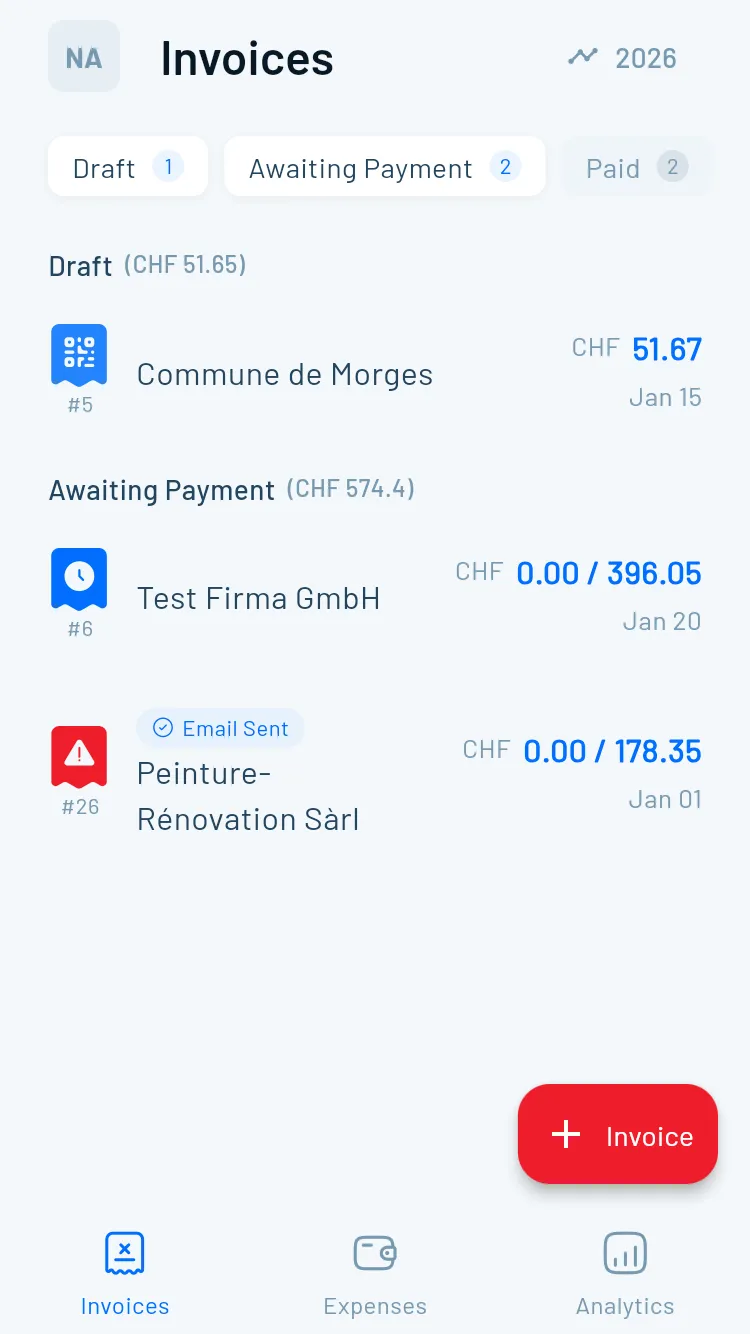
Step 1
Create a New Invoice
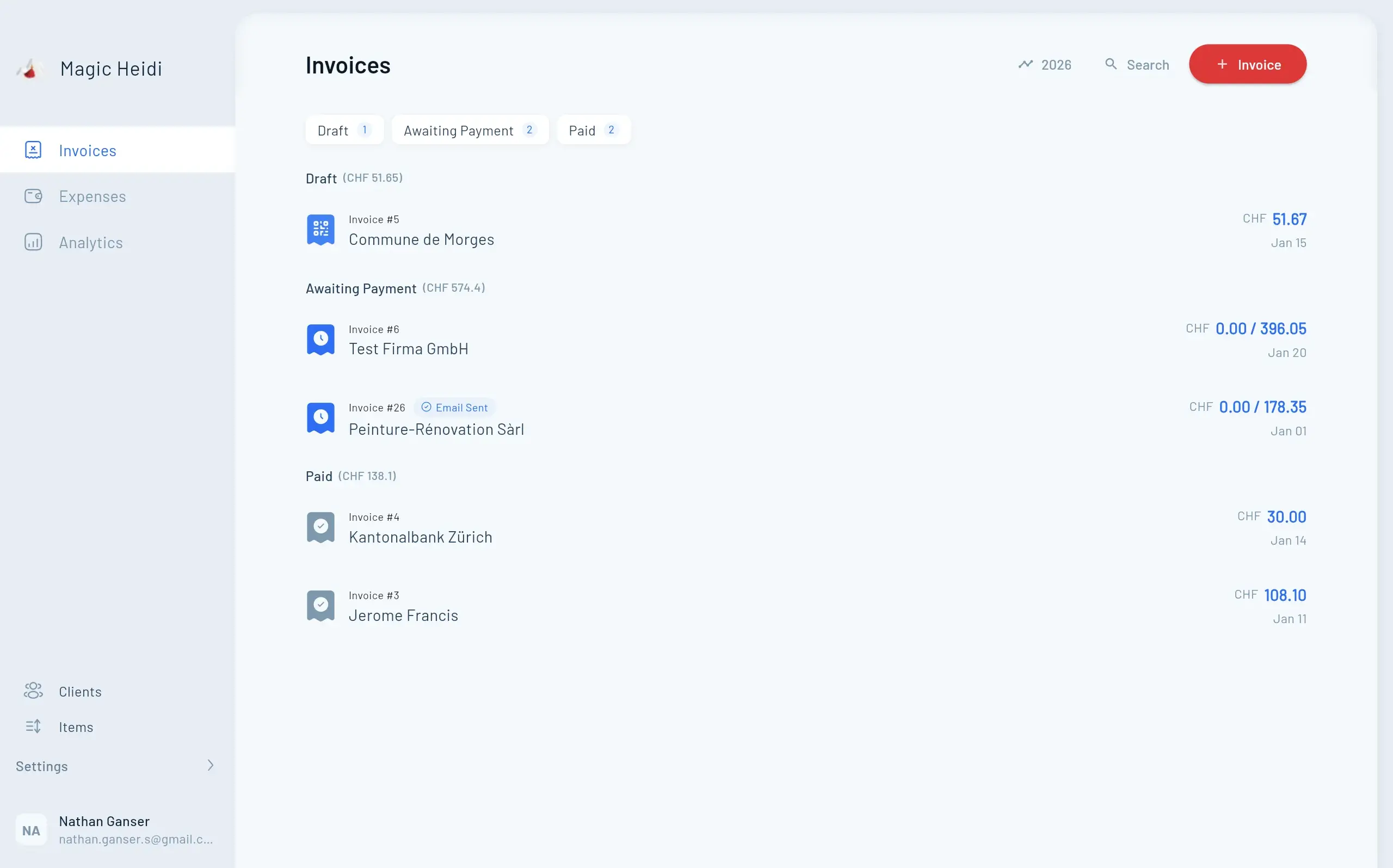
Navigate to the 'Invoices' section and tap the '+' button. Select an existing client or create a new one with their full name, address, and email.
- Tap '+' in the Invoices section
- Select or create a client
- Include full contact details